Presentation slides
Slides take longer to design than to write. Give the expert draft tool a topic and a slide count, and each slide is drawn as a complete designed page, then bound into one PDF. The preview below is a real result made this way.
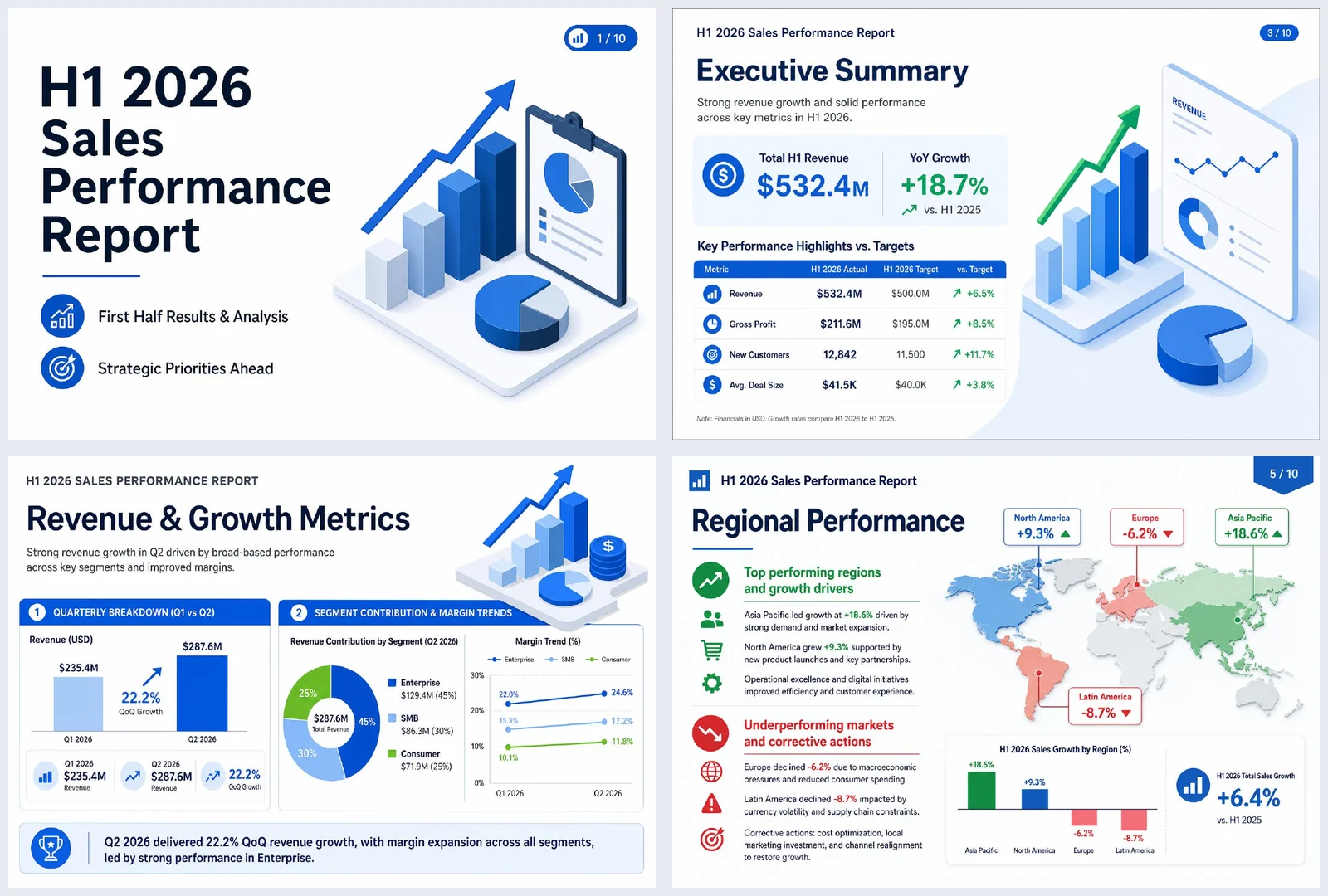
The request
“H1 2026 sales performance report deck, 10 slides: executive summary, revenue trend, regional and product results, and H2 priorities”
Result preview
An example of what this kind of request produces — a generated file captured as is (first page for documents, opening slides for the deck). All companies, people and figures are fictional.
What you get
- A complete draft: title, agenda, content slides and closing
- Bar and pie charts and key-figure cards for number-heavy slides
- A fitting illustration on each slide — real images, not grey placeholders
- One PDF file, plus the option to save any area of a slide as an image
How it works
- 1Enter the topic and number of slides; optionally add reference files and a style template or your own PPTX for style.
- 2Generate: an outline is written first, then each slide is drawn and bound into a PDF.
- 3Download the PDF, regenerate any slide you don’t like on the dedicated edit page, or continue as editable slides to change the text.
Tips for a better request
- To use real figures, add your sales table or report as reference material.
- Naming the audience and length, such as “for leadership, 10 slides”, keeps each slide focused.
- Upload your company PPTX as a style reference to match its colors and feel.
Frequently asked questions
Can I edit the text in the draft?
Each slide in the expert draft is a complete image, so text in the PDF can’t be edited directly. You can regenerate individual slides, and to change wording use “make editable slides” on the result screen to continue in the editor.
Can I choose the number of slides and the design?
Yes. Pick the number of slides, choose a style template, or upload a PPTX you already use as a style reference.
Where do the chart numbers come from?
From the figures in your request or reference files. If you don’t provide any, sample values may be used, so always attach your data for real reports and check the numbers in the result.
More document examples
- Weekly status reportTask table, metrics, issues and next steps — from your raw notes.
- Meeting minutesScattered meeting notes into agenda items, decisions and action items.
- WorksheetPick subject, grade and topic — get questions plus an answer key.
- Business emailOne line about the situation → subject, body, table and signature.
- Lab reportAdd your measurements — get a full report structure from objective to discussion.