Meeting minutes
What’s left after a meeting is usually a page of quick notes. Paste them in and the discussion is grouped by agenda item, with decisions and action items pulled out separately so the minutes are ready to share.
The request
“Turn my notes below into minutes for our product launch readiness meeting: a meeting info table, discussion by agenda item, decisions, and an action-item table with owners and due dates.”
Result preview
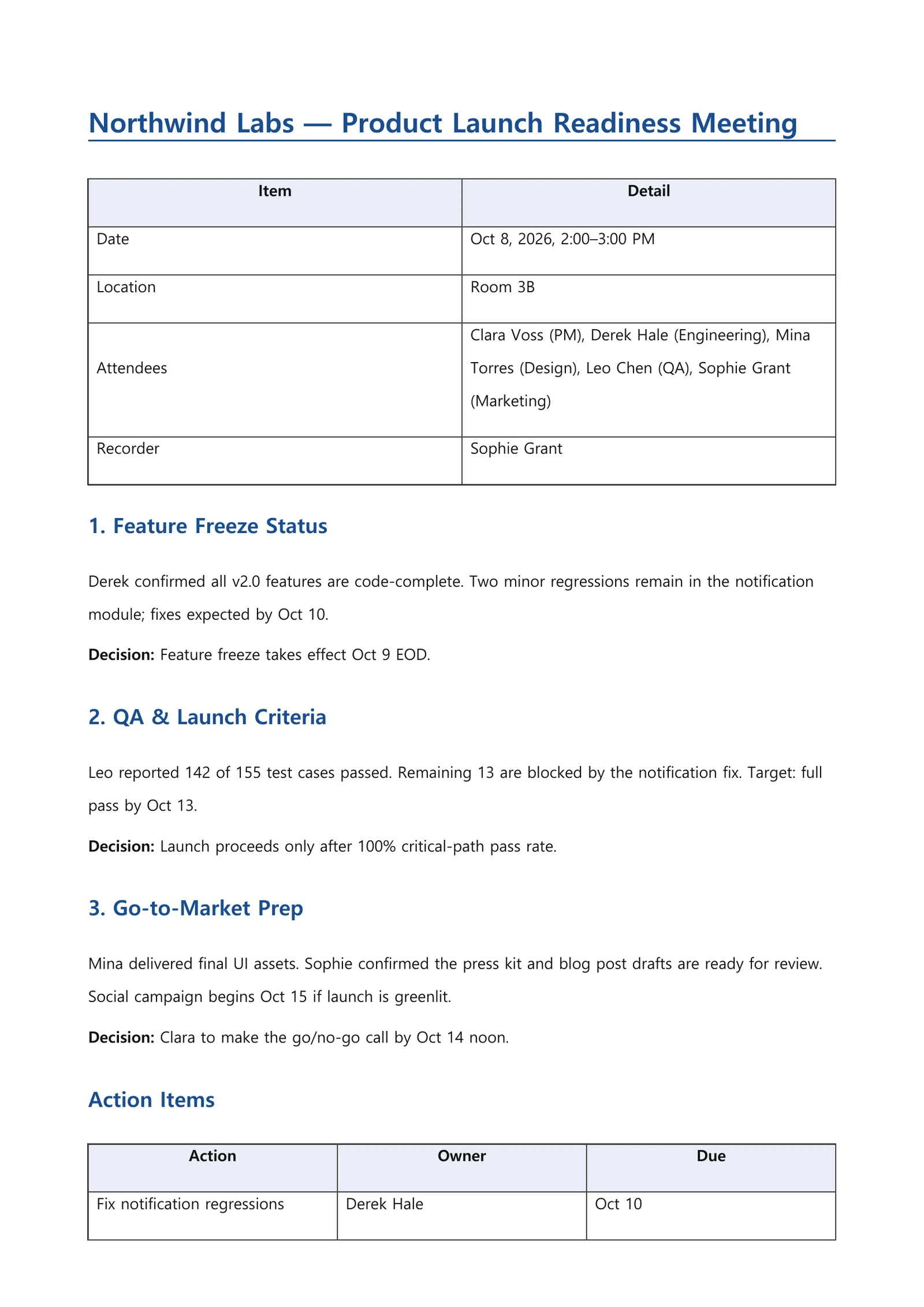
An example of what this kind of request produces — a generated file captured as is (first page for documents, opening slides for the deck). All companies, people and figures are fictional.
What you get
- A meeting info table: date, location, attendees, note-taker
- Discussion points for each agenda item, including who raised what
- A separate list of decisions that is easy to find later
- An action-item table with owners and due dates, plus the next meeting
How it works
- 1Paste your notes or a written transcript into the request box, or attach them as a file.
- 2Describe the layout you want in one line, such as “info table, discussion, decisions, action items”.
- 3Review the minutes and mention any missing decision or owner in a follow-up to fix it.
Tips for a better request
- Put attendee names and roles at the top of your notes so action items get the right owners.
- Mark open questions as “pending” in your notes so they stay out of the decisions list.
- If your organization has a minutes template, attach it to have the fields filled in.
Frequently asked questions
Can I upload an audio recording?
Minutes are written from text notes or a transcript. Convert the recording to text first, then paste it or attach it as a document.
Will it make up decisions that weren’t in my notes?
The minutes are organized from the notes you provide. It is still an AI draft, so check decisions, owners and dates before sharing. Point out anything wrong and it will be corrected.
Can the minutes be in a different language from my notes?
Yes. Choose the output language in the request box options or say so in your request, for example “write the minutes in English”.
More document examples
- Weekly status reportTask table, metrics, issues and next steps — from your raw notes.
- Presentation slidesOne line → a fully designed slide draft as a PDF.
- WorksheetPick subject, grade and topic — get questions plus an answer key.
- Business emailOne line about the situation → subject, body, table and signature.
- Lab reportAdd your measurements — get a full report structure from objective to discussion.