How to Write a Proposal That Follows the Call for Proposals Template
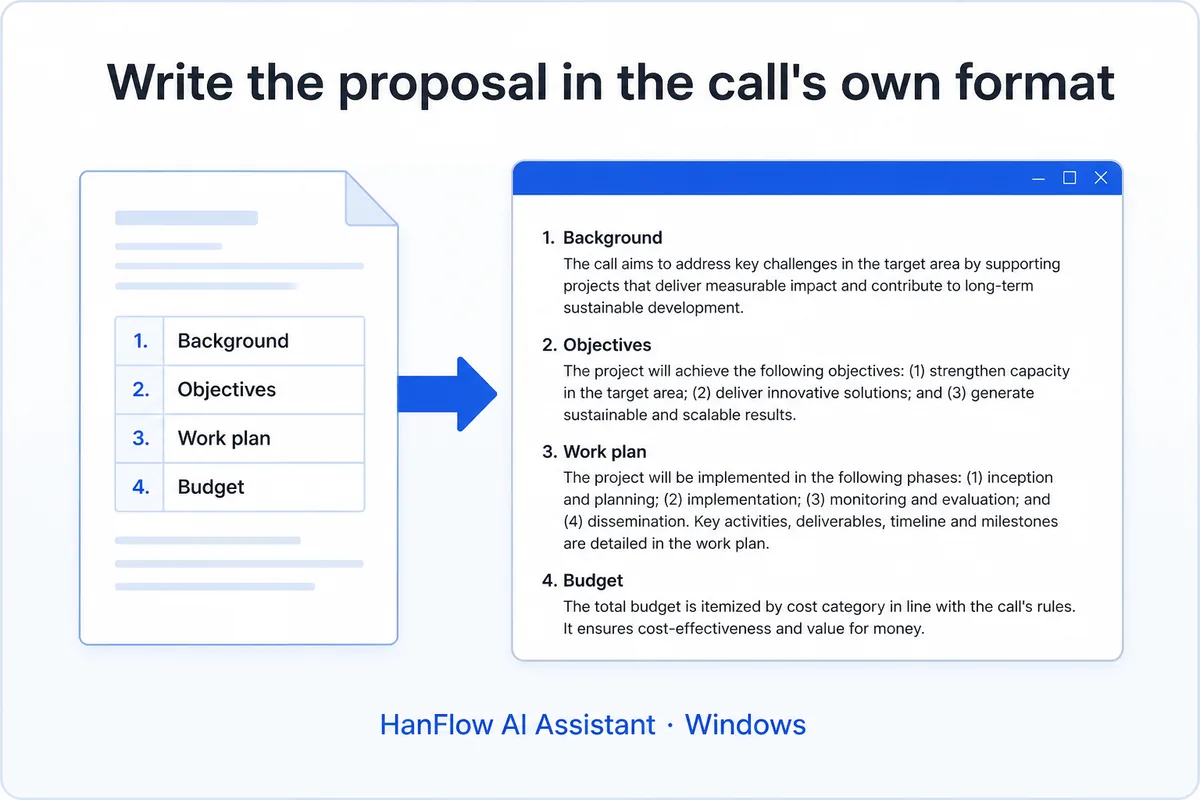
The answer is short: copy the call's table of contents exactly, write to each section's required length, place the figures it asks for, then review everything before you submit. Structure is where proposals most easily lose points — a missing section, a blown page limit, a figure the reviewers expected but never found.
Start from the call's own table of contents
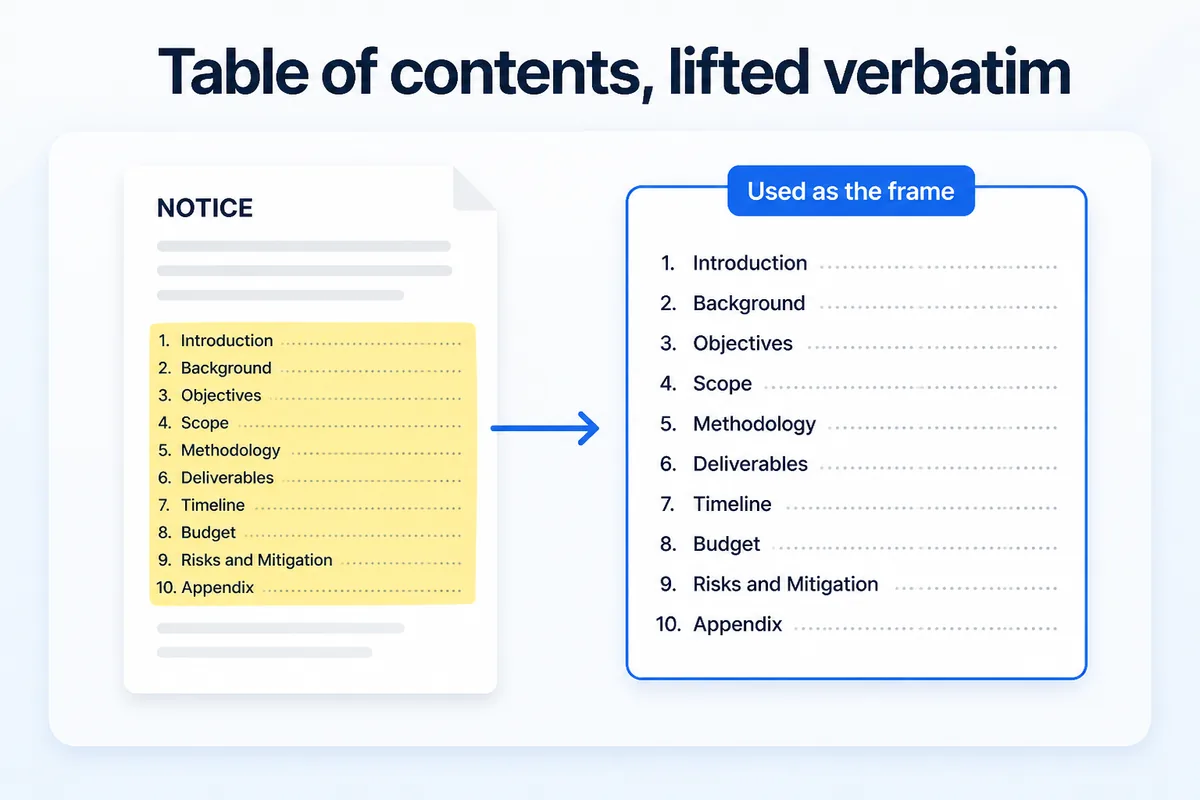
Every call for proposals publishes a table of contents or an outline of required sections. Background, Objectives, Work Plan, Budget, Expected Outcomes — whatever the headings are, they double as the scorecard. Reviewers go section by section, checking that each heading is present and each requirement addressed.
Lift those headings verbatim into your proposal. Do not rename them, reorder them, or merge two into one. A section called "Research Methodology" in the call should appear as "Research Methodology" in your document — not "Our Approach" or "Methods." HanFlow AI Assistant's Work assistant does exactly this: the table of contents is lifted verbatim from the call notice and used as the frame for the proposal.
Write each section to its set length
Calls often specify page limits or section weights. A 20-page proposal with five sections does not mean four pages each. Read the evaluation criteria. If "Work Plan" carries 30 percent of the score, it probably deserves more space than "Background."
Keep each section within its set length. Padding a thin section with filler signals weak content. Cutting a dense section short leaves reviewers with unanswered questions. The Work assistant keeps each section to its set length.
Put the figures where the text points
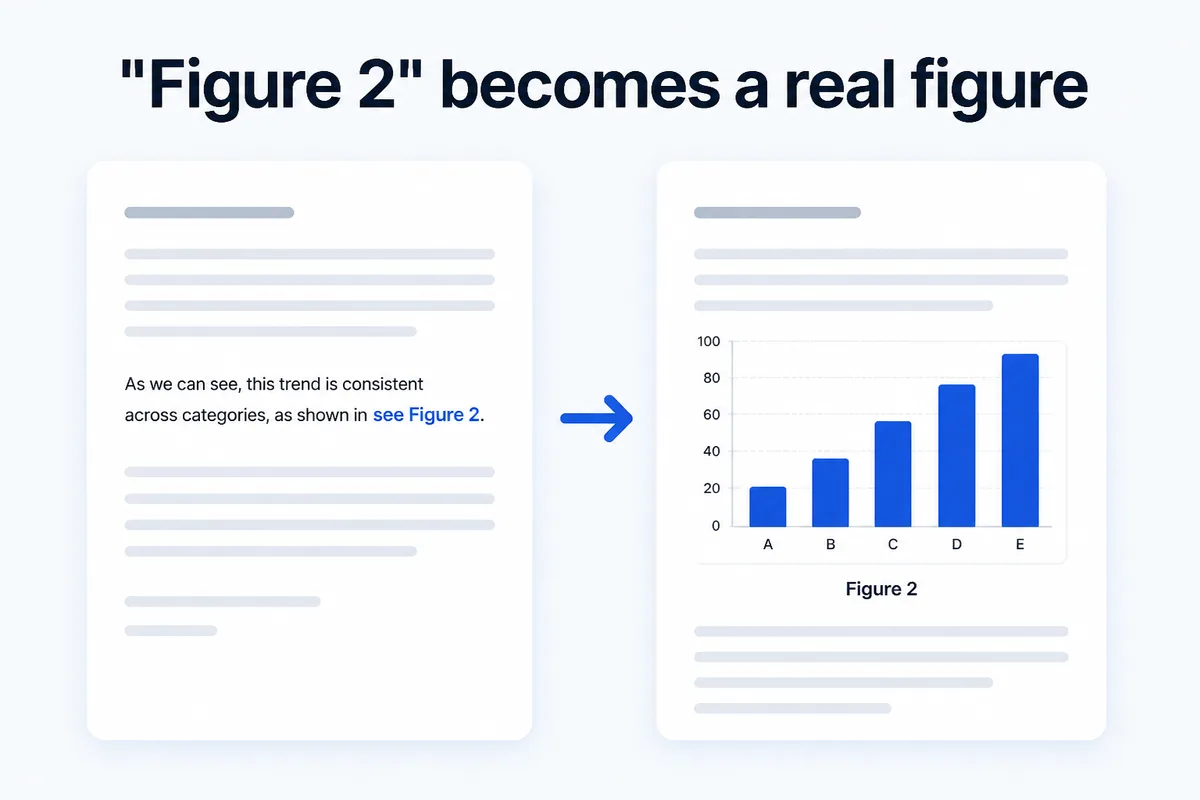
When a proposal says "see Figure 2," Figure 2 must be there — on the same page or the next, not five pages later. Missing or misplaced figures break the reader's flow and cost points in evaluation.
The Work assistant finds every "Figure N" reference in the text, generates the image, and places it at that location (AI image generation uses a separate image API key). Still, check every figure before submission. Confirm that the chart type matches the data, the labels are correct, and the caption describes what the figure actually shows. AI-generated visuals need your review.
Keep the document from breaking
Proposal formatting failures are common: tables that split across pages, fonts that revert, images that disappear after a save. These problems tend to happen when the AI writes directly into the document file.
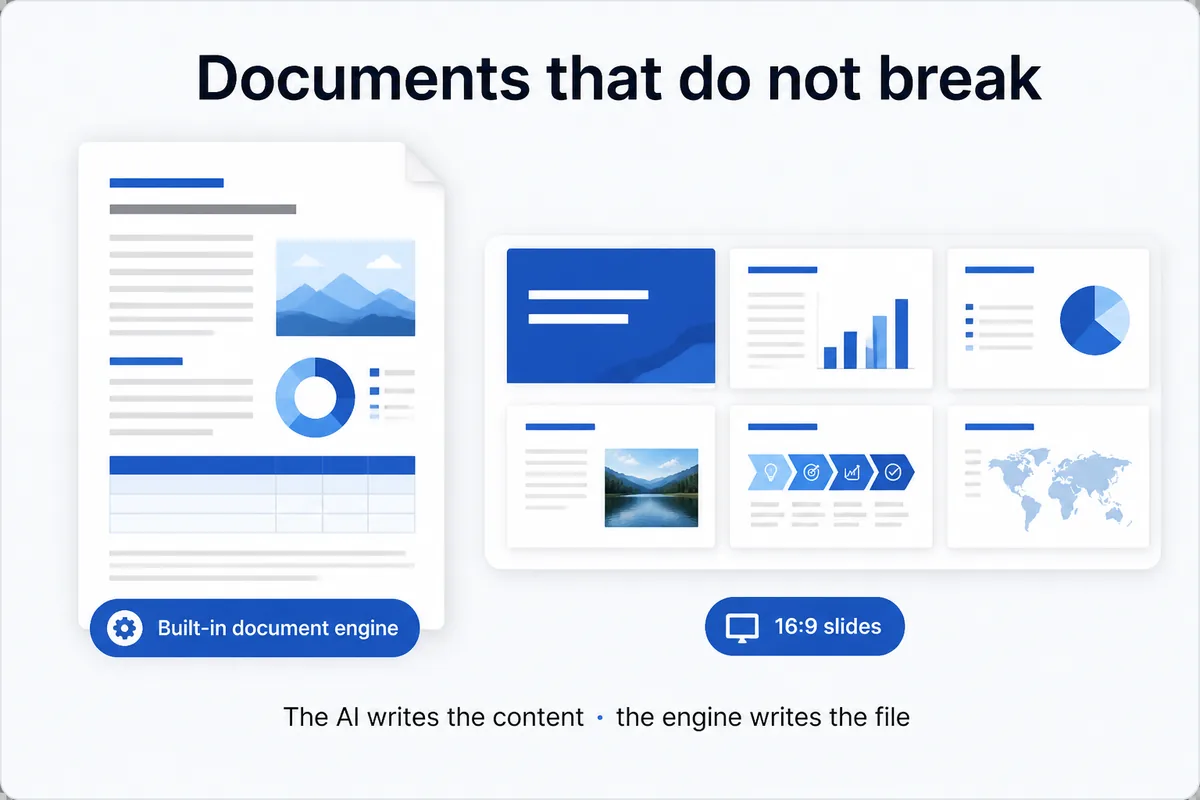
HanFlow AI Assistant separates the two jobs. The AI writes the content. A built-in document engine writes the file — including HWP format. Because a dedicated engine handles file structure, documents do not break. When the proposal advances to the presentation round, the same content exports as 16:9 PowerPoint slides.
What you need to use it
HanFlow AI Assistant is a Windows 10/11 program. Download it, install, and choose the Work assistant during setup. A 30-day trial starts after install.
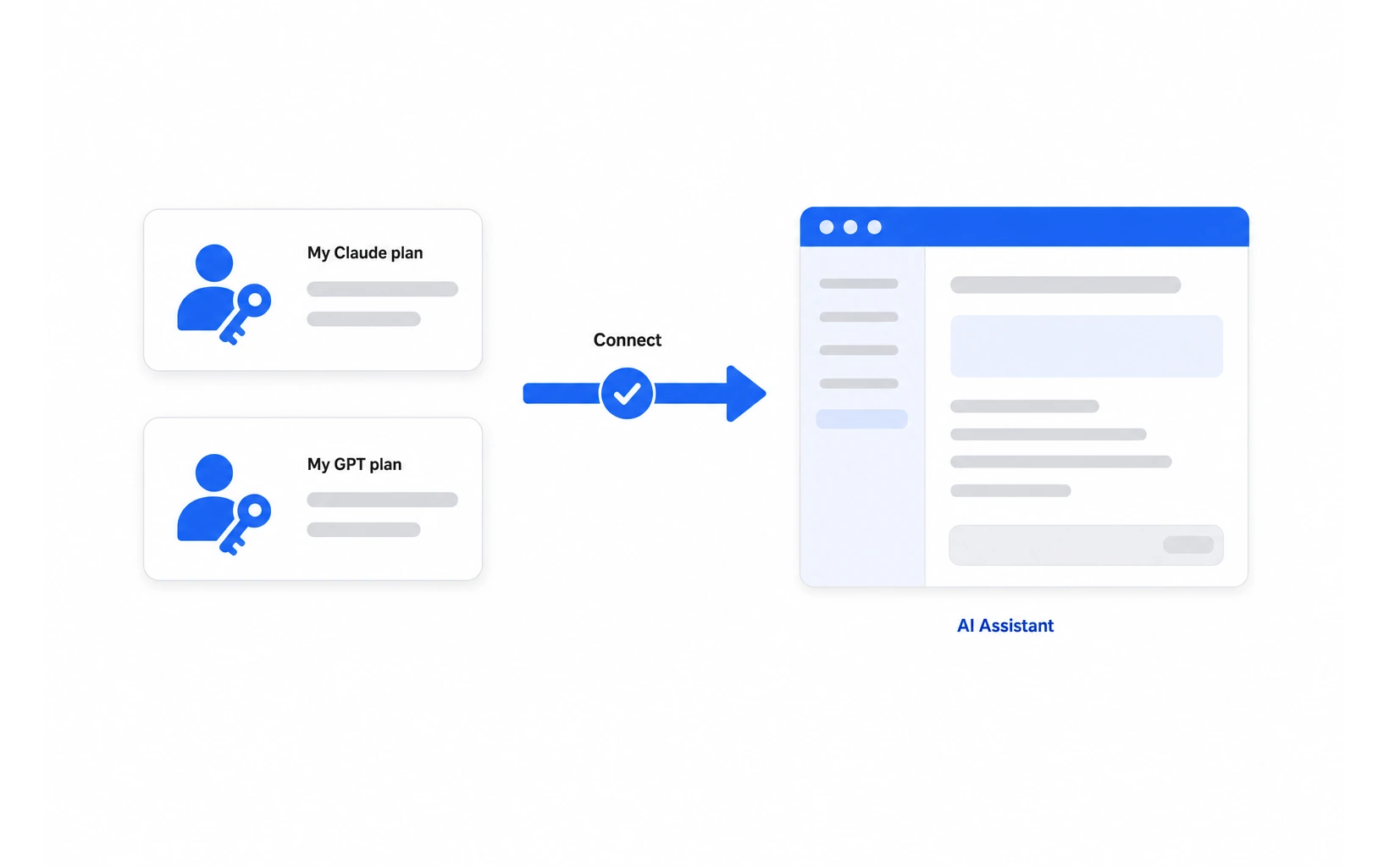
AI features such as proposal drafting and report writing require connecting your own Claude or GPT subscription; AI image generation alone uses a separate image API key. You connect your subscription account, not an API key. Without an AI subscription, features that do not use AI (meeting transcription, document sorting, form output) still work.
A note on data: your original documents are stored on your PC. When you use AI features, your request — including file names and profile details relevant to the task — is sent to your AI provider through your subscription. Always review AI-drafted content before submitting.
For a step-by-step walkthrough of the writing process, see how to start writing a report.
Frequently asked questions
Should I change the call's section names?
No. Use them word for word. Reviewers score against the headings published in the call. Renaming a section — even to something clearer — can make it look like you skipped a requirement.
Can the AI write the whole proposal for me?
The AI produces a draft, but the substance — your research plan, your budget justification, your team's qualifications — must come from you. Review and revise every section before submission.
Do I need a separate AI account?
You need your own Claude subscription (Claude Code) or GPT subscription (Codex) to use AI features. API keys cannot be registered, and HanFlow credits are not used. Features that do not require AI, such as meeting transcription, work without a subscription.
Does it work with HWP files?
Yes. The built-in document engine writes HWP files directly. The AI handles the content; the engine handles the file format, so the document does not break.