Research Project Budget Tracking: Planned, Spent and Remaining on One Screen
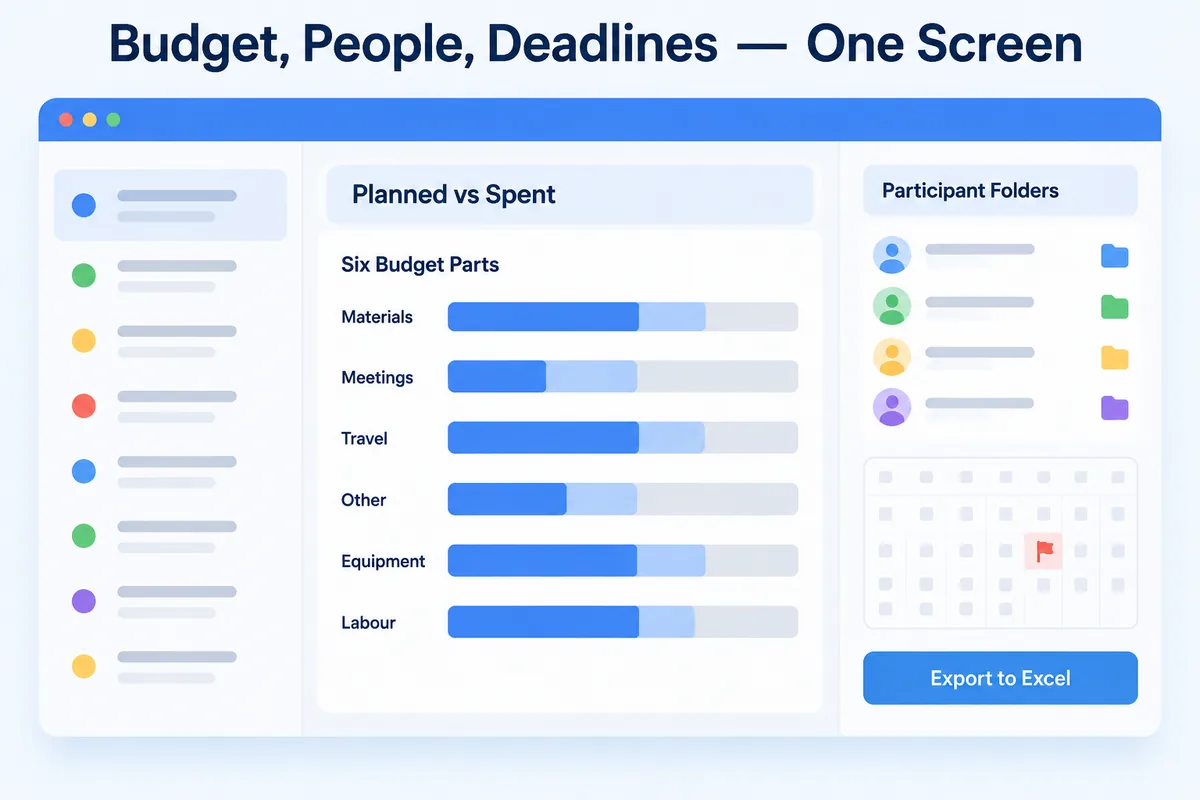
If you manage a grant-funded research project, the budget lives in one spreadsheet, the participant list in another, and the deadlines in a calendar you keep meaning to update. When someone asks for the remaining balance on travel, you open three files and start cross-referencing. The Project Management assistant in HanFlow AI Assistant puts projects, money, people and deadlines on one screen.
Split the budget into the same parts as the grant
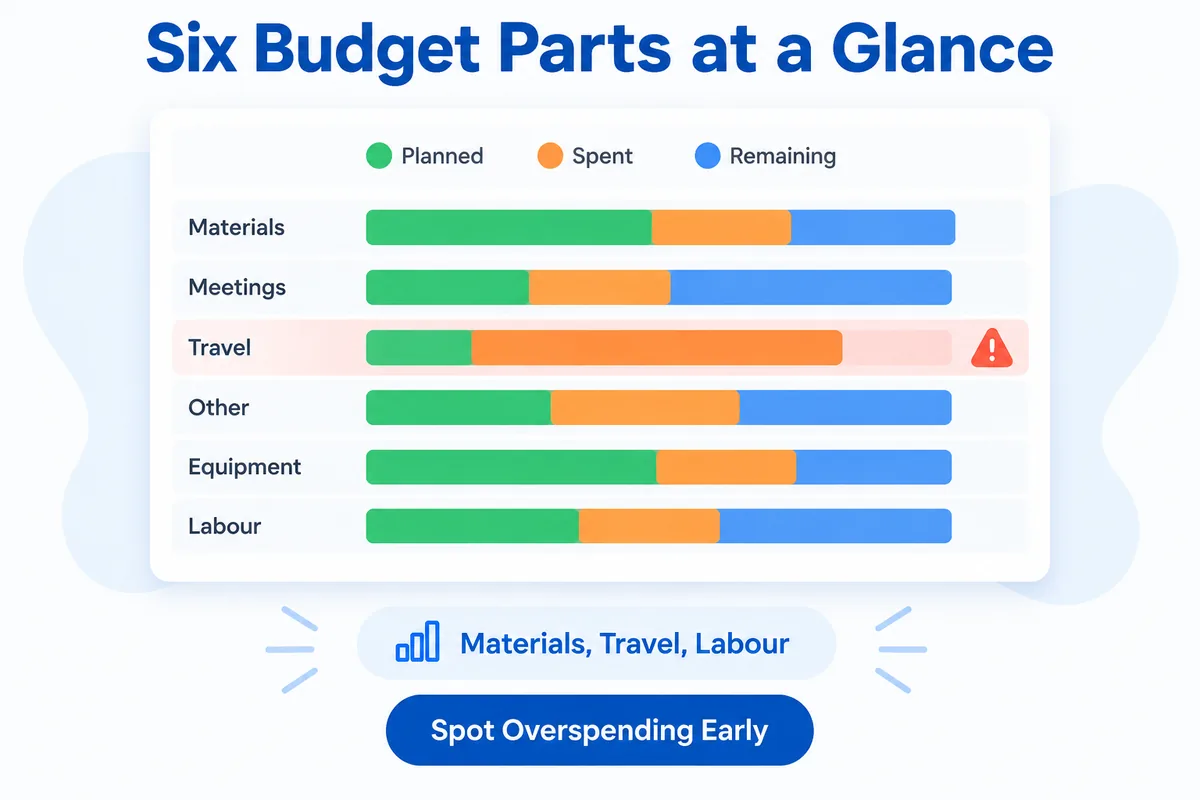
Research project budgets are not a single lump sum. They break into categories that funders expect you to track separately: materials, meetings, travel, other expenses, equipment and labour.
The assistant mirrors that structure. Each of the six parts shows its planned amount, what has been spent and what remains. You see every part with its planned, spent and remaining amounts on one screen.
When spending runs ahead in one category, you notice it while there is still time to adjust. When a colleague asks how much is left for equipment, the answer is already in front of you.
Register projects and watch the end of term
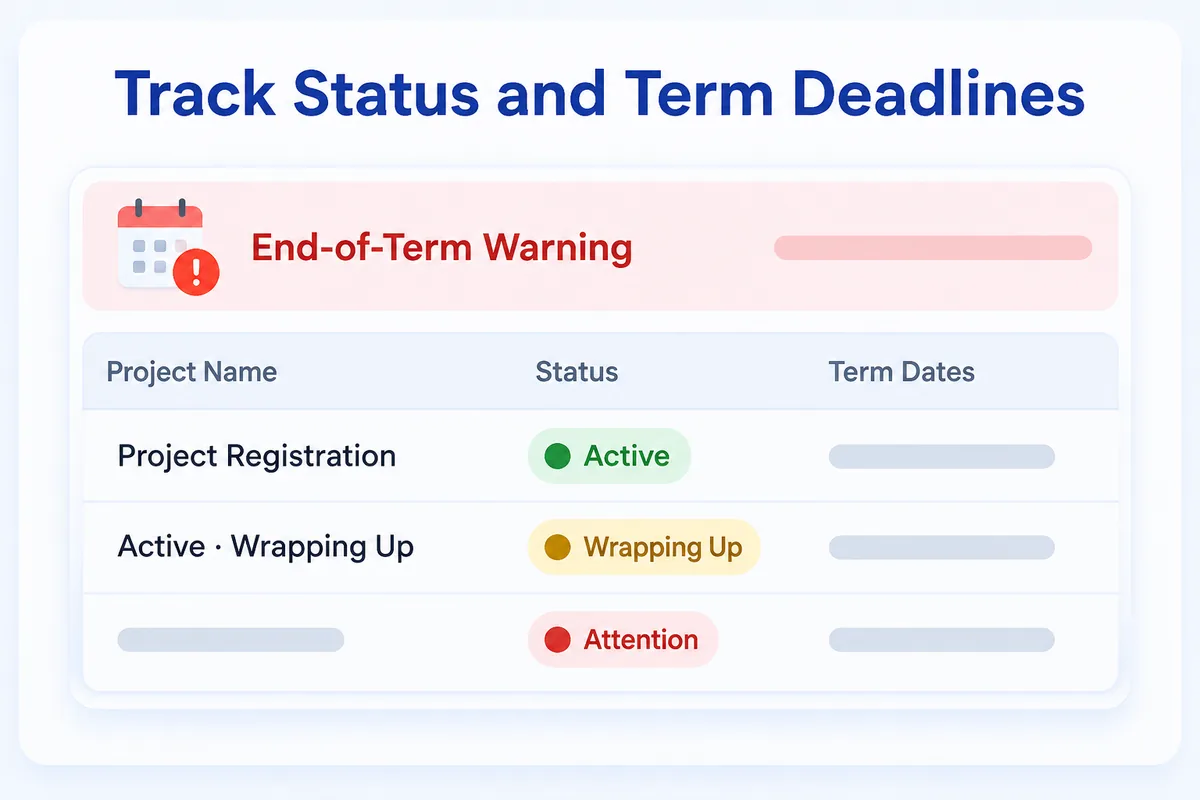
Each project starts with a registration step: enter the basic details, set the status and record the term dates. From that point the assistant tracks where the project stands.
End-of-term warnings appear as deadlines approach. You do not need to set a separate reminder or check a calendar. The status view tells you which projects are active, which are wrapping up and which need attention soon.
One folder per participant
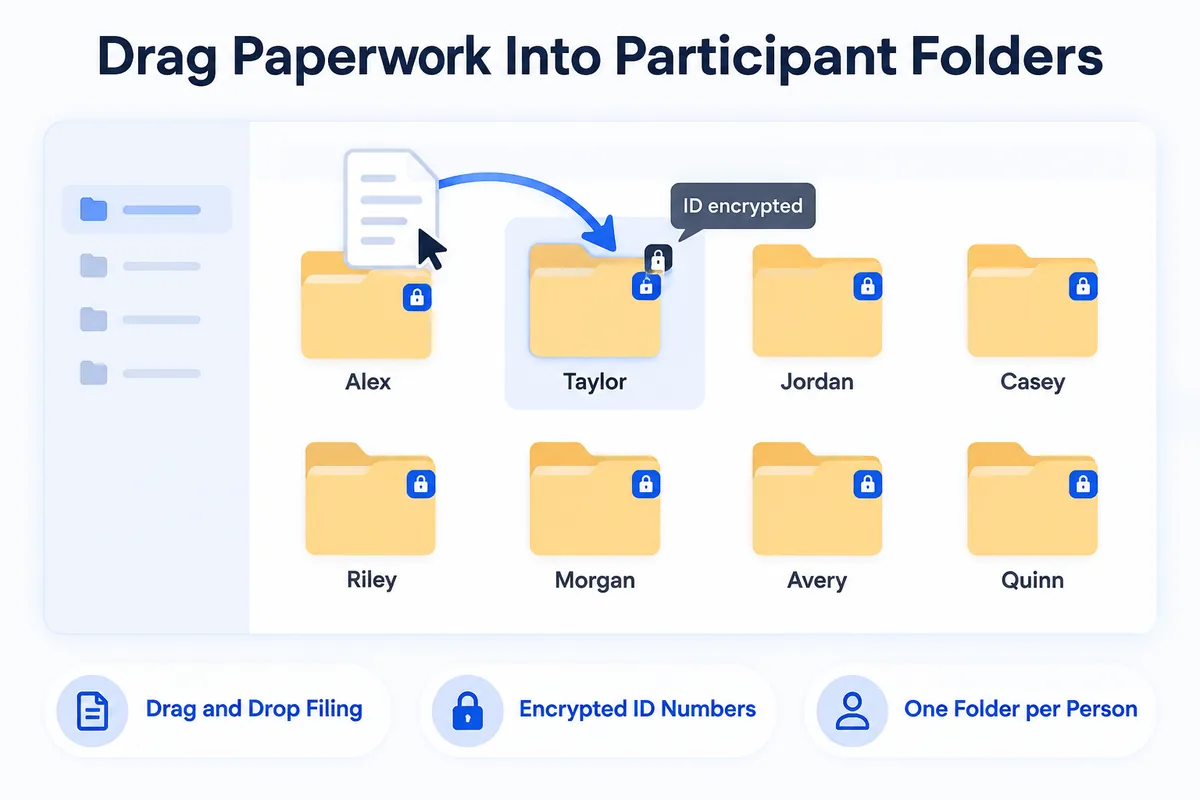
Every participant gets their own folder. Filing paperwork is drag and drop — pull a document onto a participant's folder and it lands where it belongs.
National ID numbers, which Korean research project paperwork routinely requires, are stored encrypted. They are never left sitting in a file as plain text, so a copied folder does not carry readable ID numbers.
Let receipts file themselves
The Expense Evidence assistant pairs with Project Management to handle the paperwork that piles up fastest: receipts and invoices.
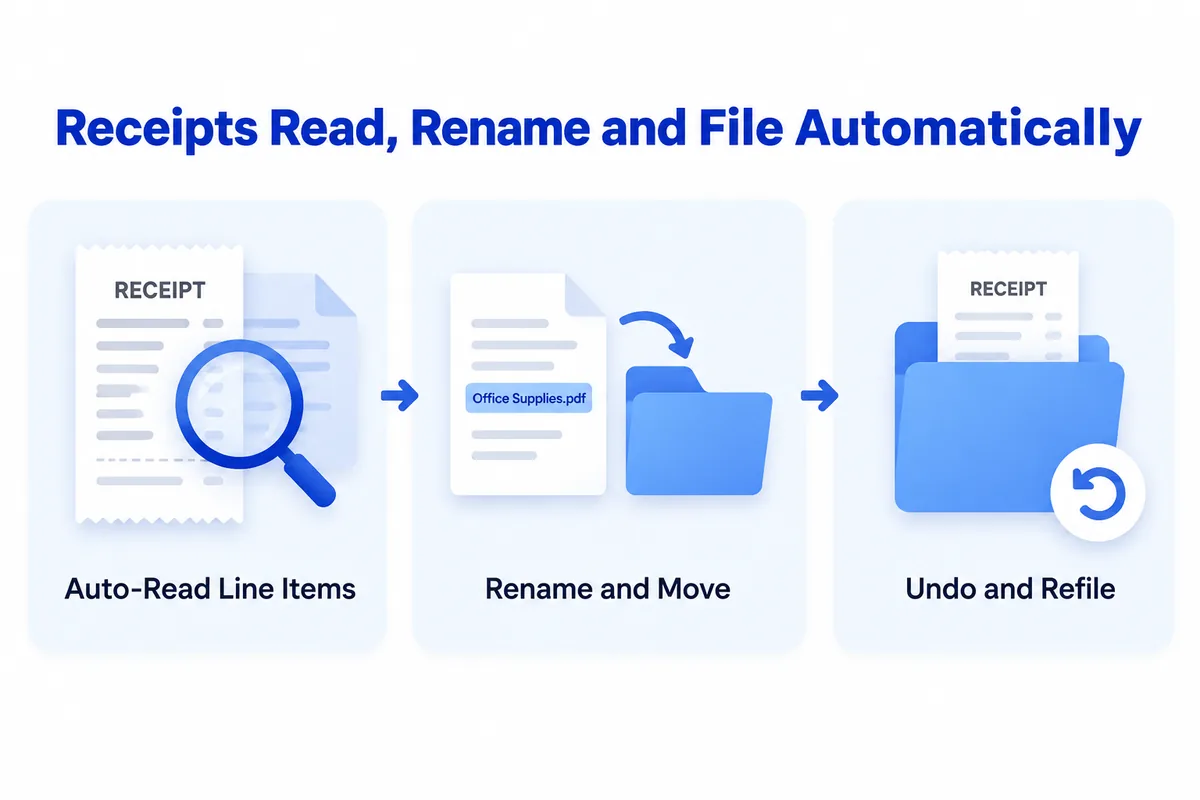
Point it at a receipt photo or a PDF. It reads the line items, renames the file and moves it into the project folder that matches the payment card. Filed something in the wrong place? Undo and refile.
For receipts that arrive by email, the automatic mail intake lets you search by period, company or keyword to collect what you need. Meeting-expense paperwork and travel expense reports come out in the official layout, ready to attach to your report. If you want the details, see scan receipts to Excel.
Export for the report
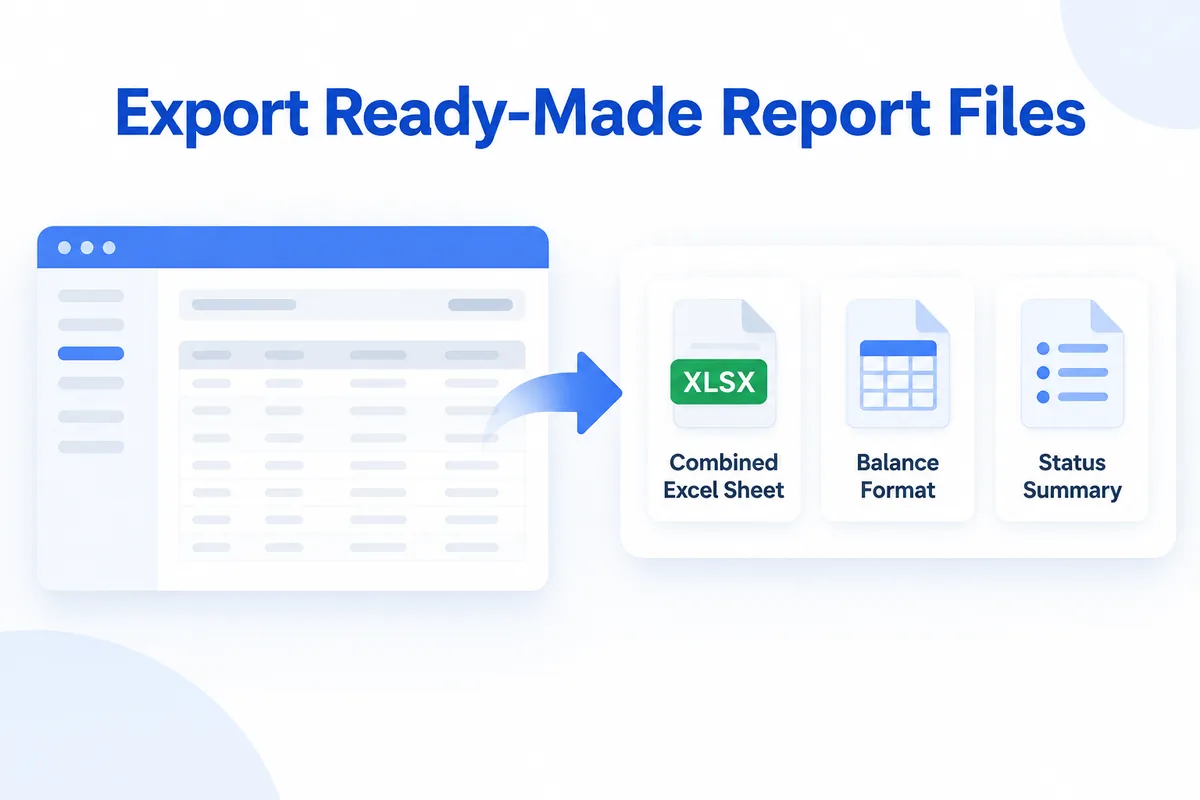
When the reporting period arrives, export your data in the format you need. The assistant produces a combined Excel sheet with all categories in one workbook, a balance format and a status summary. Hand the file to whoever prepares the report — the numbers are already laid out.
HanFlow AI Assistant is a PC program for Windows 10/11. Choose the Project Management module during installation and you get a 30-day trial. Your original documents, ledgers and receipts are stored on that PC. The project management and filing features do not require an AI subscription. If you choose to use the optional AI features, they send your request to your own Claude or GPT subscription provider.
Frequently asked questions
Can I use my own budget categories?
The assistant is built around six budget parts — materials, meetings, travel, other expenses, equipment and labour — which match the structure common in grant-funded research projects.
Where are participant ID numbers stored?
National ID numbers are stored encrypted on your PC. They are never saved as plain text in a file.
Do I need an AI subscription?
No. Project registration, budget tracking, participant folders and exports work without an AI subscription. The AI features are optional; if you enable them, they use your own Claude or GPT subscription and send the request to that provider.
Can I hand the numbers to an accountant?
Yes. Export to a combined Excel sheet, a balance format or a status summary, then share the file. Your accountant gets the figures in a standard spreadsheet without needing the assistant installed.