An AI Chatbot With Memory: Build Your Own Bot That Learns From Your Files
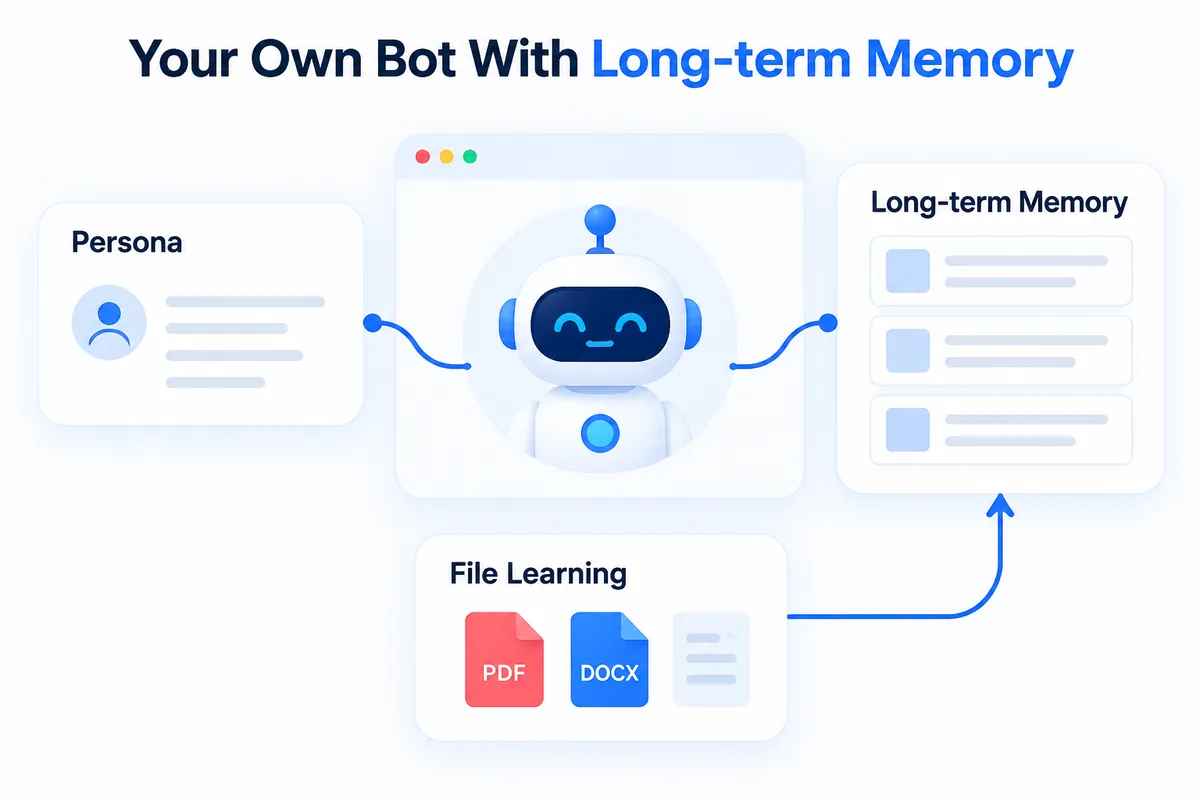
You start a new chat. You paste the same background. You re-explain the same constraints — again. The fix is simple: give each topic its own bot with a persona and long-term memory, so the context stays put between conversations.
One bot per job
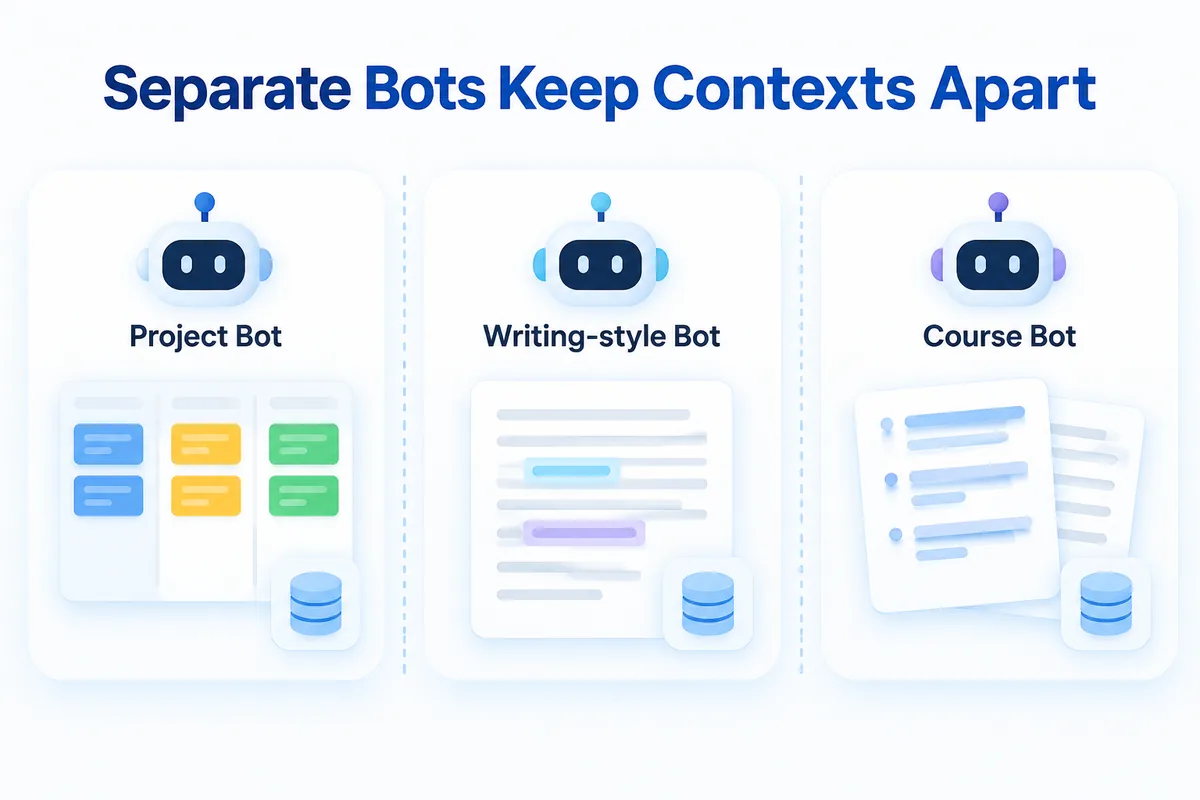
Every bot in HanFlow AI keeps its own persona, default model tier, and long-term memory, fully isolated from the others. That isolation is the point.
A project bot remembers past decisions so you stop repeating them. A writing-style bot holds your tone and vocabulary preferences. A course bot, taught from your lecture notes, answers student-level questions without drifting into unrelated territory.
Because each bot's memory is separate, contexts stay apart. Your marketing copy stays out of your research notes, and your research notes stay out of your lesson plans.
Create a bot in three fields
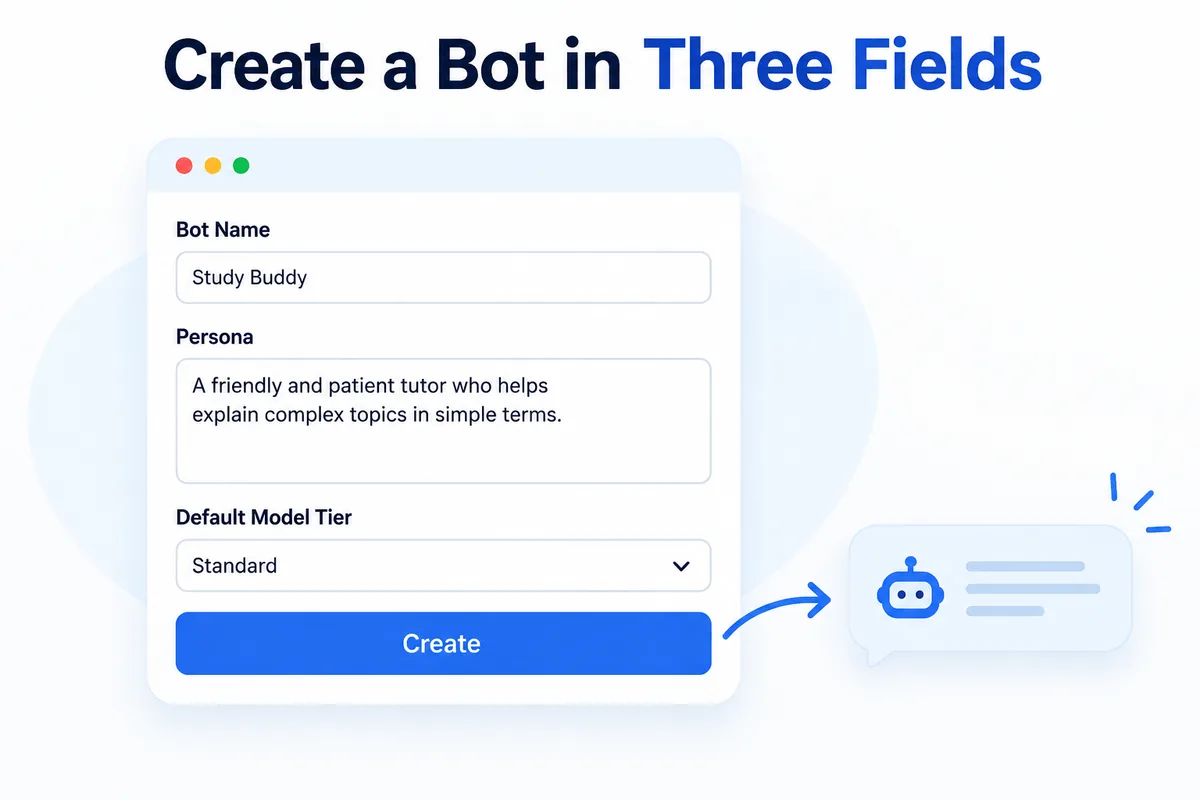
- Open AI Bots and click New bot — or pick Start from a sample bot if you want a head start.
- Fill in three fields: Bot name, a persona describing the bot's role and tone, and a Default model tier (you can change the model per chat later, or turn on Auto-recommend model and let the system choose).
- Click Create, then Chat.
That is it. A default HanFlow bot is provided; if you ever delete it, you can restore it.
Teach it with your files
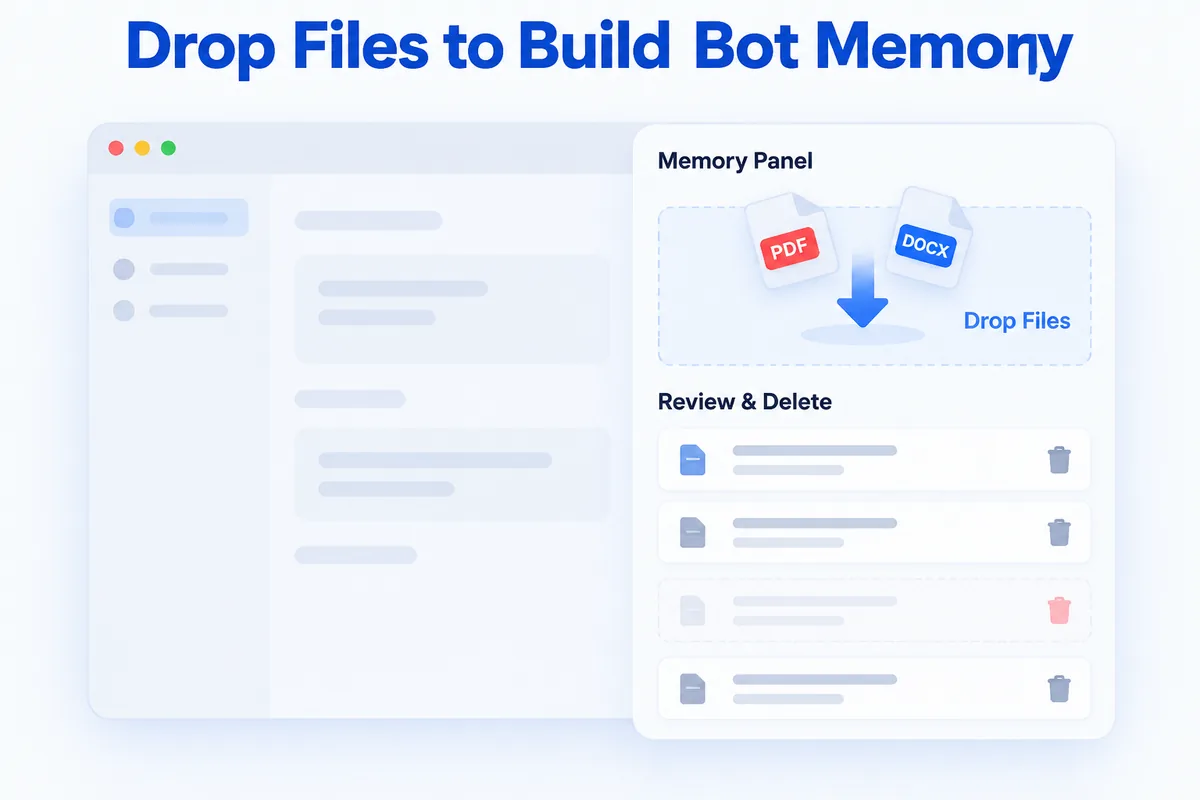
Open a bot's Memory panel and drop files in. HanFlow distills each file into memory entries — concise summaries the bot can draw on in future conversations.
You do not have to feed it everything manually. Memories also accumulate automatically after conversations end, so the bot gradually learns what matters to you.
Because memories are summaries, not perfect transcripts, it is worth reviewing them. Delete any entry that looks wrong or outdated. You stay in control of what the bot knows.
Share memories between bots
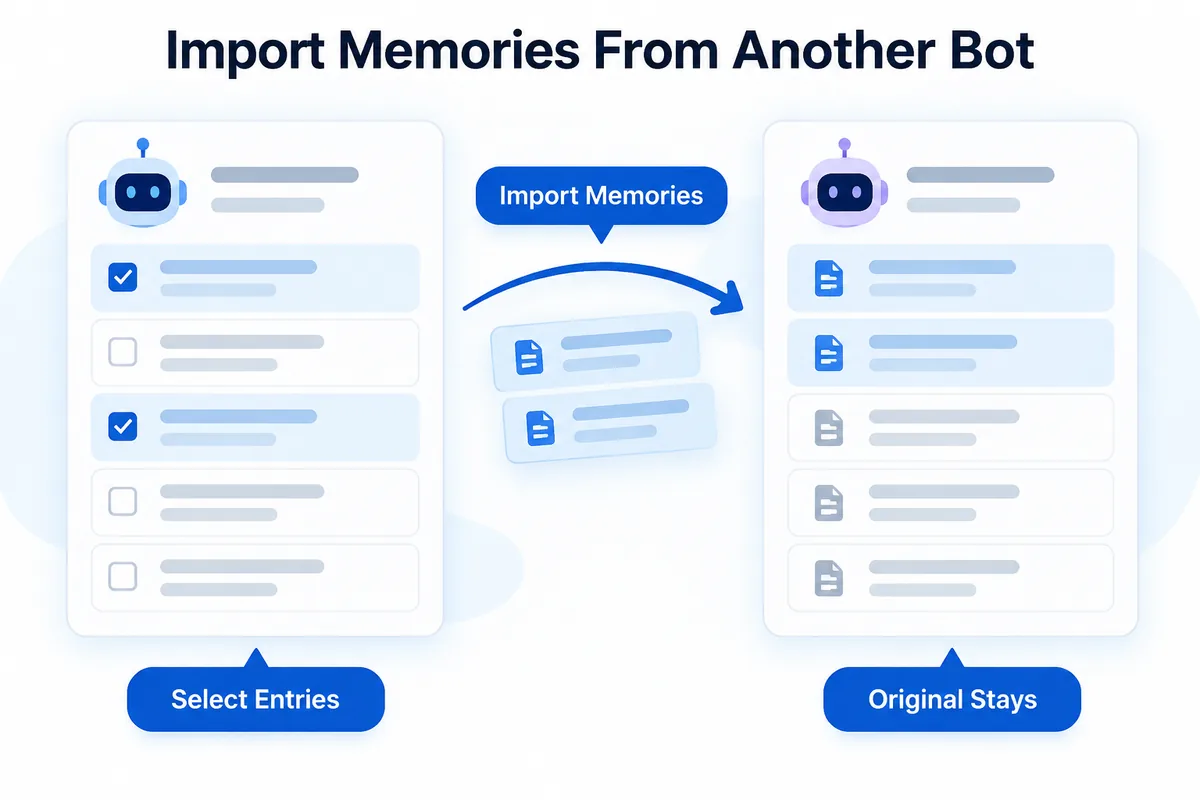
Sometimes one bot has knowledge another bot needs. Click Import memories from another bot, browse the entries, and select the ones you want to copy over. The original stays untouched.
Bots can also collaborate to produce a single answer, combining their separate knowledge bases without permanently merging them.
Let it work on a schedule
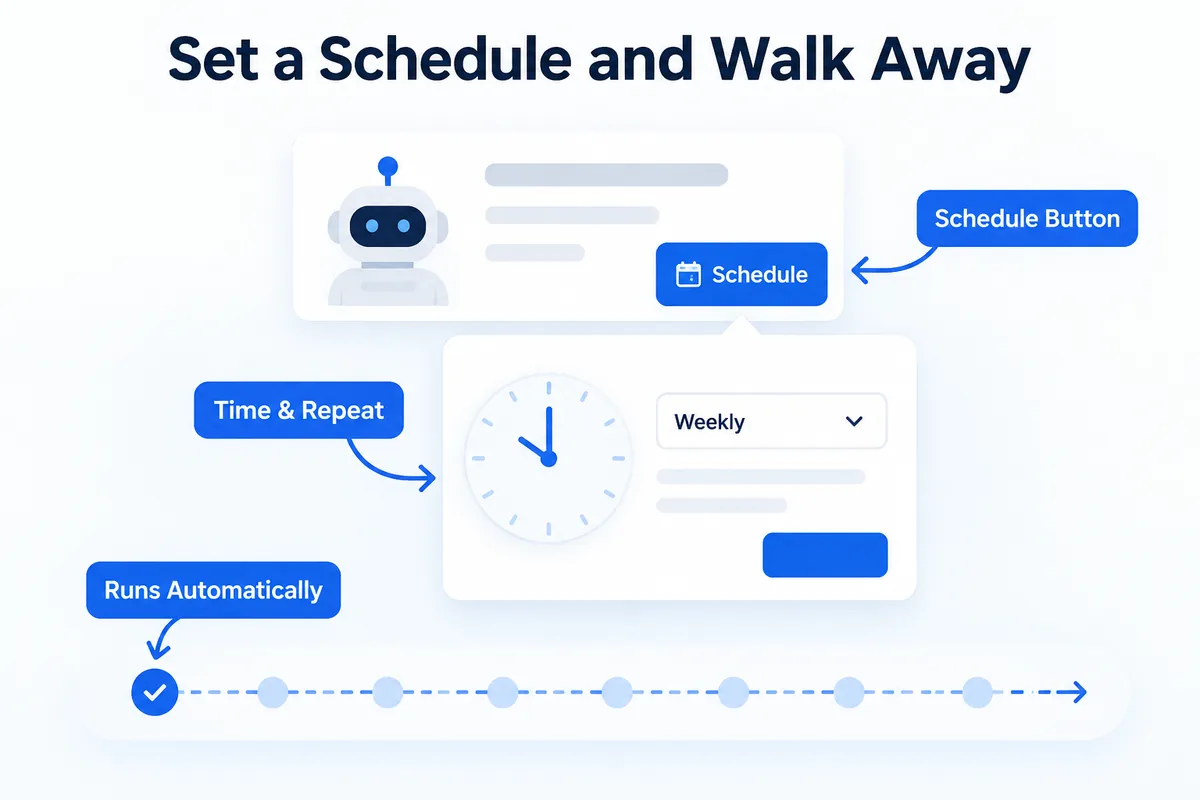
Each bot card has a Schedule button. Set a time and a repeat interval, and the bot runs the task for you — a weekly summary, a recurring check-in, whatever fits your workflow.
You define the task once. The bot handles the rest on its own.
HanFlow AI runs entirely in the browser, so there is nothing to install. If you are also looking for a faster way to capture context after meetings, take a look at how to write meeting notes with AI.
Frequently asked questions
Does the bot remember across chats?
Yes. Memories persist between conversations. When you start a new chat with the same bot, it still has access to everything it learned before — from files you uploaded and from past conversations.
Can I make it forget something?
Open the bot's Memory panel, find the entry, and delete it. The bot no longer has that entry to draw on. Since memories are summaries, it is good practice to review them periodically and remove anything inaccurate or outdated.
Can two bots share what they know?
They can. Use Import memories from another bot to copy selected entries from one bot to another. The original bot keeps its memories intact. Bots can also collaborate on a single answer without permanently merging their knowledge.
Do I need to install anything?
No. HanFlow AI is a web app that runs in your browser. Sign in and start building bots right away.