Notion AI Alternative: When You Need Files, Not Pages
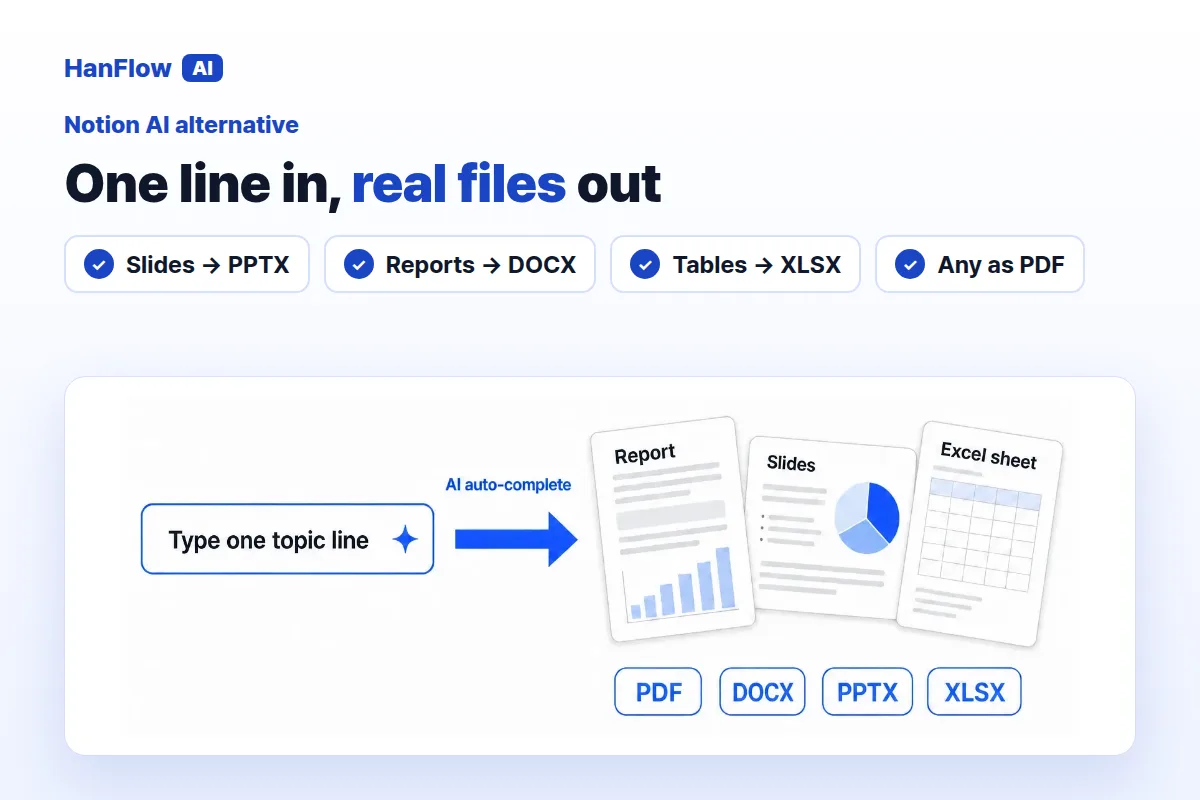
Notion AI drafts and organizes content inside a Notion workspace. HanFlow AI produces PPTX, DOCX, XLSX, and PDF files through a built-in document engine. Your choice depends on where the finished work ends up.
What Notion AI does
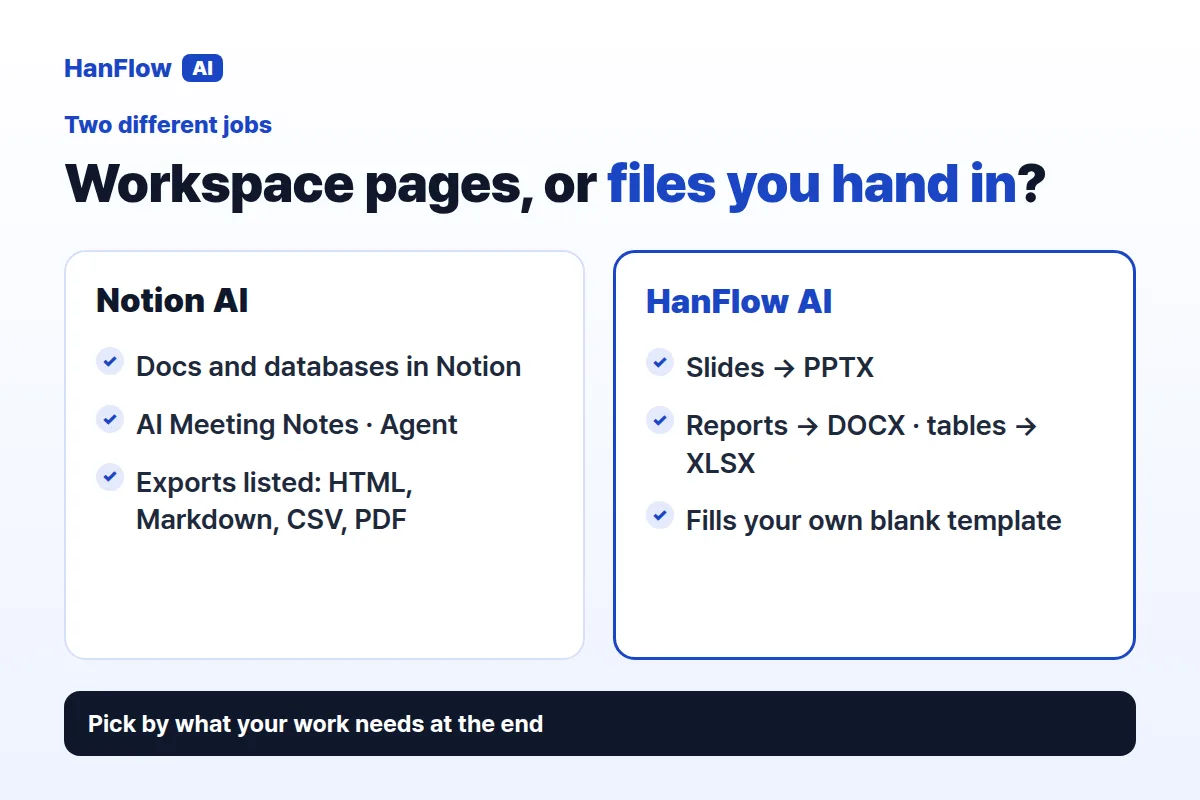
Notion AI generates and edits docs, autofills databases, and finds answers across your workspace. AI Meeting Notes transcribes meetings. Notion Agent completes multi-step tasks using context from Notion, connected apps, and the web, while Research mode produces detailed reports. On the Free and Plus plans, AI is offered as a trial; the Business plan includes Notion Agent, AI Meeting Notes and Enterprise Search (Beta), and Enterprise adds zero data retention with LLM providers (Notion pricing page, checked October 2026).
What HanFlow AI does
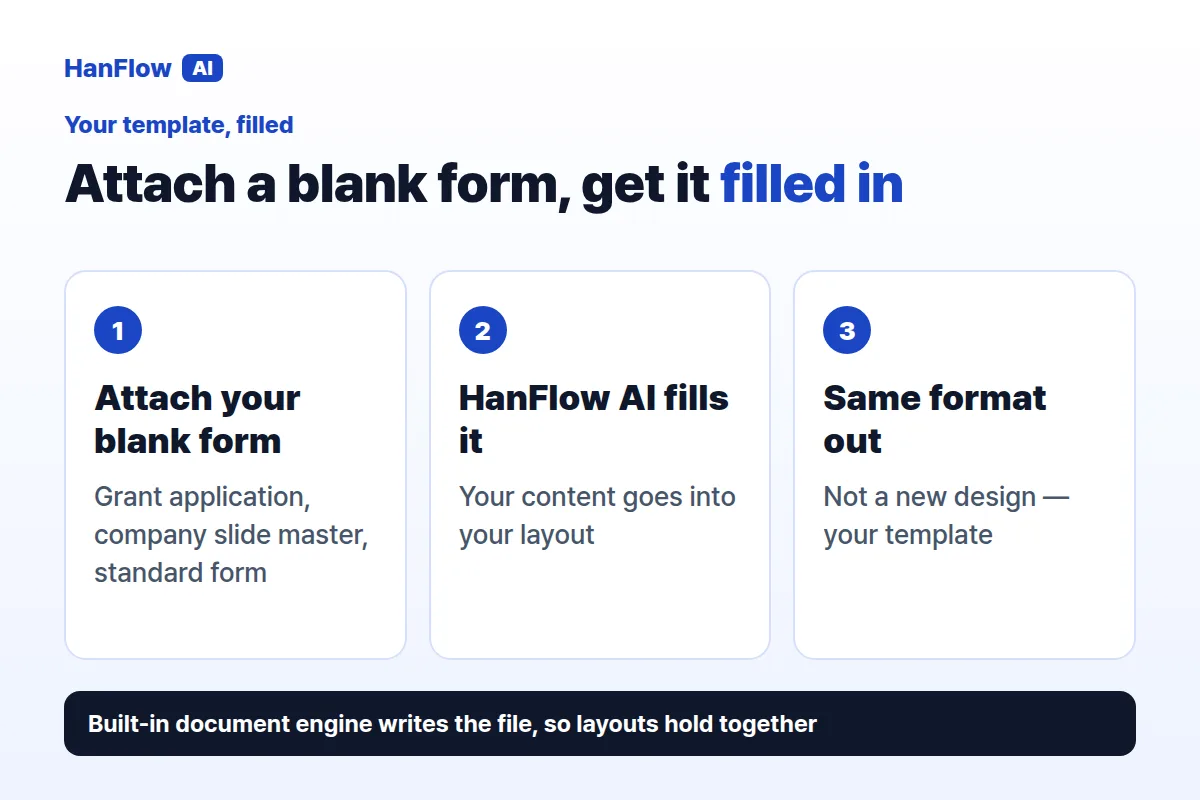
Type a topic at hanflowai.com. Choose page count, audience, purpose, and tone, edit the draft, then export—slides as PPTX, reports as DOCX, tables as XLSX, or any of them as PDF. The built-in document engine keeps layouts together. Attach your own blank forms or templates—grant applications, company slide masters, standard forms—and it fills them in the same format. Web usage is billed in proportion to what you use, and you can see it on the usage screen.
Pages in a workspace, or files you hand in
Notion documents live as pages in your workspace. The pricing page lists HTML, Markdown, CSV, and PDF exports (Notion pricing page, checked October 2026). HanFlow AI outputs finished files—what you draft is what you submit.
Who each one fits
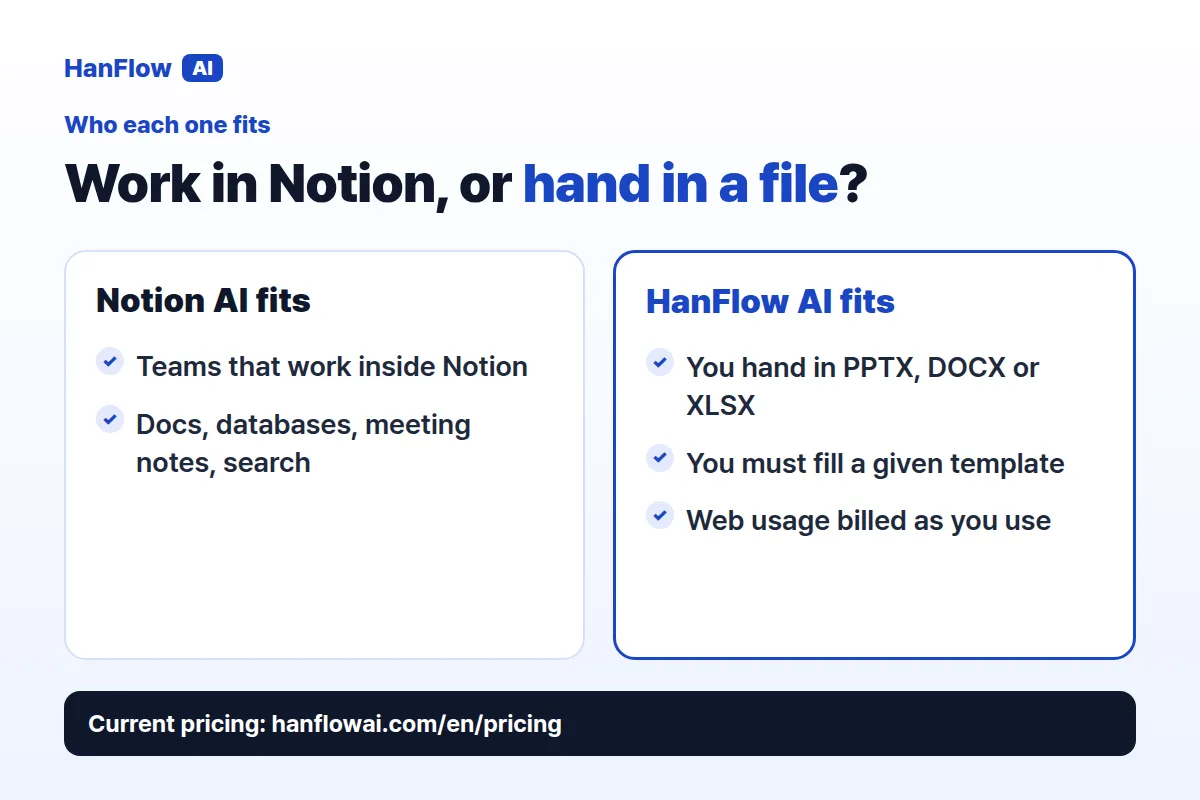
Notion AI is strong for teams that work inside Notion: docs, databases, meeting notes, enterprise search. HanFlow AI fits anyone who needs to hand in a finished file or fill a given template.
Frequently asked questions
Can Notion AI export to Word?
The Notion pricing page lists HTML, Markdown, CSV, and PDF exports. It does not mention Word export (Notion pricing page, checked October 2026).
Does HanFlow AI fill templates?
Yes. Attach one or more blank forms—grant applications, slide masters, standard forms—and it fills them in the same format.
How is HanFlow AI billed?
Usage-based, in proportion to what you use. See the pricing page for current plans.