Tome alternative for real PowerPoint and Word files
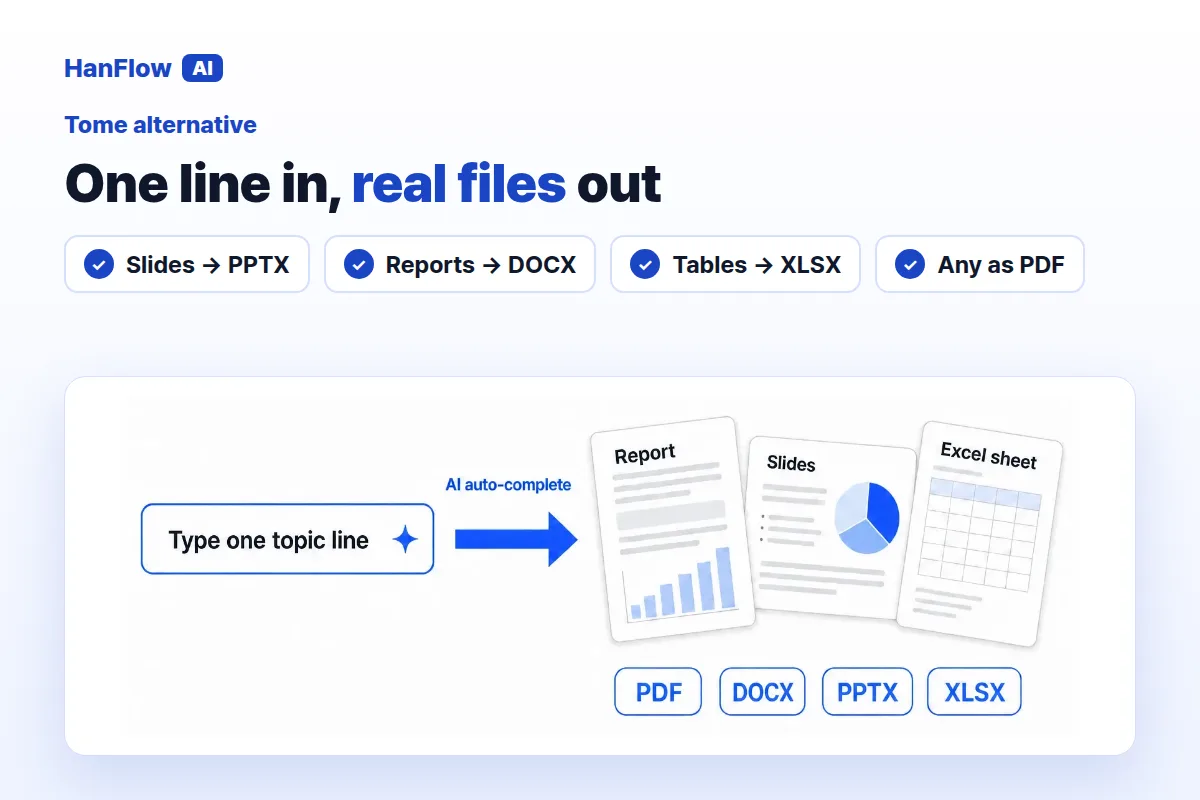
If you used Tome to draft decks with AI, you may already know that its founders have moved on to a different product. If you need a replacement — especially one that gives you an editable PowerPoint, Word file or PDF — HanFlow AI is worth a look. You type a topic, it drafts slides or a report, and it exports PPTX, DOCX, XLSX or PDF through a built-in document engine. You can also attach your own blank template and have it filled in the same format.
What happened to Tome
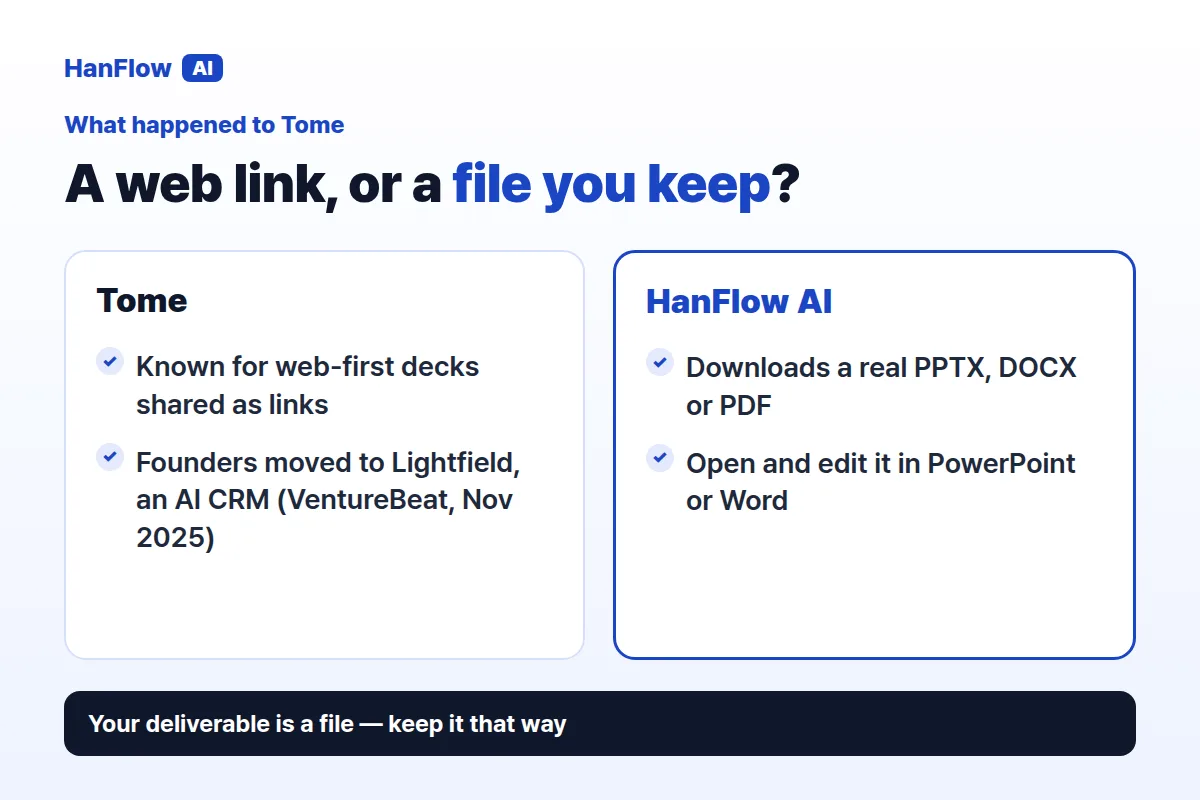
Tome was known for AI-generated, web-first narrative decks shared as links. Its founders, though, pivoted away from the presentation product to build Lightfield, an AI-native CRM. Founder Keith Peiris said "building lasting differentiation in the general-purpose presentation market would prove difficult." (VentureBeat, November 2025.)
Tome no longer focuses on presentations. If you counted on it for deck creation, you need a new tool. And if your deliverable has always been a file rather than a web link, the switch is a good moment to pick something built for document output.
What HanFlow AI does
Here is what it offers if you need a file at the end, not a link.
- Real document files. Slides come out as PPTX, reports as DOCX, tables as XLSX, and any of them as PDF. A built-in engine writes the file — the AI does not write it directly — so layouts hold together.
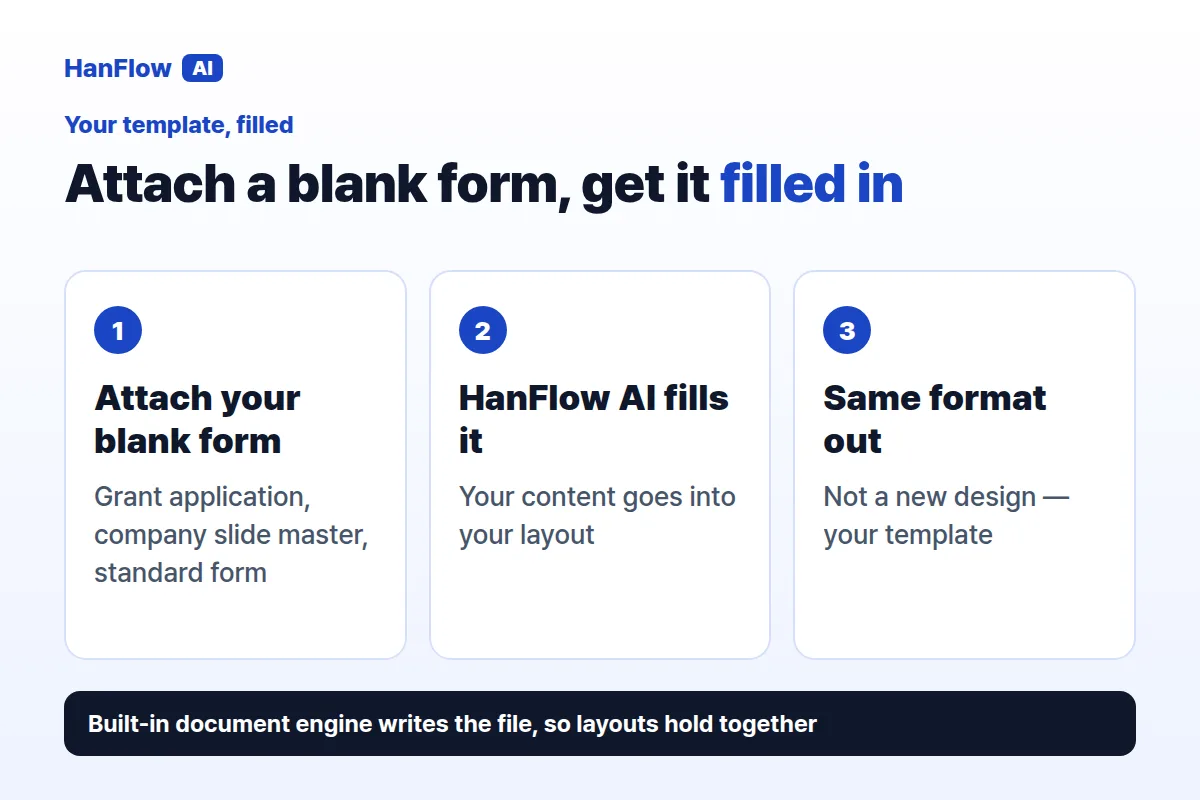
- Your template, filled. Attach one or more blank forms and HanFlow AI fills them in the same format, instead of producing its own design. Useful for grant applications, company slide masters and pre-designed forms.
- Slides from one line. Type the topic, choose the page count, audience, purpose and tone, and get a draft deck you can edit before exporting.
- Pay for what you use. Web usage is billed in proportion to what you use, visible on the usage screen. See pricing for current details.
Moving from Tome
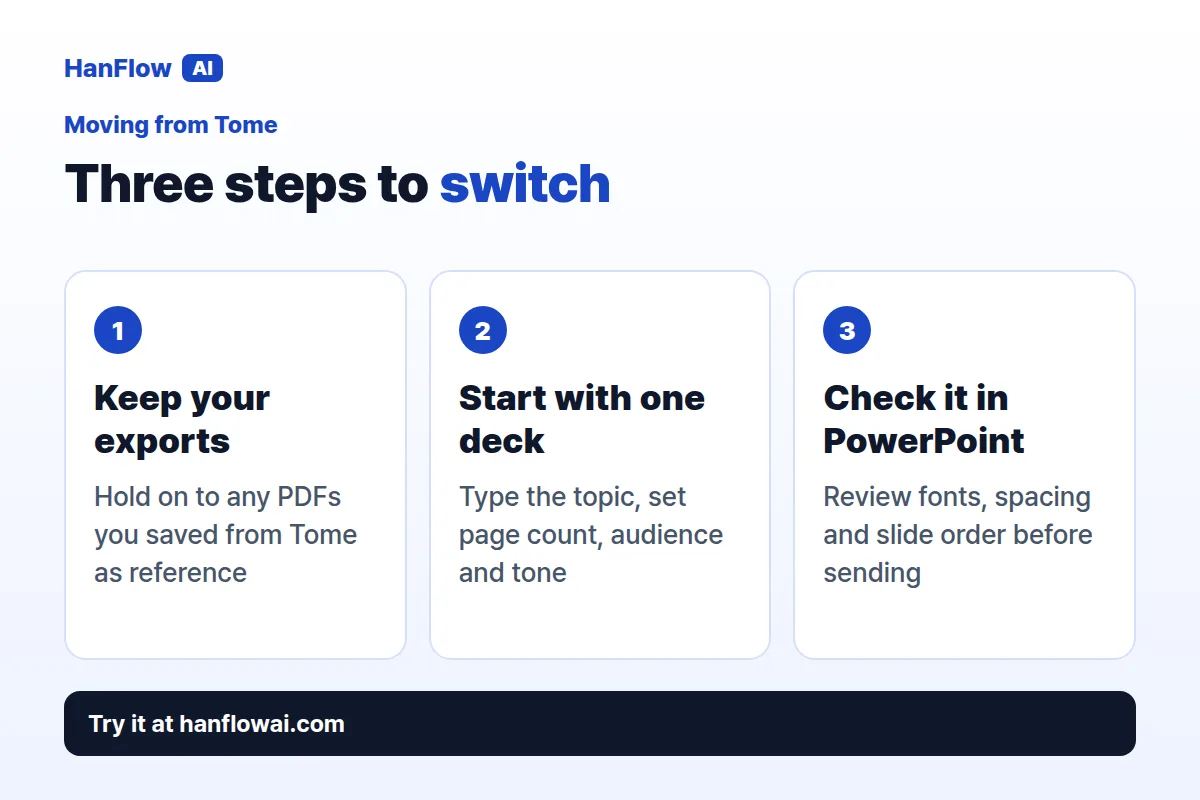
- Keep the files you already have. If you exported any Tome decks as PDF or another format, hold on to them. They serve as reference copies when you recreate a deck in a new tool.
- Start with one deck. Pick a presentation you actually need this week. Type the topic into HanFlow AI, set the page count and tone, and see how the result compares with what you used to get from Tome. One real project teaches more than a dry run.
- Check the file in PowerPoint or Word before you send it. Open the downloaded PPTX in the desktop app and review fonts, spacing and slide order.
Who this fits
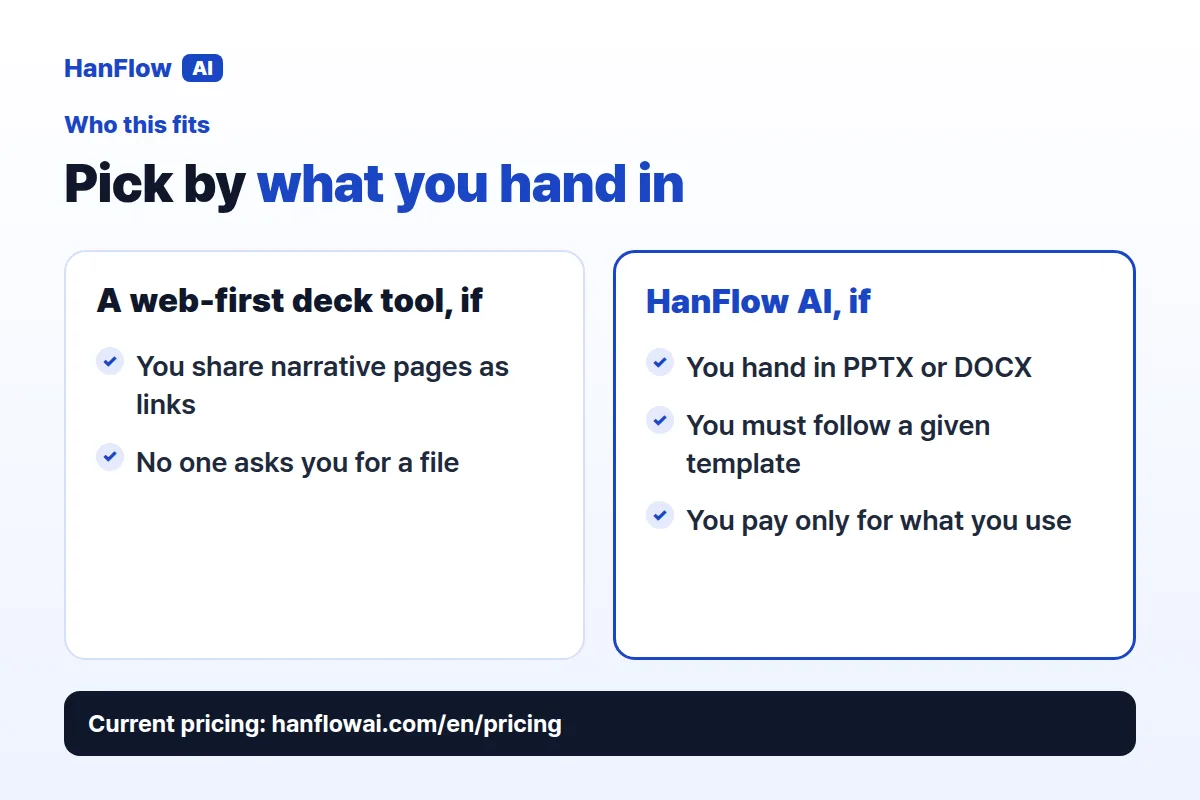
HanFlow AI fits if you relied on Tome for AI-drafted decks and now need a tool that produces editable Office files. It also fits when your deliverable must follow a template someone else designed — a grant report, a company slide master, a standardized form.
If your main use of Tome was sharing narrative pages as web links and that workflow still works for you, a web-first presentation tool may be a better fit. HanFlow AI is built for the case where the end product is a file you hand in or upload to a system that expects PPTX or DOCX.
Frequently asked questions
Can HanFlow AI export to PowerPoint?
Yes. Slide decks export as PPTX and you can also get PDF. Reports come out as DOCX, and tables as XLSX. The built-in engine creates the file, so you do not need to copy-paste from a web view.
Can it follow a template I was given?
Yes. Attach your blank form or template and HanFlow AI fills it in the same format.
Is HanFlow AI a subscription?
Web usage is billed in proportion to what you actually use. Check the pricing page for current plans.