Copilot in PowerPoint Alternative: AI-Drafted Decks Without the License
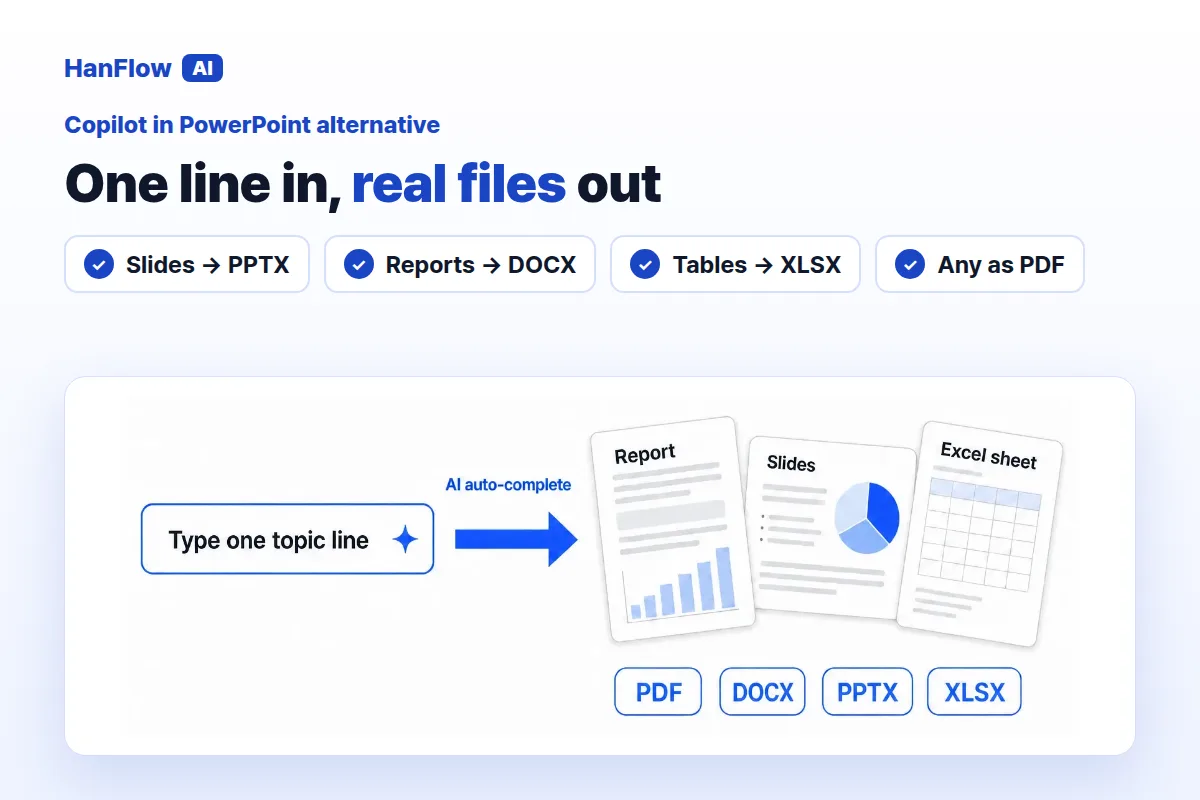
If you want AI to draft a slide deck but don't carry a Microsoft 365 Copilot license, you still have options. Copilot in PowerPoint works inside the app and ties into your organization's templates. HanFlow AI runs on the web, exports to PPTX, DOCX, XLSX, and PDF, and fills your own blank forms — no Copilot license needed.
What Copilot in PowerPoint does
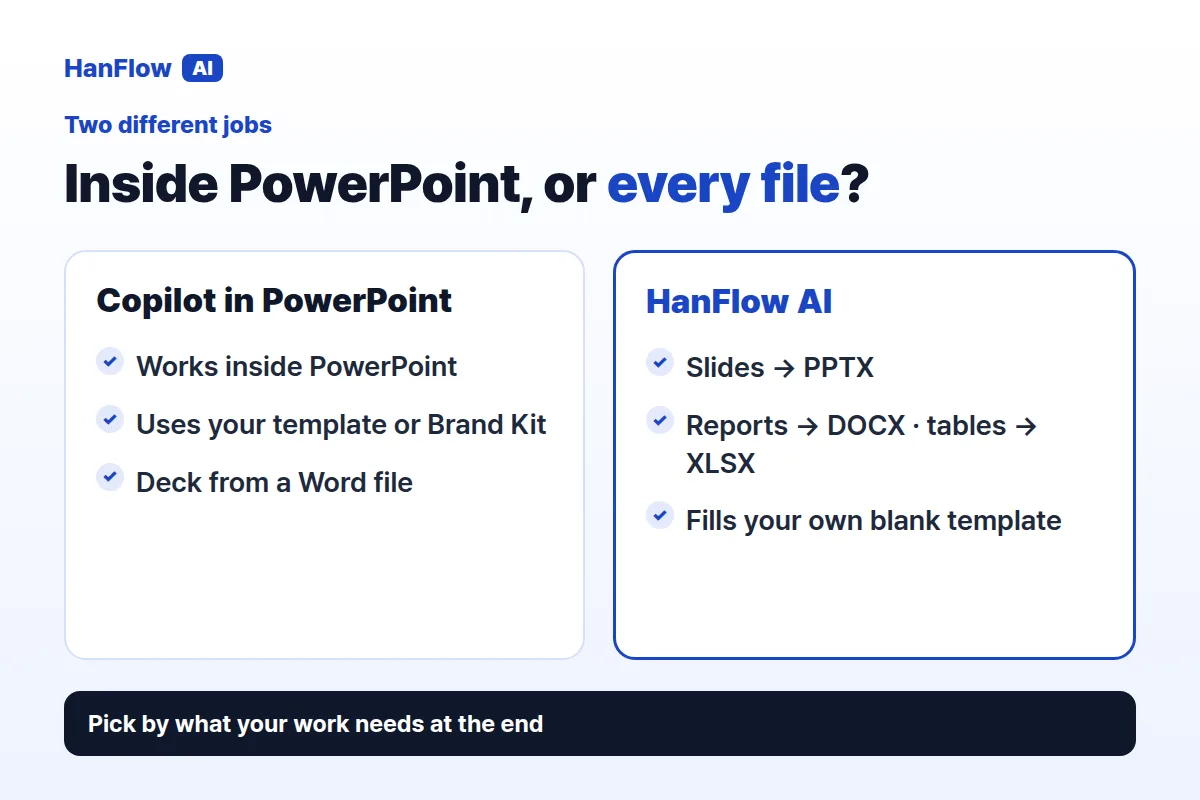
Copilot lives inside PowerPoint. Give it a prompt and it generates a presentation. It can also build a deck from a Word document — one document at a time with Copilot Pro for home. With Microsoft Copilot for work, a PDF can serve as the source too (Microsoft Support, checked October 2026).
Because it sits inside PowerPoint, Copilot picks up your selected template or your organization's Brand Kit. Slides match company branding from the start, keeping the theme and layouts intact.
Beyond drafting, Copilot summarizes a presentation and answers questions about it in chat. It rewrites slide text with auto-rewrite, condense, and make-professional modes, and it suggests design changes.
There are requirements, though. You need a Copilot license, the right app version, network access, and correct privacy settings. It works only with PowerPoint files (.ppt and .pptx) and requires an internet connection. If Copilot doesn't show up in your ribbon, it may not be included with your subscription or allowed by your organization's settings (Microsoft Support, checked October 2026).
What HanFlow AI does
HanFlow AI is a web platform at hanflowai.com. Type a topic and it drafts slides, reports, or tables.
For slides, choose the page count, audience, purpose, and tone. Edit the draft on screen, then export. A built-in document engine writes PPTX, DOCX, XLSX and PDF files, so layouts hold together. Slides, reports and tables come from the same place.
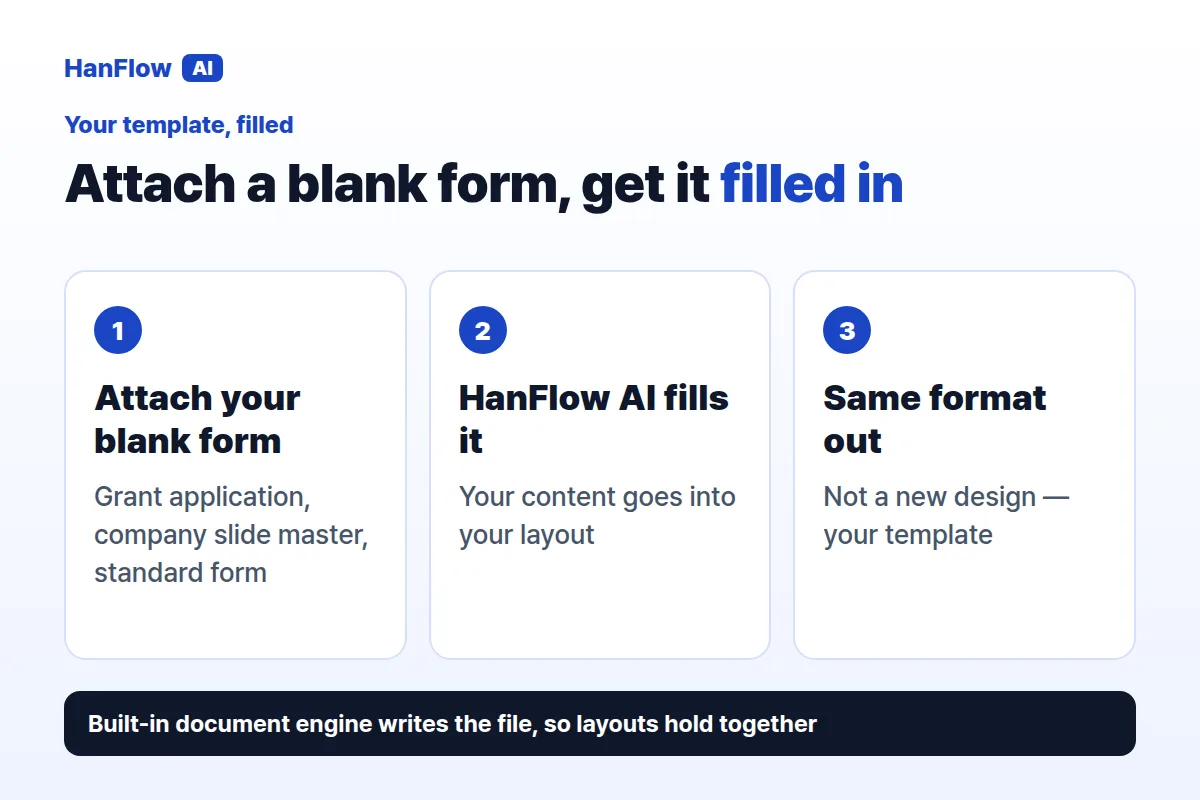
The form-filling feature goes further. Attach one or more blank forms or templates — grant applications, company slide masters, standard forms — and HanFlow AI fills them in the same format. You submit the exact document the recipient expects, not a generic export you have to reformat.
License or pay for what you use
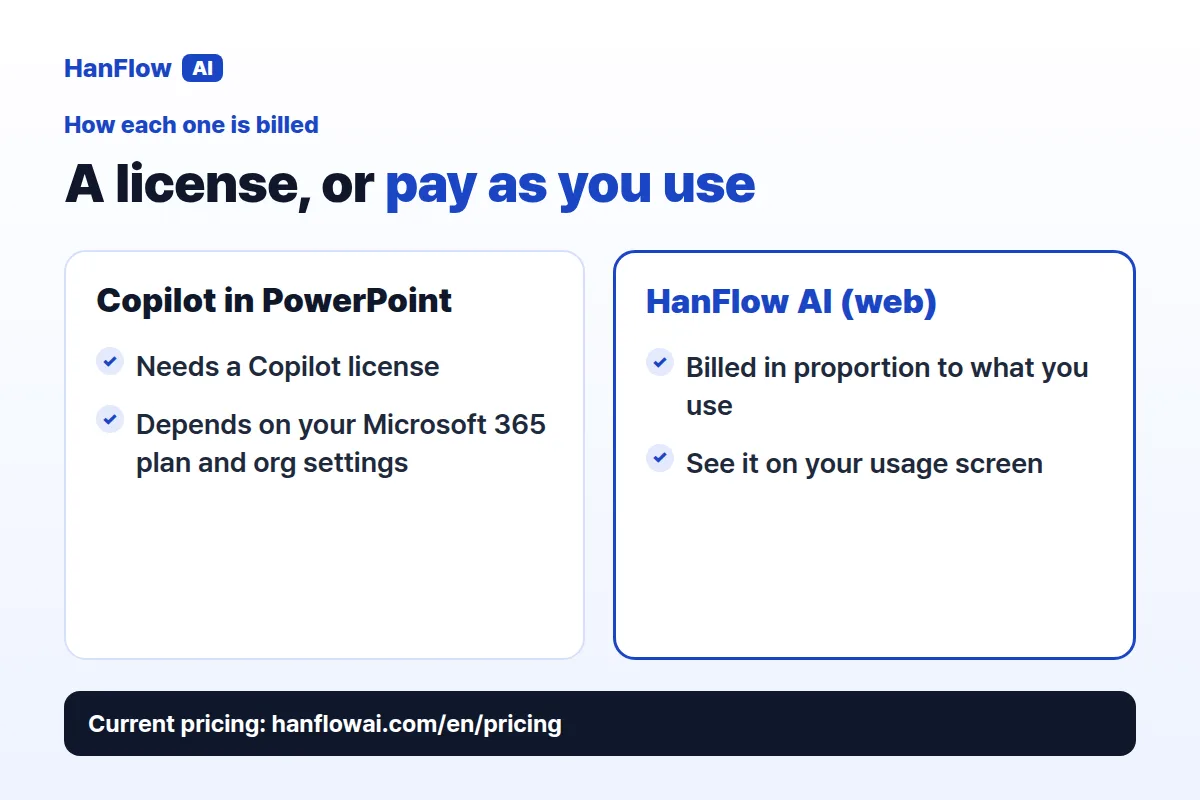
Copilot in PowerPoint requires a Copilot license. The specific requirements include app version, license type, network access, and privacy settings (Microsoft Support, checked October 2026). If your organization hasn't enabled it, the button simply won't appear.
HanFlow AI web usage is billed in proportion to what you use, and you can see it on the usage screen. See the pricing page for current plans.
Who each one fits
Copilot in PowerPoint is the natural pick for teams already deep in Microsoft 365 who have the Copilot license. It shines when your organization uses a Brand Kit or standard templates, because it keeps those layouts without extra steps. Building a presentation from an existing Word document happens right inside PowerPoint.
HanFlow AI suits people who lack a Copilot license, need output beyond slides, or routinely fill blank forms. If your week involves producing decks, reports, and spreadsheets from the same material — or completing grant applications and standard forms — the web-based workflow and multi-format export cut out manual reformatting.
Frequently asked questions
Can HanFlow AI use my own templates?
Yes. Attach one or more blank forms or templates, and HanFlow AI fills them in the same format. This works for grant applications, company slide masters, and standard forms. The output matches the layout you uploaded.
Does Copilot in PowerPoint handle files other than .ppt and .pptx?
Copilot works only with PowerPoint files (.ppt and .pptx) and needs an internet connection (Microsoft Support, checked October 2026). It can create a presentation from a Word document or PDF, but the result is always a PowerPoint file.
Do I need to install software to use HanFlow AI?
No. HanFlow AI runs as a web platform: open hanflowai.com in a browser, type your topic and export the file.