How to Build a Slide Deck Without Starting From a Blank Page
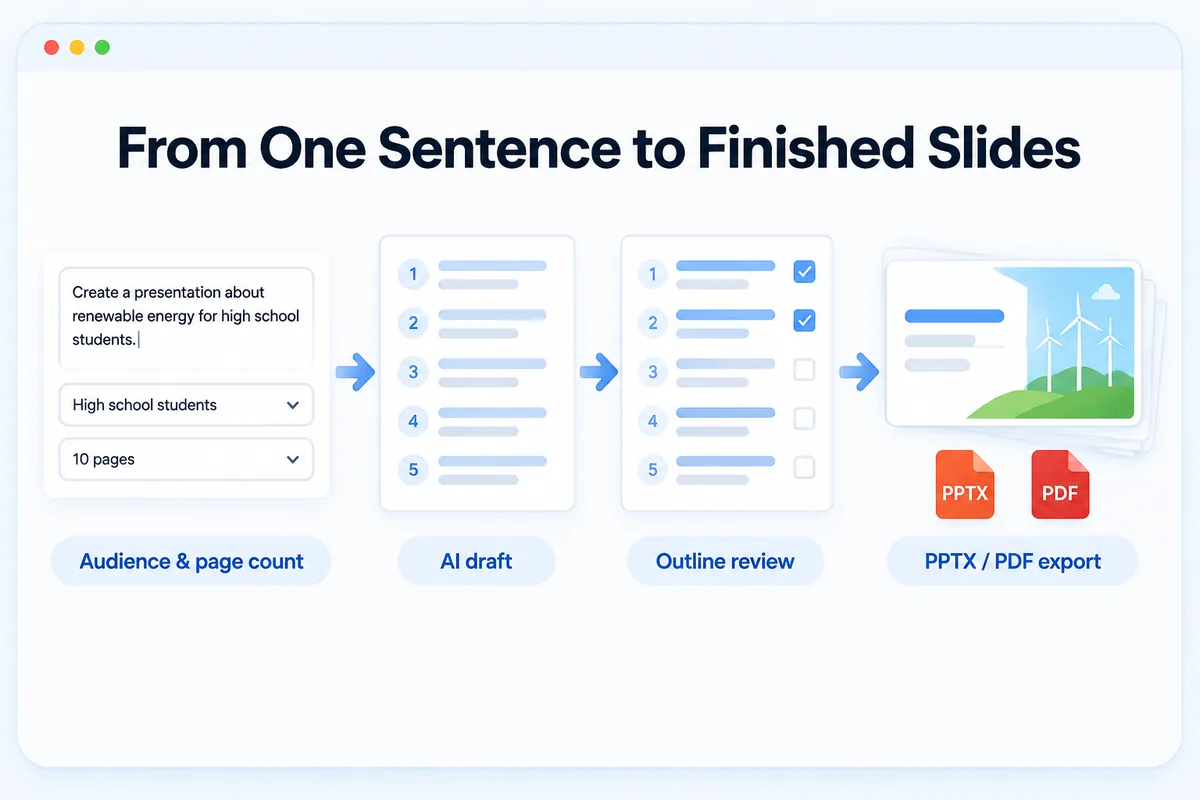
It is the night before your presentation. The agenda is set, the room is booked, and slide one is still blank. The cursor blinks on a white rectangle, waiting for you to type something brilliant. Most people lose an hour right here, toggling between layouts and color swatches before they have written a single sentence.
Decide who is listening and how long you have
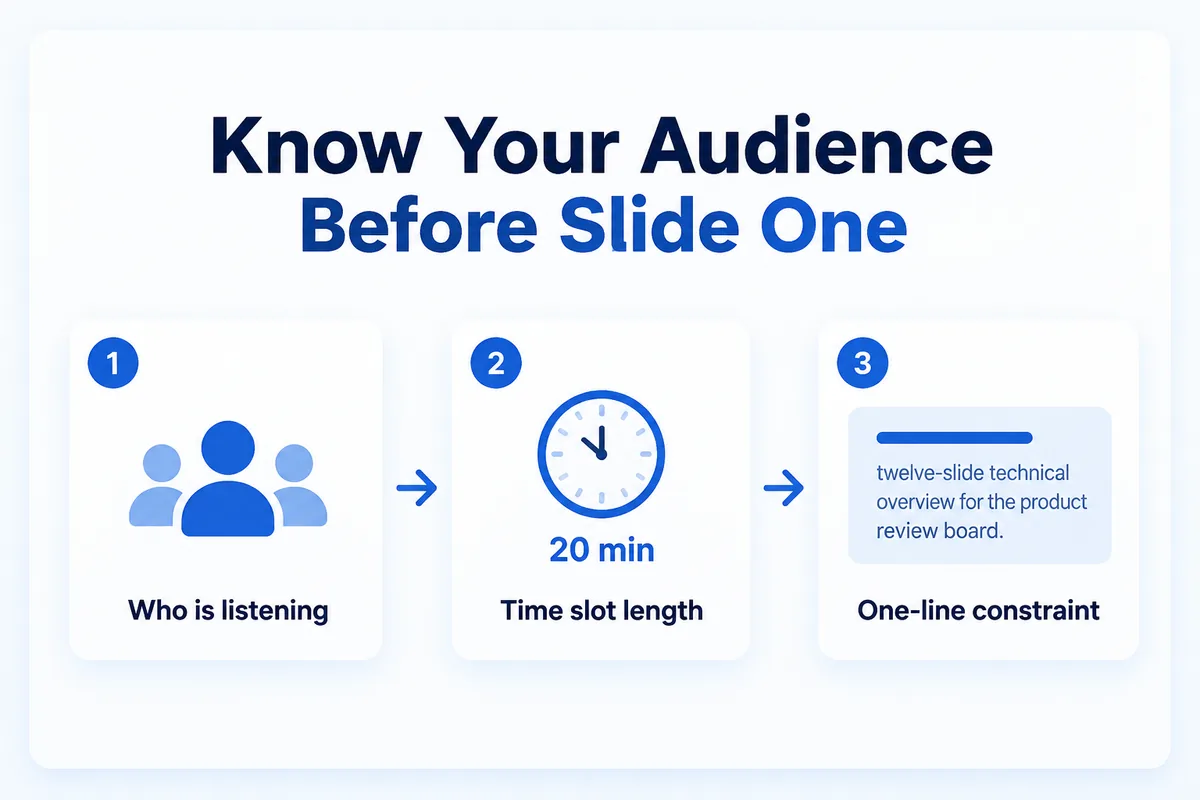
Start with two questions, not with a slide. Who will be in the room, and how much of their time do you get?
A fifteen-minute update for your own engineering team needs a different density than a thirty-minute pitch to a potential partner. The audience decides the vocabulary; the time slot decides the page count. A rule of thumb is one to two minutes per slide, so a twenty-minute talk lands somewhere around twelve to fifteen pages. Getting this wrong means either rushing through walls of text or padding thin ideas with clip art.
Write the answers down in one line: "twelve-slide technical overview for the product review board." That sentence becomes your constraint for every decision that follows. It keeps you from drifting into a forty-page document when all you needed was a concise status report.
Give the tool one line and a page count
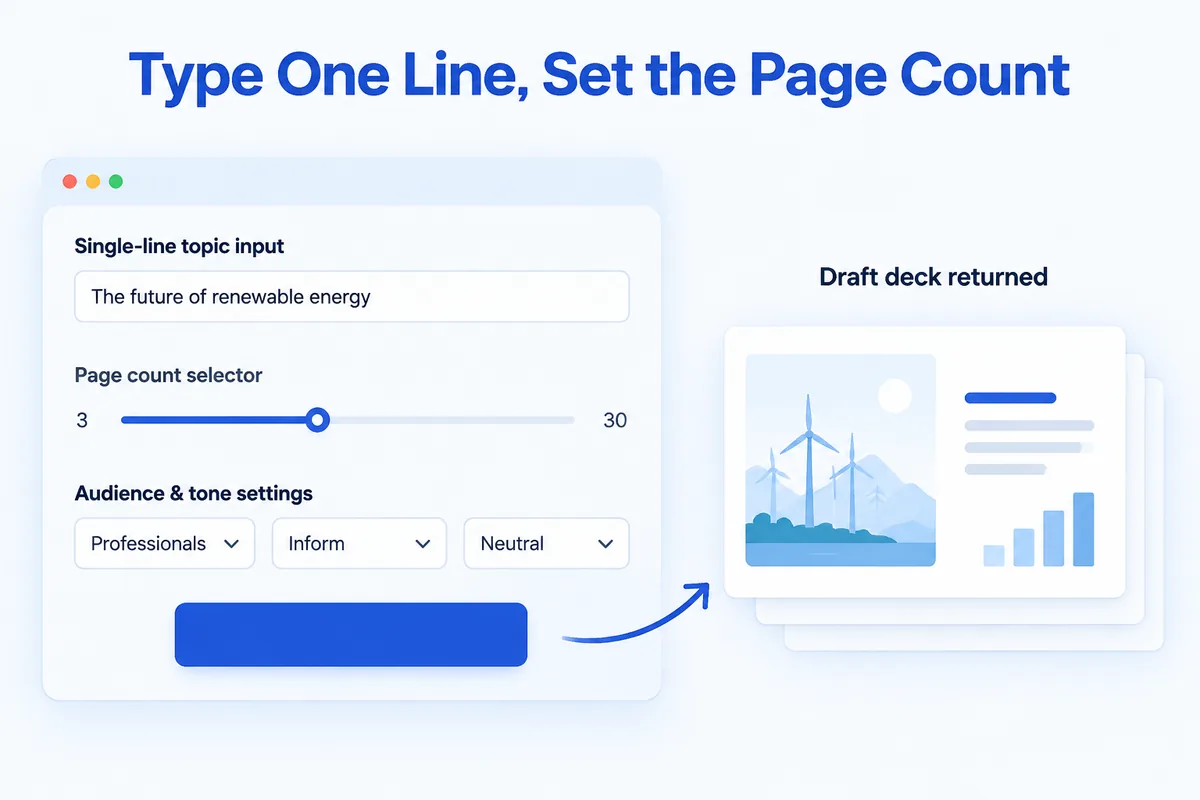
Once you know the audience and the length, hand both to an AI slide generator instead of staring at the blank canvas yourself.
In a tool like HanFlow AI, you type a single line describing the topic, then set the page count — anywhere from three to thirty. You also select the audience type, the purpose of the talk, the setting, and the tone you want. That is the entire input. The tool returns a draft deck, not a finished product, but a starting structure that already has sections, headings, and placeholder content arranged in a logical order.
The value is not in the generated text itself. It is in skipping the hardest part of any creative task: the first draft. A mediocre first draft you can fix is always more useful than a perfect slide you have not started.
Fix the outline before you fill the slides
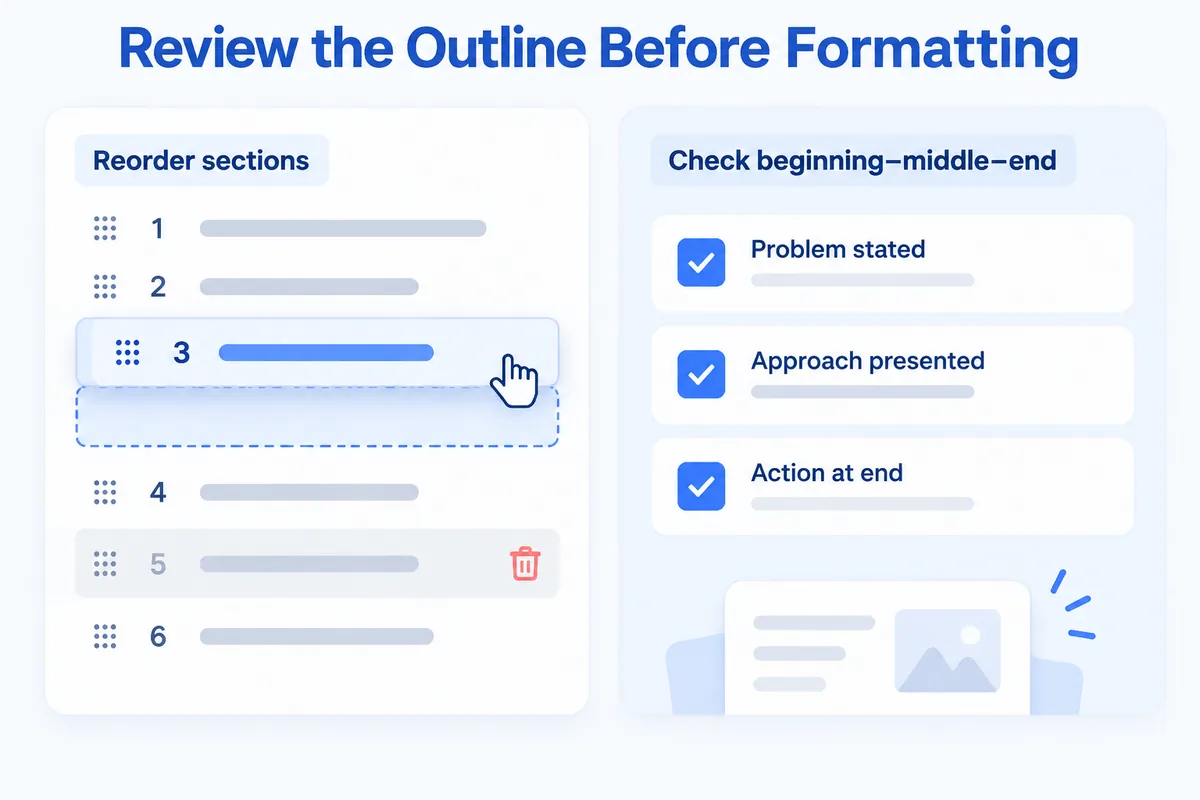
Resist the urge to jump into individual slides the moment the draft appears. Read the outline first.
HanFlow AI shows you the outline the AI produced before you commit to a template, giving you a chance to reorder sections, remove what does not belong, or add a topic the tool missed. This is the cheapest place to make structural changes. Moving a section at the outline stage takes a few seconds. Moving it after you have formatted twelve slides with icons and charts takes much longer and usually leaves behind orphaned transitions and broken numbering.
Check for three things at this stage. Does the flow match the way your audience thinks? Is there a clear beginning that states the problem, a middle that presents your approach, and an end that tells people what to do next? If any section exists only because it "seems like it should be there," cut it. Every slide that survives the outline review should earn its place by advancing the argument.
Attach your own material so the deck sounds like your team
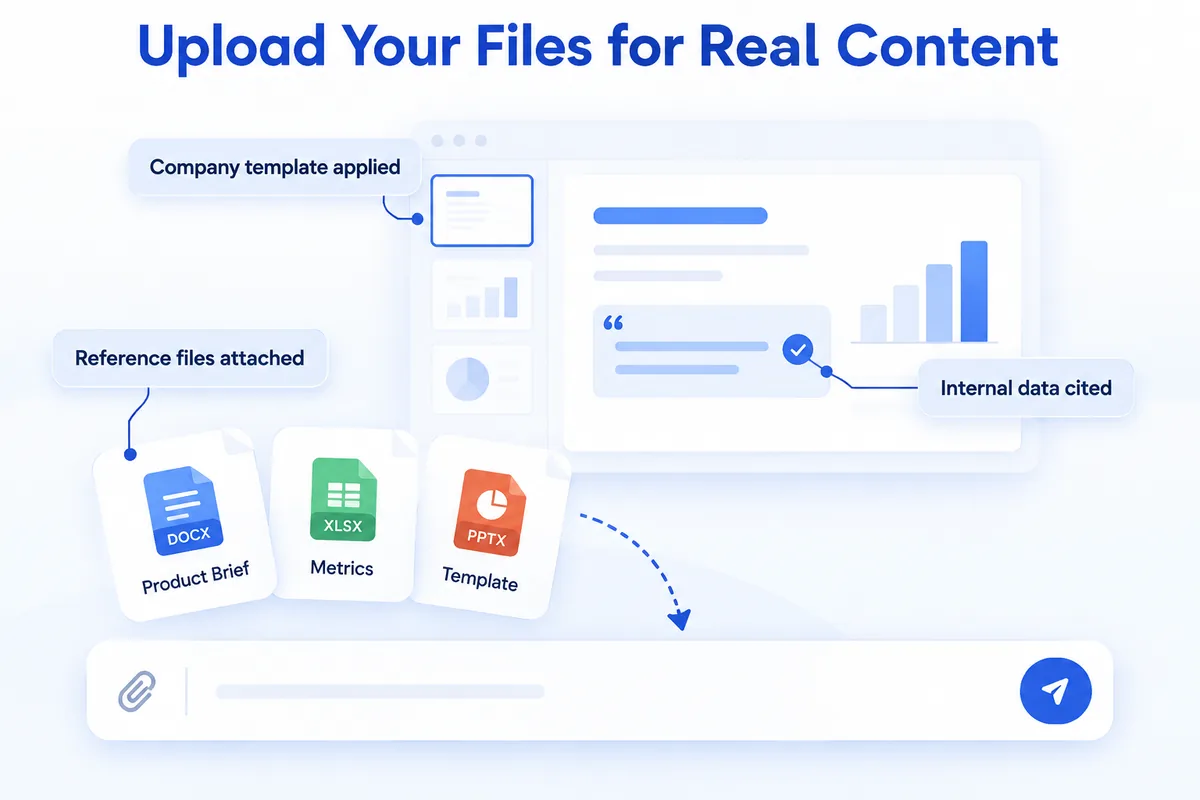
A generated deck that uses only the tool's general knowledge will read like a Wikipedia summary. It will be correct enough, but it will not sound like your team or reference your data.
Upload your reference files — a product brief, a research summary, internal metrics — so the content draws from material you already trust. HanFlow AI's advanced mode reflects attached reference files and can even follow your own company PowerPoint template, so the deck follows the look your team already uses instead of a generic theme. The difference between a generic deck and one built on your own documents is the difference between a stranger's opinion and a colleague's memo.
This step also solves the credibility problem. When a slide cites a number your audience has seen in an internal report, they trust the rest of the deck more. When it cites a number that seems to come from nowhere, they spend the Q&A asking where you got it.
Leave the design for last
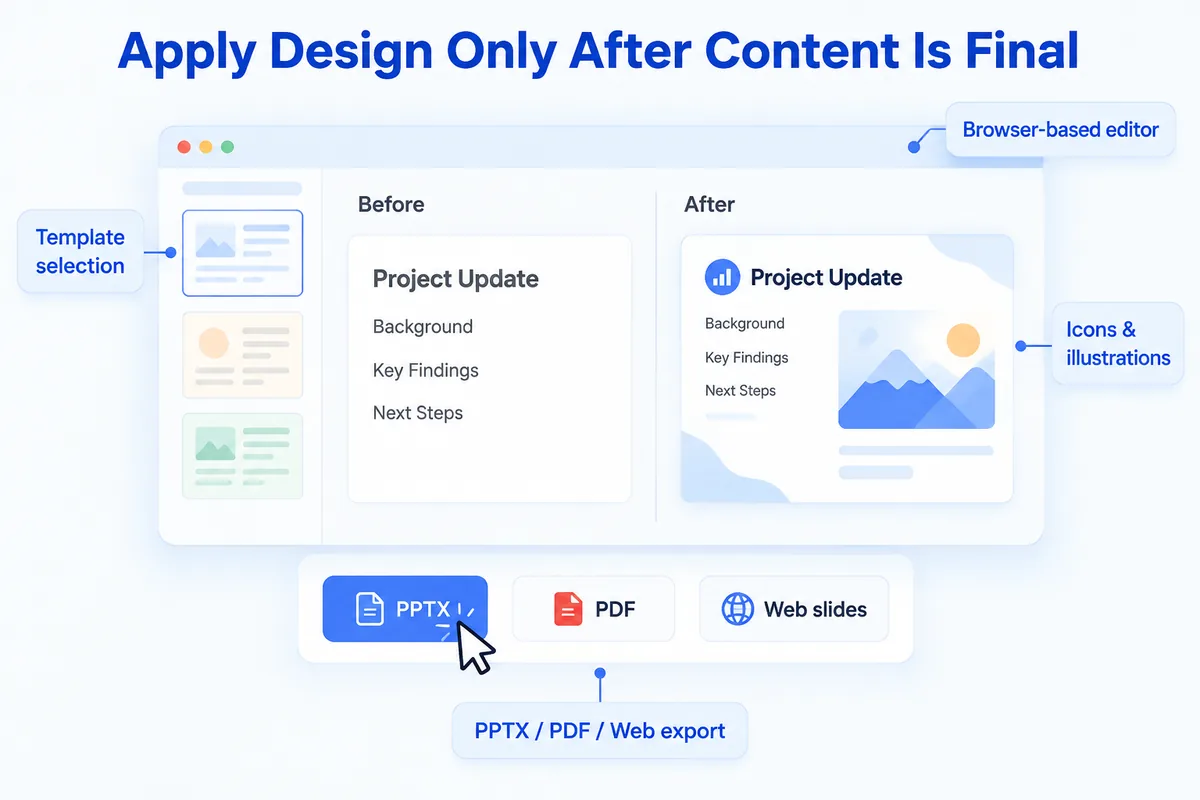
Design is important, but it is the final layer, not the foundation. Picking a template before the content is stable leads to rework every time you change a heading or swap two sections.
Once the outline is locked and the content reflects your material, choose a template. Then use the browser-based editor to adjust what needs adjusting. You can drop in illustrations, icons, and shapes directly in the editor — no software to install. The tool matches images automatically from a large library, which handles most visual needs without a manual search. If your slides include technical content, complex equations and specialized typography render correctly, so you are not replacing symbols with screenshots at the last minute.
When the deck looks right, export it in the format your situation requires: PPTX if you will present from PowerPoint, PDF if you are sending a read-ahead, or web slides if the audience will view it in a browser. The point is to reach the export button with your evening still intact.
The blank slide problem is not really about slides. It is about sequence. Decide the audience, generate a draft, fix the structure, feed it your own material, then design. Each step is small, and none of them requires you to invent a layout from nothing. If you want to try the workflow yourself, HanFlow AI lets you go from a single sentence to an editable deck in a few minutes — enough time to rehearse before the morning.