How to Respond to Reviewer Comments With AI (Point-by-Point Draft)
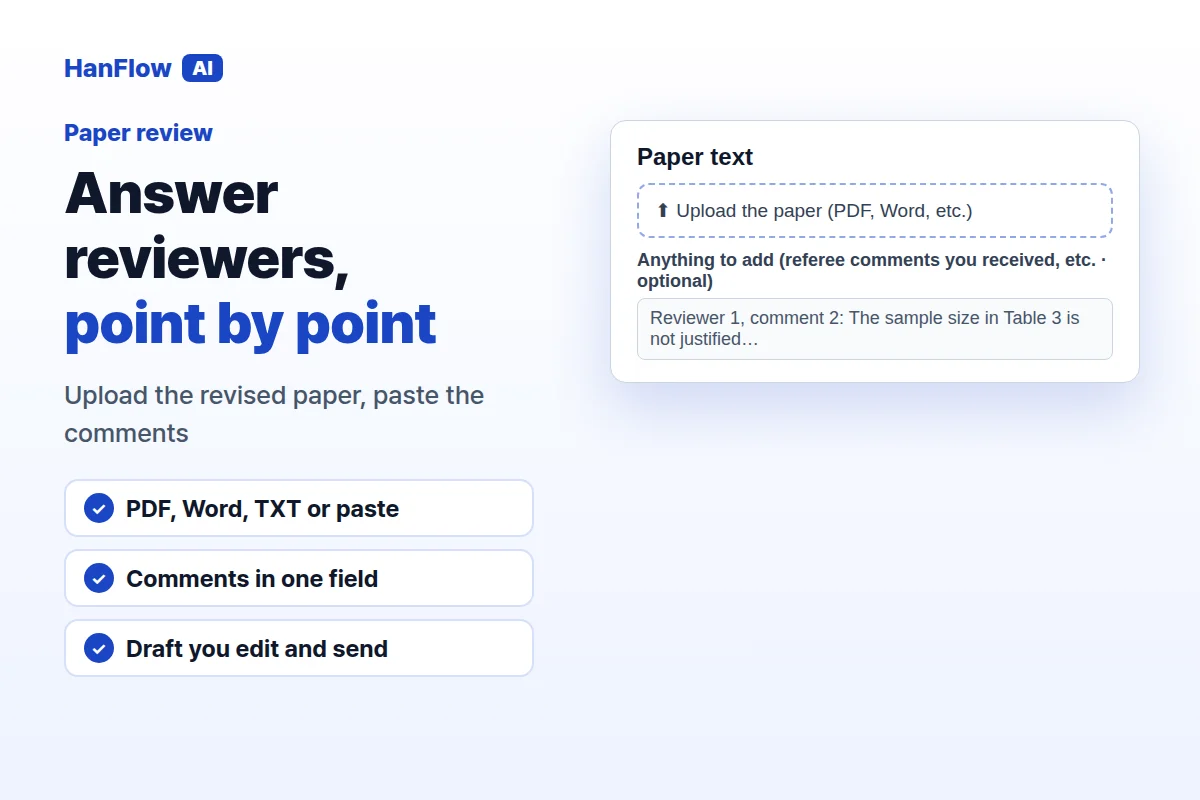
The revision is done. Now you need to write the response letter — the one where you address every reviewer comment, explain what you changed, and justify anything you left as-is. The writing itself is not the hard part. Keeping track of which point you accepted, which you pushed back on, and making sure you never overstate a revision is. HanFlow AI's Paper review tool drafts that letter for you, point by point, from your paper and the comments you paste in.
Paste the Paper and the Comments
Open the Paper review tool and upload your revised manuscript under Paper text — it accepts PDF, DOC/DOCX, TXT, and MD. You can also paste the full text into the box instead. Below the paper, find the field Anything to add (referee comments you received, etc. · optional) and paste the reviewer comments there, up to 4,000 characters. If the comments came as a PDF, copy the text out first. The tool needs both pieces — the revised paper to know what you actually wrote, and the comments to know what each reviewer asked.
Press Draft Response to Reviewers
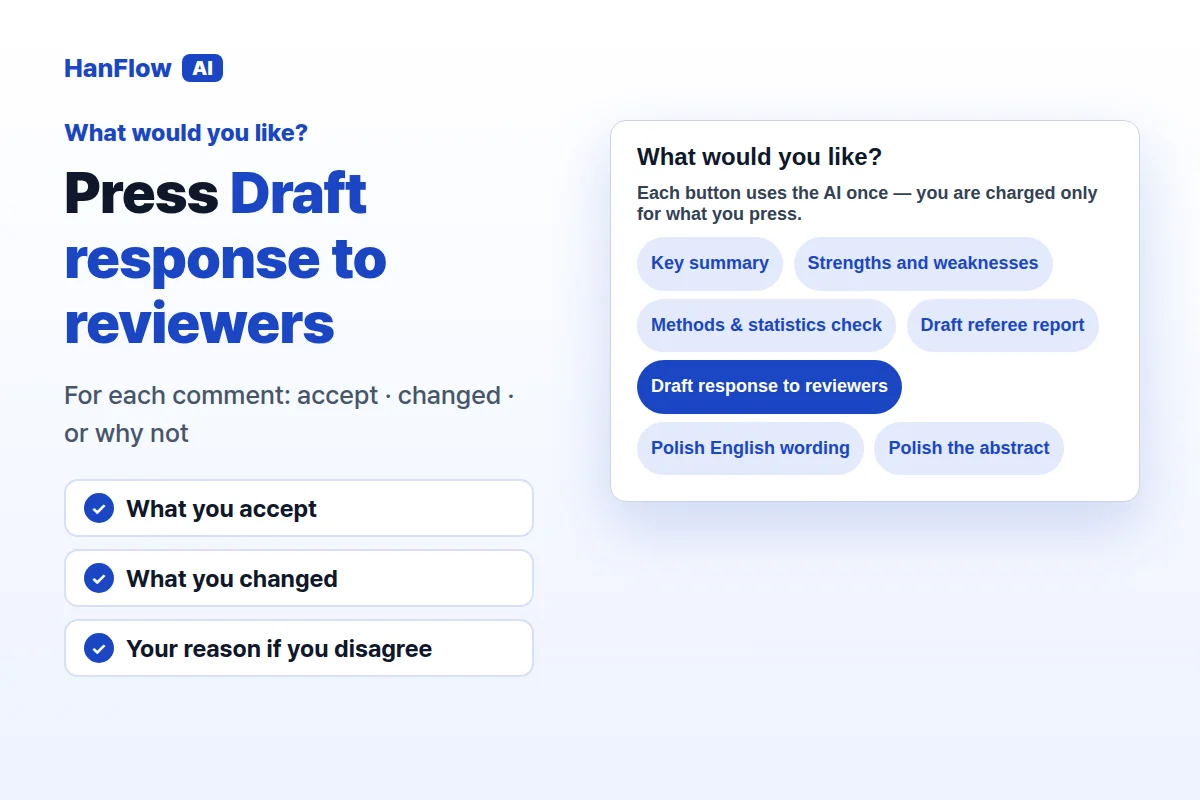
Under What would you like?, press Draft response to reviewers. The tool goes through each comment and writes a reply structured around three things: what you accept, what you changed, and — if you disagree — the reason, stated politely but grounded in evidence from the paper. The result appears in the Review section with a Copy button. Each button uses the AI once, and you are charged only for what you press. If you want to check the cost beforehand, use the See the cost link — it shows the credits and how many characters will be read before you run anything.
It Won't Claim Changes You Didn't Make
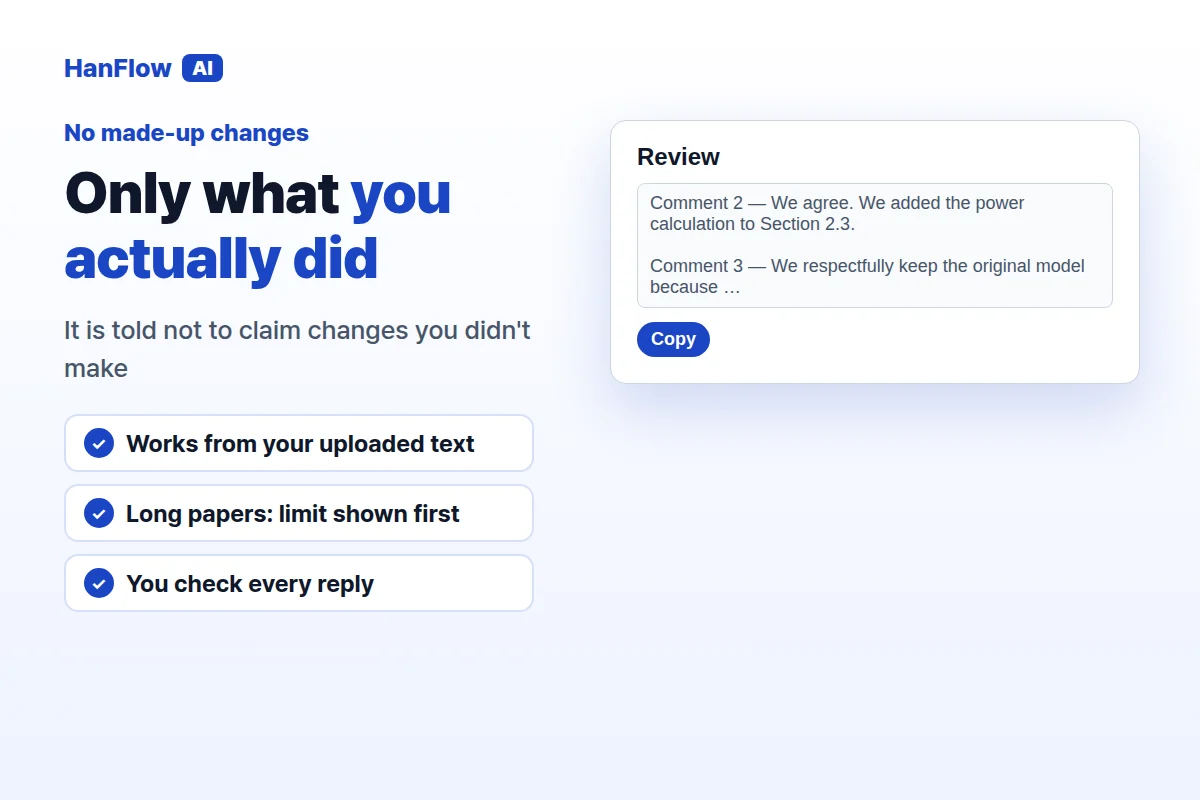
A response letter that says "we revised the analysis" when you did not is worse than no letter at all. The tool is instructed not to claim you changed something you didn't. It works from the text you uploaded — not from a guess about what a revised version might look like. There is a size limit: only the first 60,000 characters of your paper are reviewed. The page warns you before you press a button that the rest will not be read, and the result says again how much of the paper it was written from. If your manuscript is longer, consider uploading the sections the reviewers commented on rather than the entire file.
Other Buttons for the Same Paper
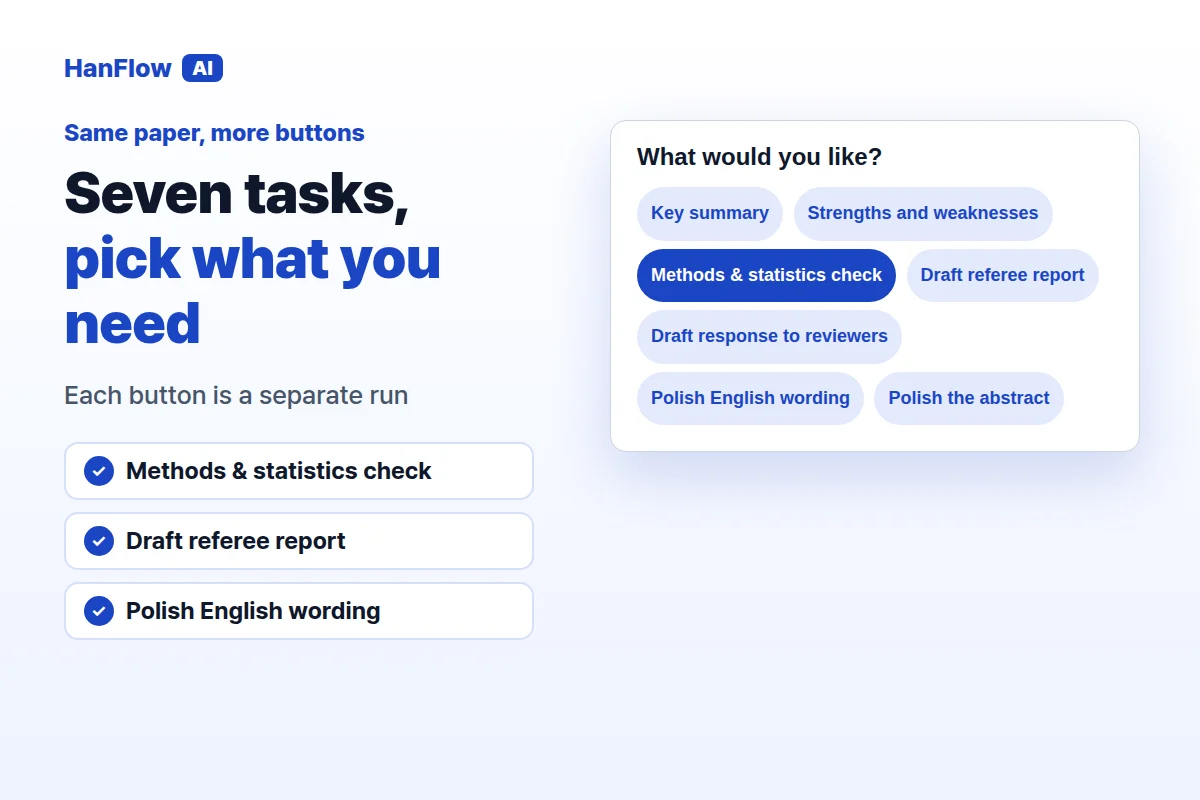
Once your paper is loaded, the other buttons are available without uploading again. Key summary condenses the paper. Strengths and weaknesses lists both sides. Methods & statistics check looks at sample size, controls, test assumptions, multiple-comparison correction, and missing-data handling — and says "not stated" when the paper is silent. Draft referee report produces a summary, numbered major and minor comments, and a recommendation with grounds. Polish English wording rewrites for academic style and shows original-to-revised pairs without changing the content. Polish the abstract restructures it into background, aim, method, result, and conclusion — if there is no abstract, it builds one from the body and says so. Each button is a separate run, so you use only what you need.
Before You Send the Letter
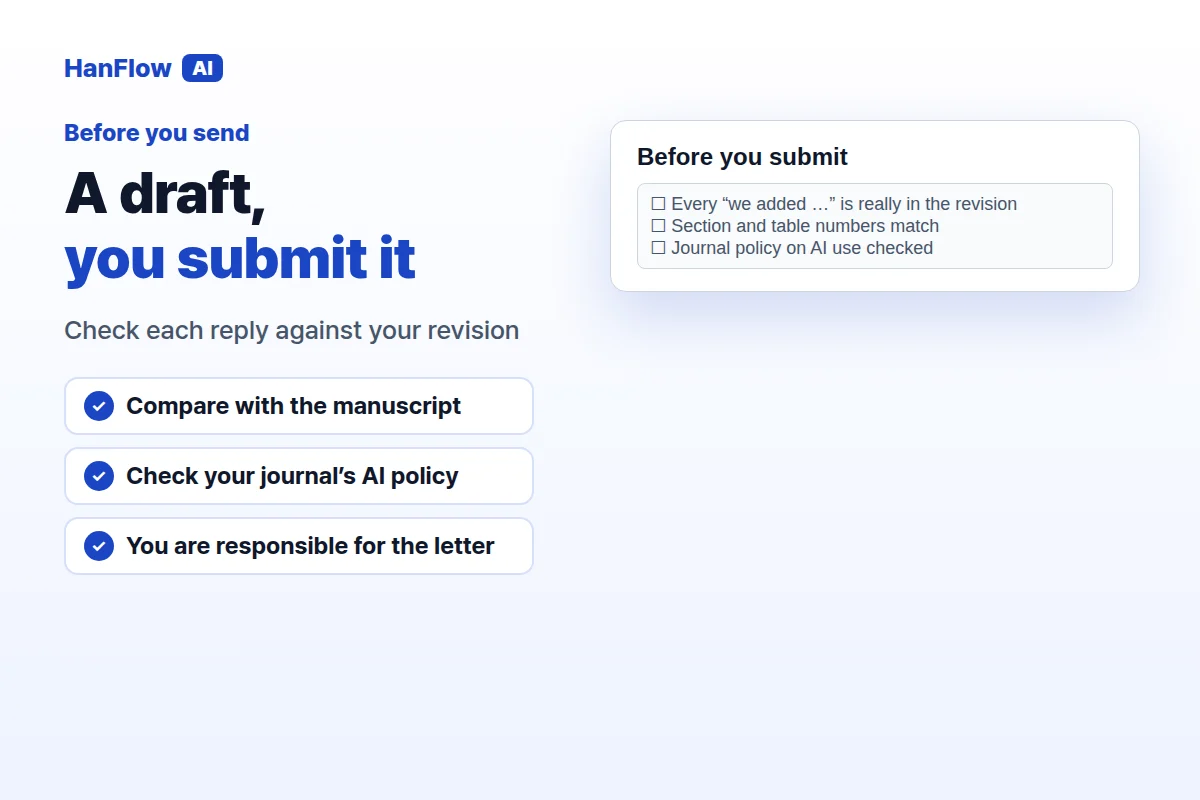
The draft is a starting point. Read every reply against the actual revision you made. If the tool says you added a sensitivity analysis, confirm that you did — and that it is where you think it is. Figures and citations that are not in the text will not be invented, and where something cannot be verified the tool says so, but you are responsible for what you submit. Journal policies on AI use vary; check yours before you include an AI-drafted letter in your submission. The tool does not send anything to a journal — you copy the text, revise it, and submit it yourself.
Frequently asked questions
Do I need to install anything?
No. The tool runs in the browser at hanflowai.com. Sign in and open Paper review — nothing to download.
Can I paste the reviewer comments as a screenshot?
The Anything to add field accepts text, not images. Copy the comments from the PDF or email and paste them as plain text. The limit is 4,000 characters; if the comments are longer, focus on the ones that need a detailed reply.
What if my paper is longer than 60,000 characters?
The tool reads only the first 60,000 characters and tells you so before you run. For a targeted response letter, paste or upload the sections the reviewers referenced rather than the full manuscript.
Does the tool guarantee my paper will be accepted?
No. It drafts a response letter. Whether the journal accepts the revision depends on the revisions themselves, the reviewers' judgment, and editorial decisions that no tool can control. Check every reply against your actual manuscript before you submit.