Prezi Alternative: When You Need Files, Not Just a Link
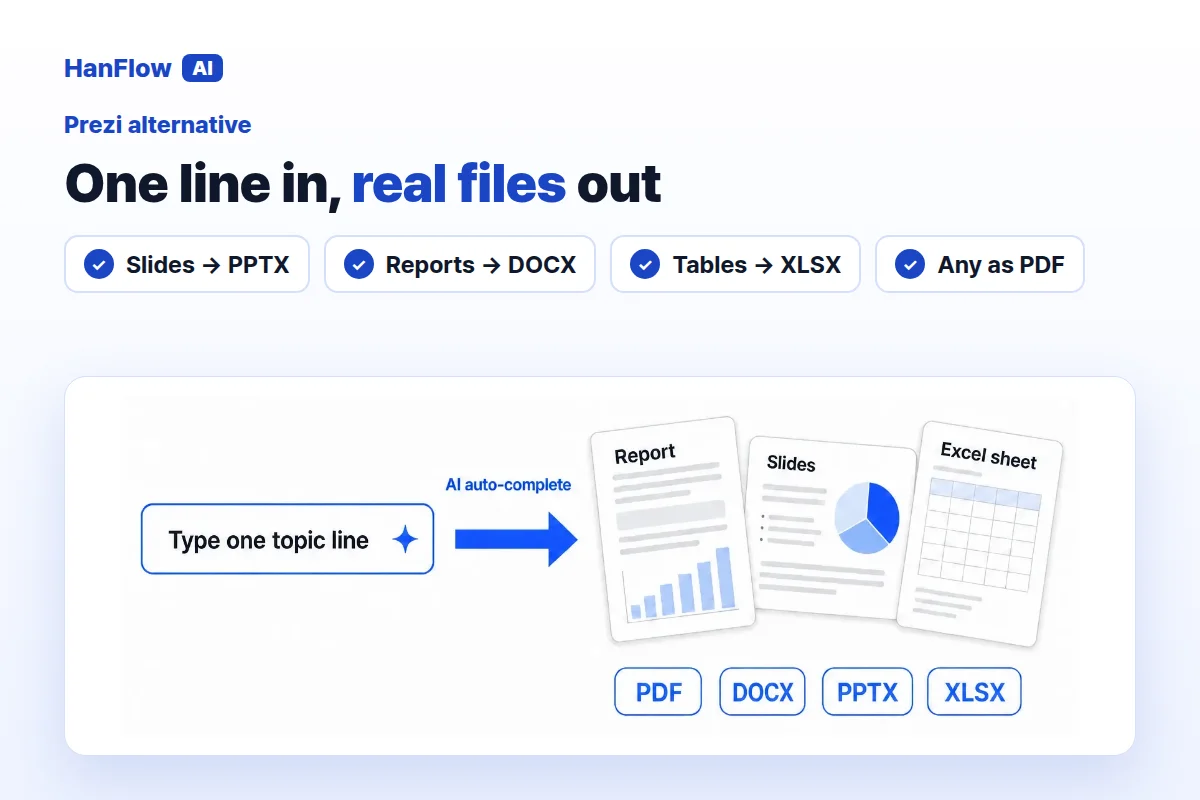
Prezi lets you create presentations, videos and infographics on one platform. If your work is presented live, shared by link or recorded, it is worth a serious look. If some jobs call for a Word report, an Excel table, or a form you already have on file, HanFlow AI may be a better fit. Here is how the two compare.
What Prezi offers
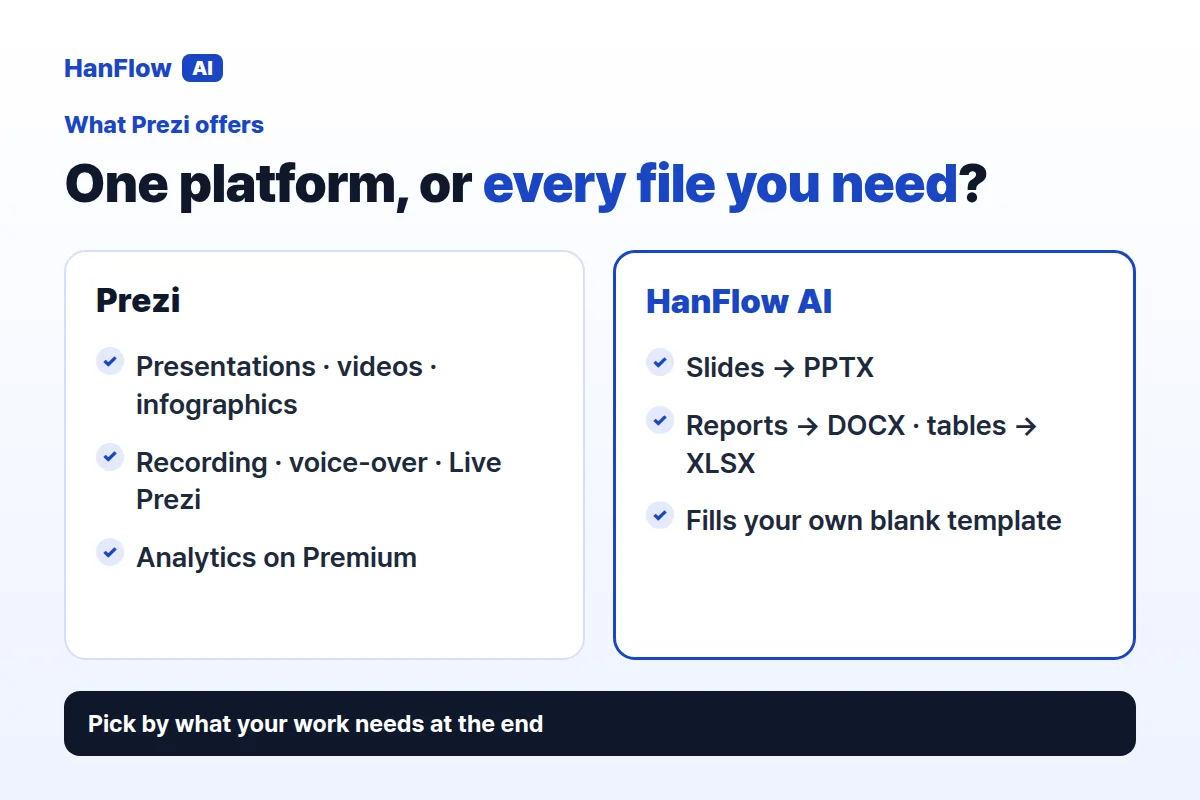
Prezi offers three individual plans—Standard, Plus and Premium—billed annually. Each plan comes with a trial you can start from the pricing page.
Standard includes a limited Prezi AI credit allowance. Plus and Premium unlock unlimited Prezi AI and add features that matter for anyone who presents regularly: presentation recording, presenter view, voice-over, smart branding, portable presentations and Live Prezi for remote presenting. Plus also lets you import existing PowerPoint files through its PowerPoint converter, access premium images and export to PDF. Premium adds presentation analytics and priority support on top of everything in Plus.
Across the plans, sharing comes with privacy controls and controllable share links. The export format listed on the pricing page is PDF, available from Plus upward. The page does not mention Word or Excel outputs (Prezi pricing page, checked November 2026).
What HanFlow AI does
HanFlow AI is a web platform at hanflowai.com. Type a topic and it drafts slides, reports or tables. For slides, you choose the page count, audience, purpose and tone, then edit the draft before exporting.
Slides export as PPTX, reports as DOCX, tables as XLSX, and any of them as PDF. A built-in document engine produces each file, so layouts hold together when you open them.
A shared link and PDF, or editable files
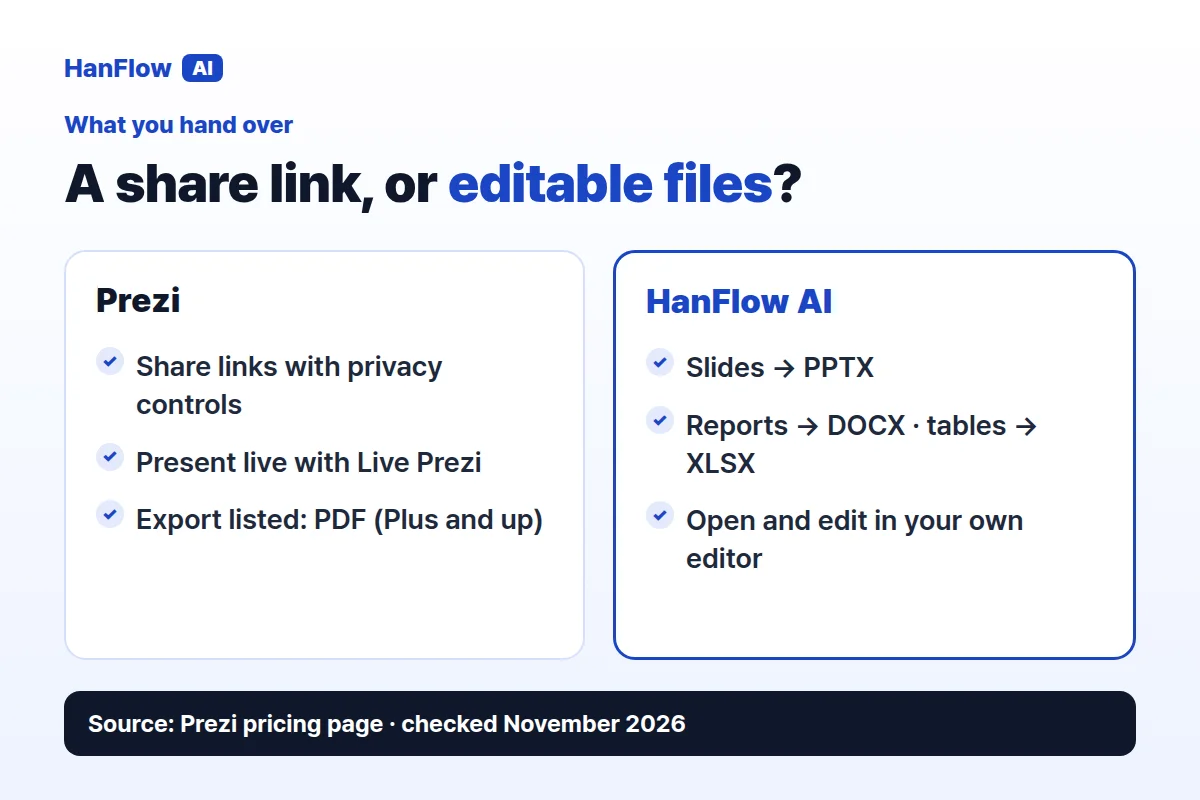
With Prezi, you share a presentation through controllable share links with privacy settings, present it live with Live Prezi, or export it as a PDF. The PowerPoint converter works in the other direction—it imports an existing PowerPoint file into Prezi (Prezi pricing page, checked November 2026).
HanFlow AI produces editable files. Slides come out as PPTX you can open in PowerPoint, reports as DOCX and tables as XLSX. If a colleague needs to revise the file in their own editor, they can.
AI credits by plan, or pay for what you use
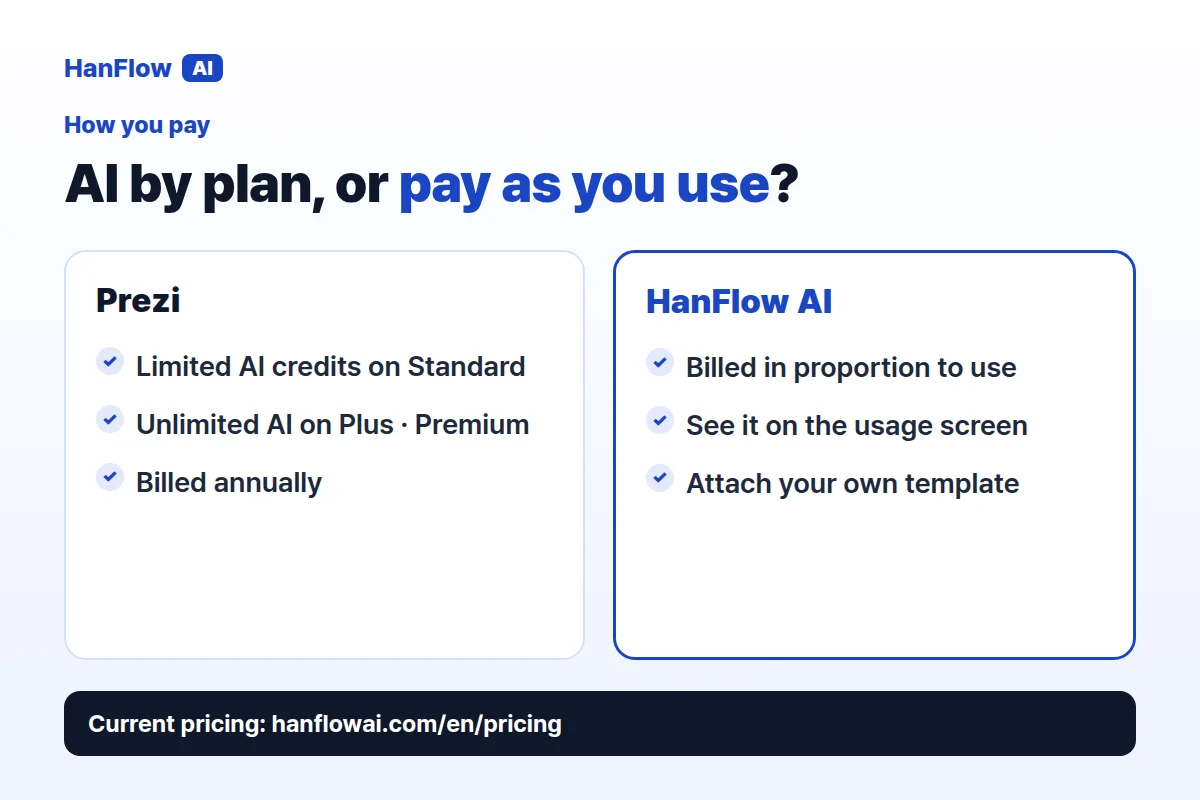
Prezi bundles AI into its plan tiers. Standard gives you a limited credit allowance for Prezi AI. Plus and Premium include unlimited Prezi AI. Each plan is billed annually, and each offers a trial (Prezi pricing page, checked November 2026).
HanFlow AI bills web usage in proportion to what you use, and you can see it on the usage screen. See the pricing page for current details.
Who each one fits
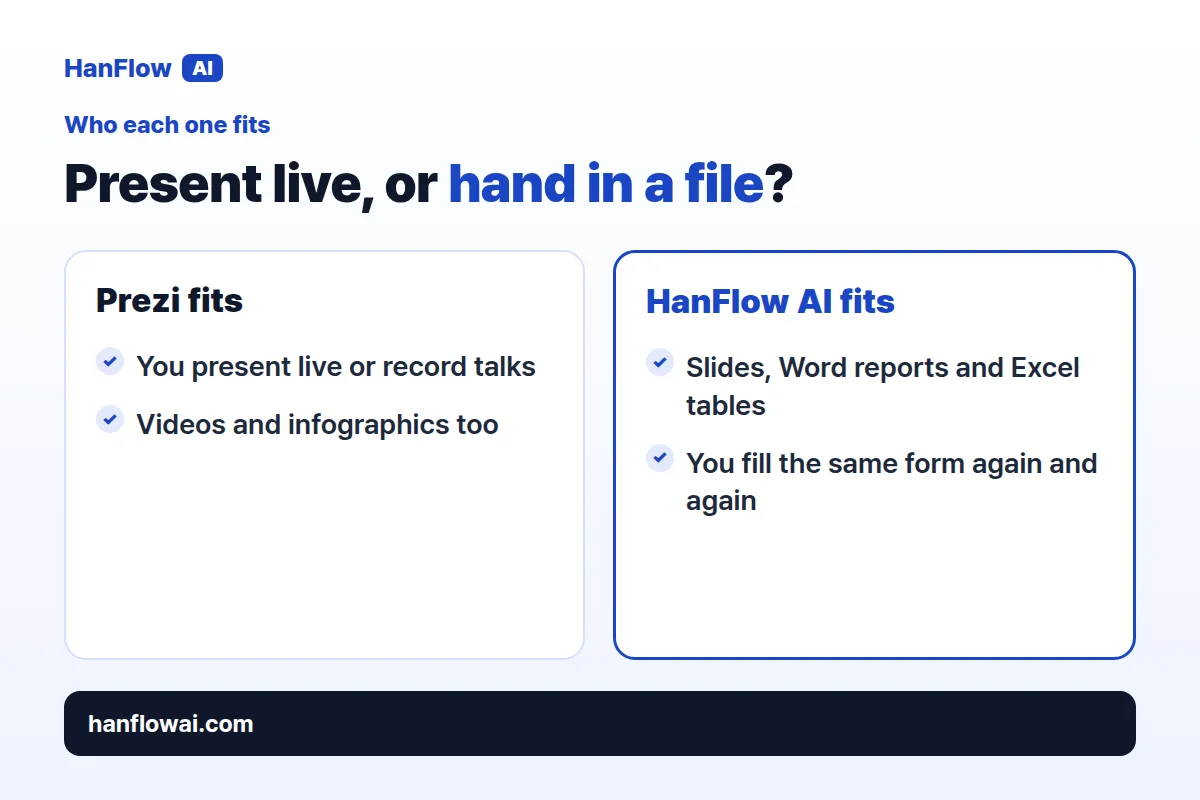
Prezi suits people who present live, record presentations, and want to create videos and infographics in the same place. Live Prezi, voice-over and presentation analytics make it particularly useful for speakers and teams that want to track how their presentations perform.
HanFlow AI suits people whose deliverable is not always a presentation. If one job needs slides, the next a Word report and the next an Excel table—or you keep filling the same official form—you can do all of it in one place.
Frequently asked questions
Does Prezi export PowerPoint files?
The pricing page does not list one. Prezi's PowerPoint converter imports existing PowerPoint files into Prezi, and the export format listed on the pricing page is PDF, available from Plus upward. The page does not mention PPT, Word or Excel as export options (Prezi pricing page, checked November 2026).
Can HanFlow AI use my own slide master or form?
Yes. Attach a blank form or template—a company slide master, a grant application, a standard report—and HanFlow AI fills it in the same format.
How is HanFlow AI billed?
Usage-based, in proportion to what you use. See the pricing page for current plans.