Copilot in Word Alternative: Reports, Decks and Tables From One Line
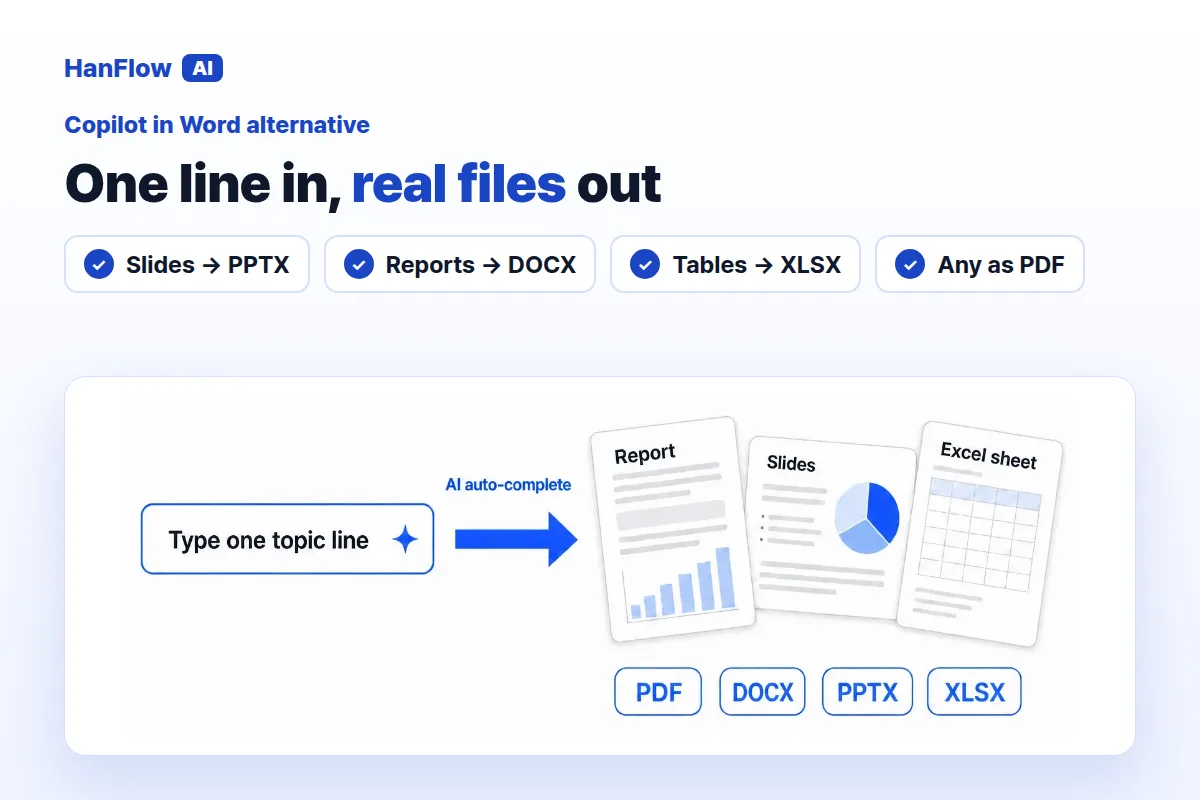
Copilot in Word is Microsoft's AI assistant built into Word for Microsoft 365. It drafts, rewrites and organizes text right where you already work. If your output is always a Word document, it is a strong choice. If you also need slide decks, Excel tables, or filled-in forms from the same prompt, HanFlow AI may be a better fit. Here is how the two compare.
What Copilot in Word does
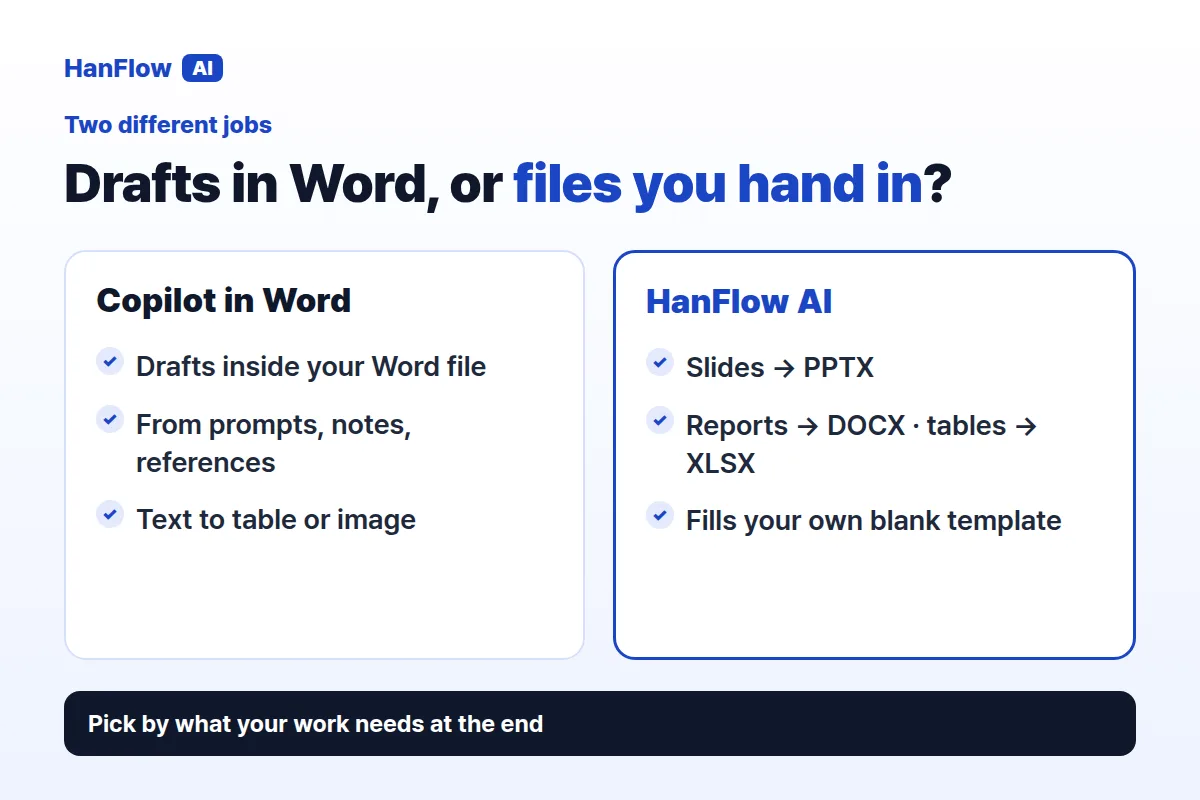
Copilot in Word creates a first draft from a simple request, a detailed prompt, an outline, notes, or reference files. You can point it to a specific source file, or it draws on context based on your prompt and permissions. It also turns selected text into a table or image (Microsoft Support, checked November 2026).
The output lives in the Word document you are working in. That tight integration is its strength: you stay inside Word, and Copilot handles the drafting. Microsoft advises reviewing and verifying facts, numbers, citations and names before sharing (Microsoft Support, checked November 2026).
What HanFlow AI does
HanFlow AI is a web platform at hanflowai.com. Type a topic and it drafts slides, reports or tables. For slides you choose the page count, audience, purpose and tone, then edit the draft before exporting.
Slides export as PPTX, reports as DOCX, tables as XLSX, and any of them as PDF. A built-in document engine produces each file, so layouts hold together when you open them.
A Microsoft 365 plan, or pay for what you use
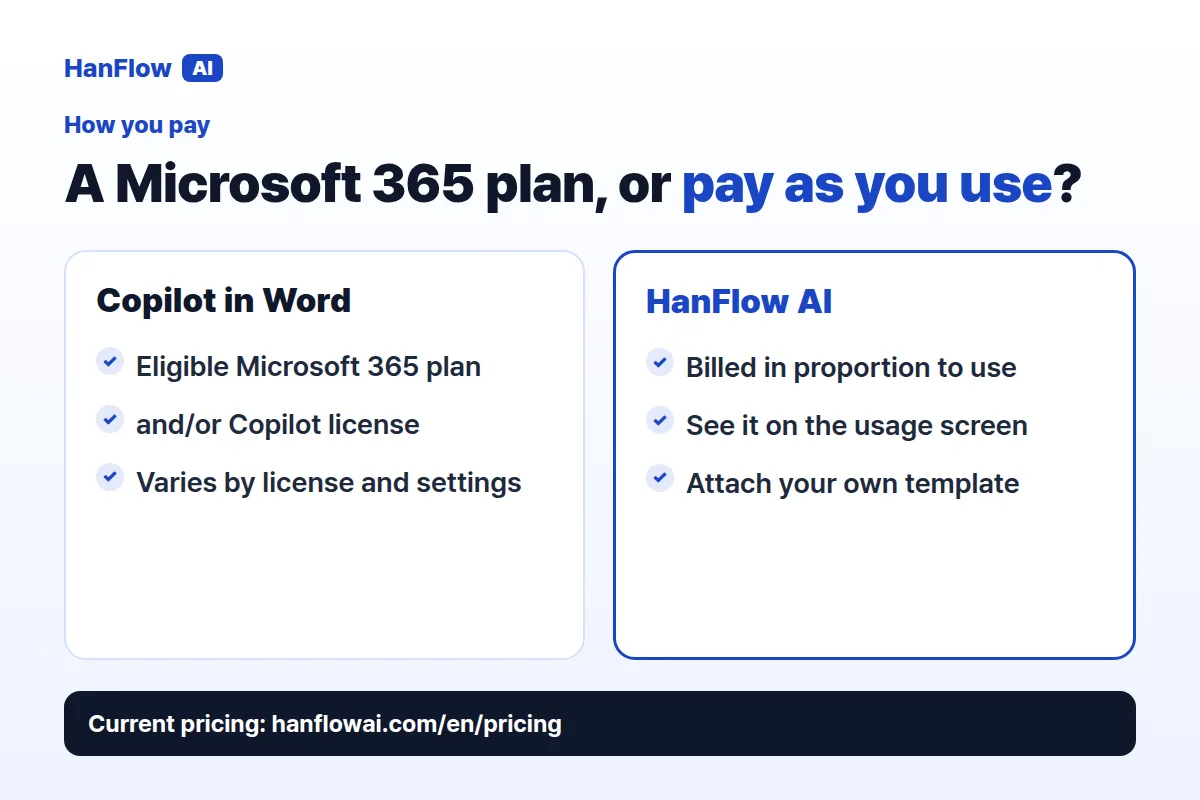
To use Copilot in Word you need an eligible Microsoft 365 subscription and/or a Microsoft 365 Copilot license. Availability depends on platform—Windows, Mac, Web or iPad—and some features are rolling out gradually, varying by license and organization settings (Microsoft Support, checked November 2026).
HanFlow AI bills web usage in proportion to what you use, and you can check it on the usage screen. See the pricing page for current details.
Your own form, filled in
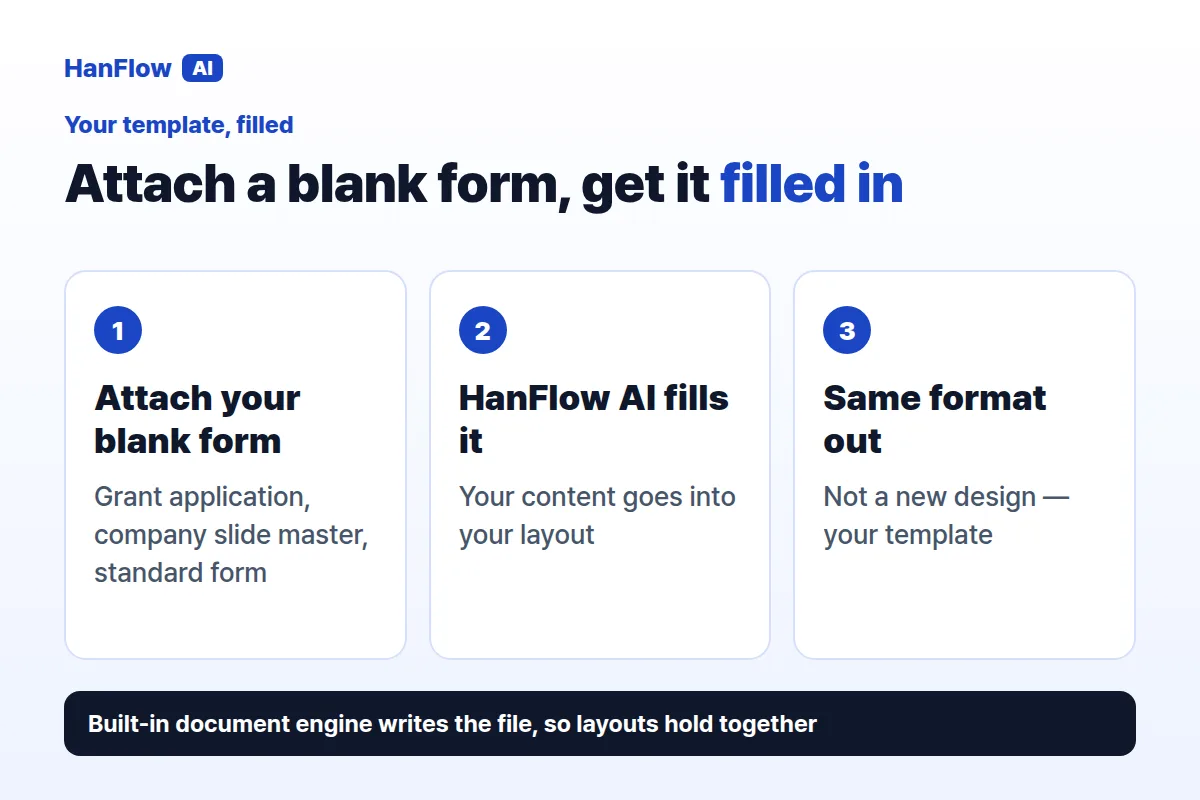
Copilot in Word works with your existing files and context inside Word. You can feed it reference documents and it drafts content based on them.
In HanFlow AI you attach your own blank forms or templates—grant applications, company slide masters, standard forms—and it fills them in the same format.
Who each one fits
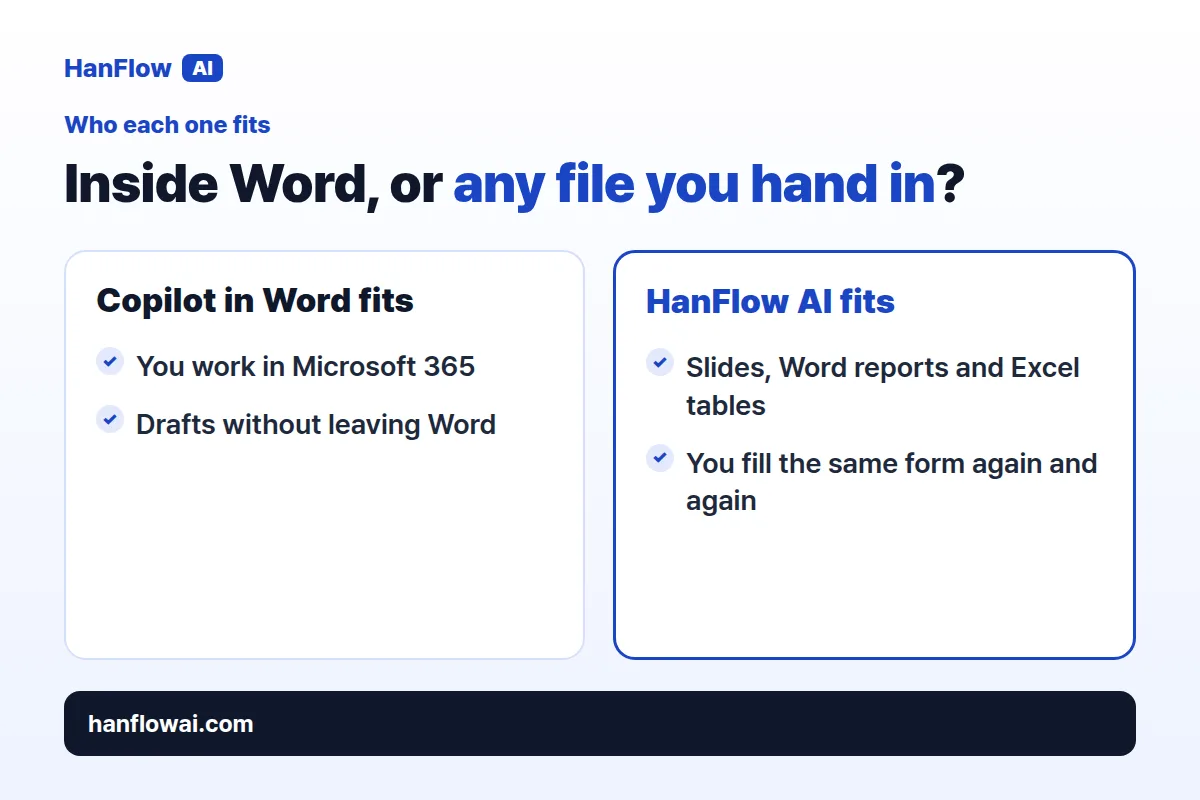
Copilot in Word suits people who work in Microsoft 365 and want AI drafting without leaving their document. It is especially useful when you already have reference files it can draft from.
HanFlow AI suits people whose deliverable changes from job to job. If one task needs a slide deck, the next a Word report and the next an Excel table—or you keep filling the same official form—you can do all of it in one place.
Frequently asked questions
Does Copilot in Word produce slide decks or spreadsheets?
Copilot in Word drafts and edits content inside a Word document, and can turn selected text into a table. The Word support page does not describe exporting slide decks or spreadsheets (Microsoft Support, checked November 2026).
Can HanFlow AI use my own template or form?
Yes. Attach a blank form or template—a company slide master, a grant application, a standard report—and HanFlow AI fills it in the same format.
How is HanFlow AI billed?
Usage-based, in proportion to what you use. See the pricing page for current plans.