Gemini in Google Slides Alternative: When the Deck Has to Be a File You Hand In
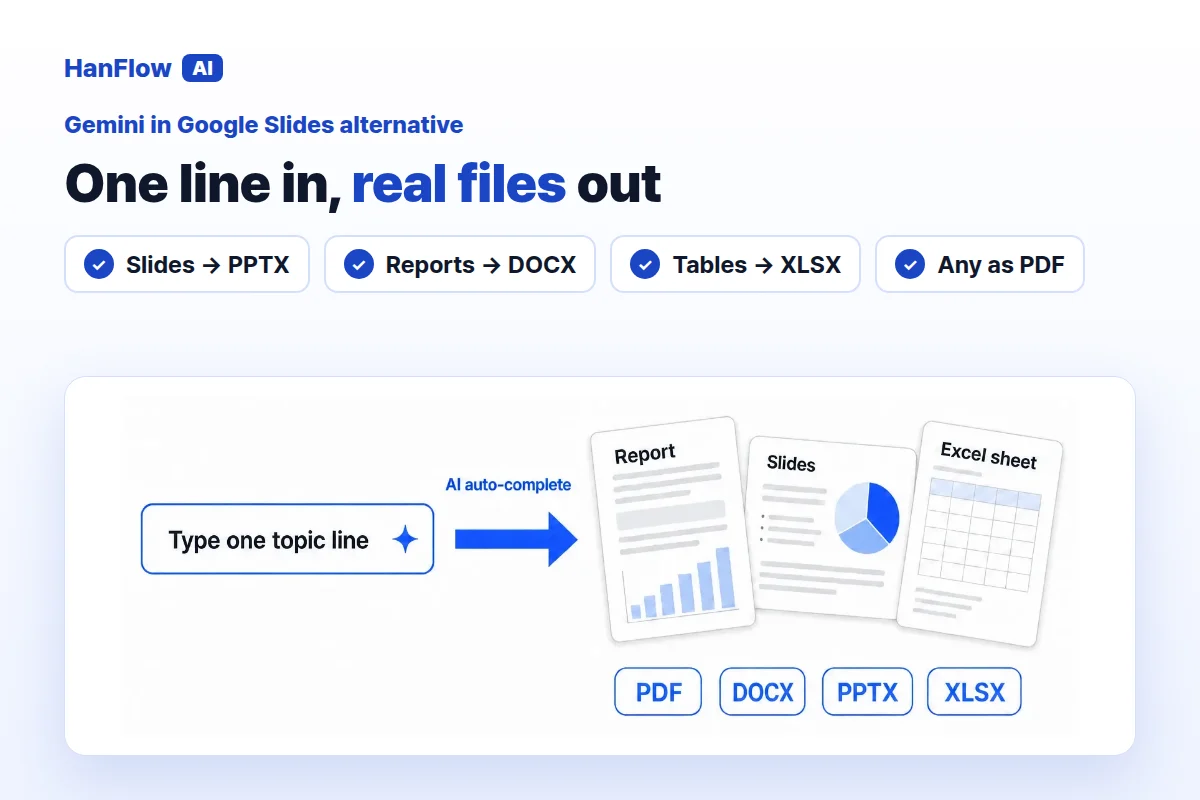
Gemini in Google Slides can build a full presentation from a short description. It pulls in files from Drive, matches the look of a deck you already have, and lays out every slide for you. If the deliverable is always a Google Slides presentation, it is a strong option. If you sometimes need to hand in a Word report, an Excel table, or a filled-in form that has to stay in its original format, HanFlow AI may be a better fit. Here is how the two compare.
How Gemini in Google Slides works
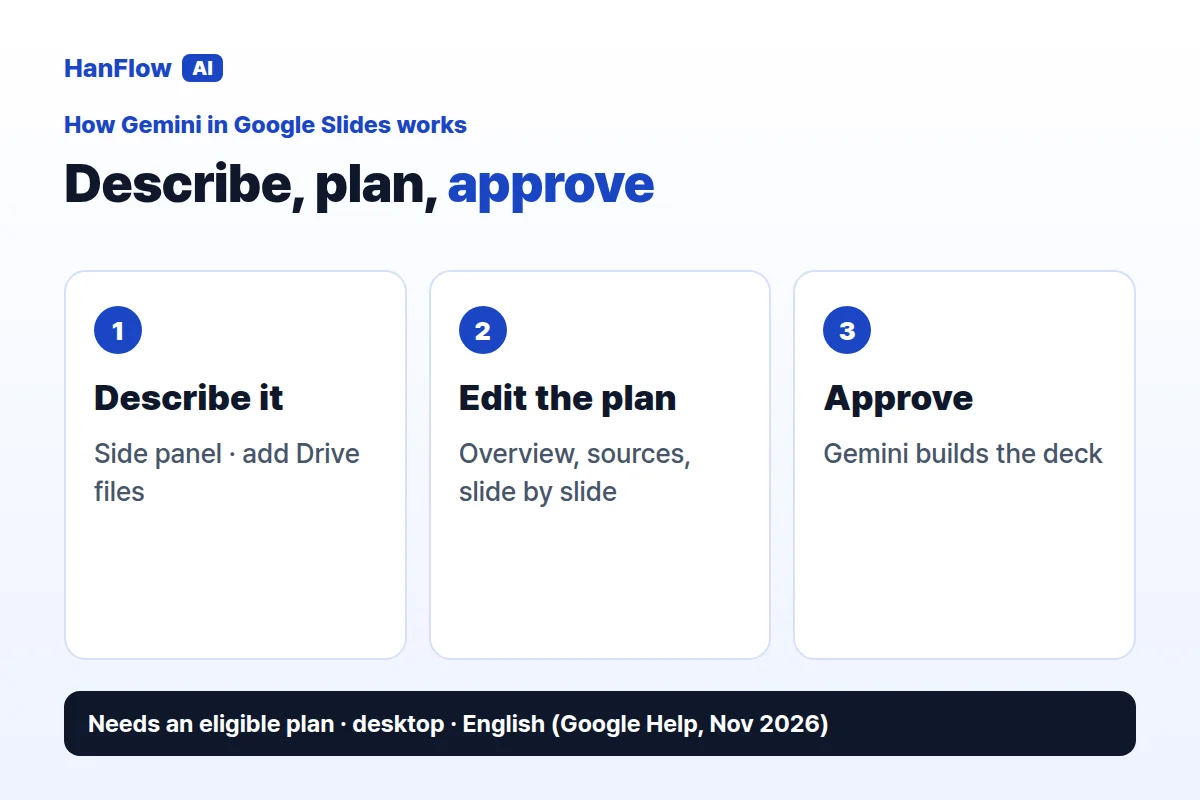
You start by clicking "Presentation" on the Google Slides start screen, or "Ask Gemini" inside a blank presentation. Describe what you need in the side panel. You can add a file from Drive as a source, and Gemini can also reference content from the web, Chat or Gmail. If you have an existing deck whose look you want to keep, upload it with "Match presentation style" and Gemini follows it.
Gemini may ask follow-up questions before it begins. It then shows a plan—an overview, the sources it will use, and step-by-step slides—that you can edit. Once you approve the plan, keep the tab open while it builds the deck (Google Docs Editors Help, checked November 2026).
The result is a Google Slides presentation. You can download it as PowerPoint from the File menu, which is a standard Slides feature. The feature requires an eligible Google Workspace or Google AI plan; personal accounts can try it through Google Workspace Experiments. It is currently available on desktop and in English only (Google Docs Editors Help, checked November 2026).
What HanFlow AI does
HanFlow AI is a web platform at hanflowai.com. Type a topic and it drafts slides, reports or tables. For slides you choose the page count, audience, purpose and tone, then edit the draft before exporting.
Slides export as PPTX, reports as DOCX, tables as XLSX, and any of them as PDF. A built-in document engine produces each format, so layouts hold together when you open them.
Your form, filled — not just your style
Gemini in Google Slides has a useful style feature: upload an existing deck and it matches the look. That keeps your visual identity consistent across new presentations. The content sources are flexible too—Drive files, and optionally the web, Chat and Gmail, can feed into the plan.
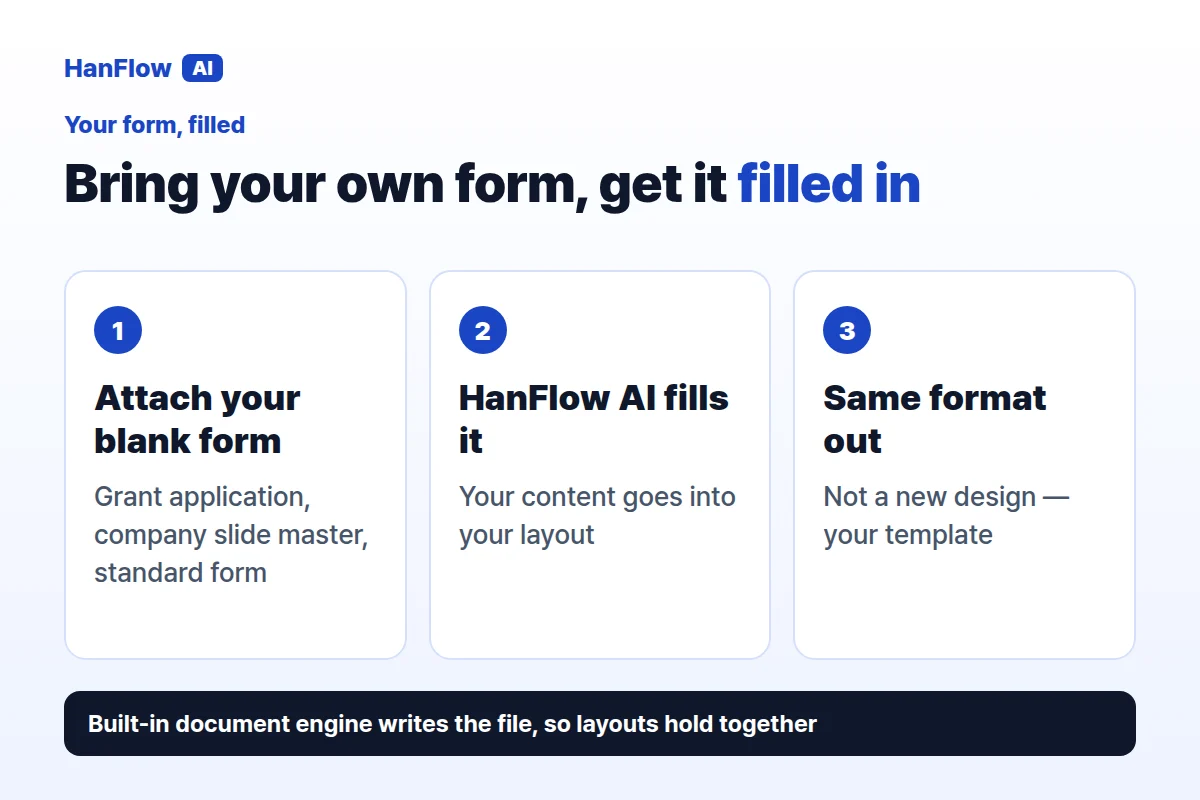
HanFlow AI works on a different axis: the format itself. Attach a blank form or template—a grant application, a company slide master, a standard report—and it fills the document in the same format. The original structure stays intact. You are not recreating a form inside a slide tool; you are handing in the actual form, completed.
Slides, reports and tables in one place
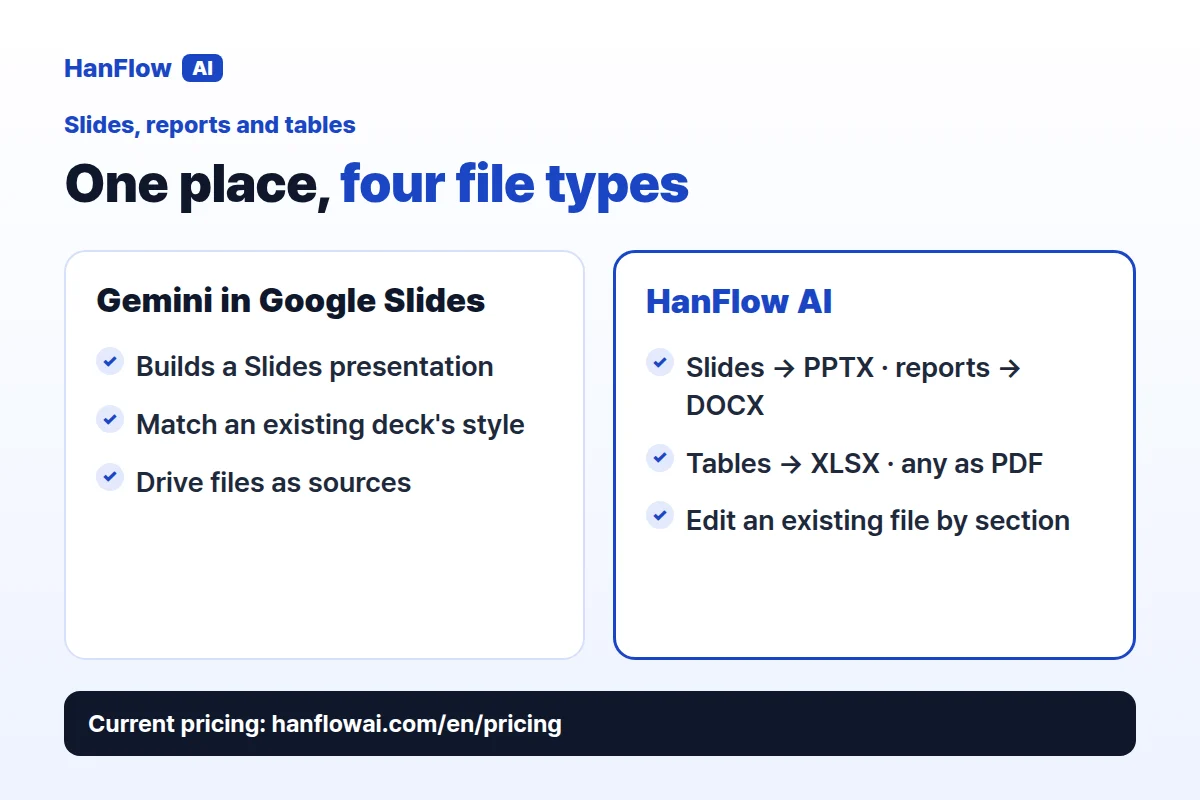
Gemini in Google Slides produces presentations. That is what Slides is for, and it does it well. When the job calls for a written report or a spreadsheet, that work happens in another app.
HanFlow AI handles slides, reports and tables from a single interface. One project might need a pitch deck; the next, a written report; the one after that, a data table. All three export in their native format—PPTX, DOCX, XLSX—or as PDF. You can also edit an existing Word, PowerPoint or PDF document section by section: attach it, revise one section at a time, approve, and download. Sections you did not touch stay as they were.
Who each one fits
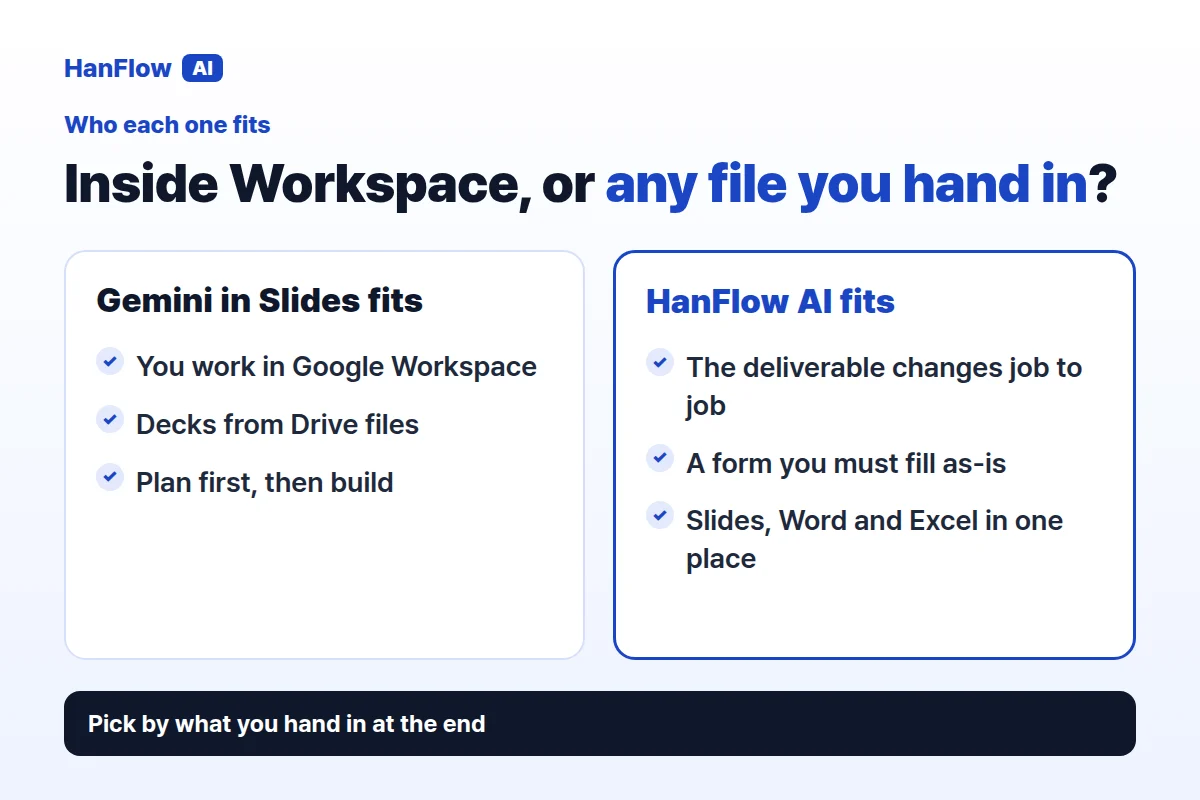
Gemini in Google Slides suits people who work inside Google Workspace and want presentations built quickly from a description and their existing Drive files. The plan-then-build workflow gives you control before any slides are generated, and style matching keeps decks consistent.
HanFlow AI suits people whose deliverable changes from job to job. If one task needs a slide deck, the next a Word report and the next a filled-in grant application, you can handle all of them in one place—and download each one as a file.
Frequently asked questions
Can Gemini in Google Slides use my own files as sources?
Yes. You can add a file from Google Drive as a reference, and Gemini can also pull content from the web, Chat and Gmail. You can upload an existing deck to match its style (Google Docs Editors Help, checked November 2026).
What formats does HanFlow AI export?
PPTX for slides, DOCX for reports, XLSX for tables, and PDF for any of them. A built-in document engine produces each file so layouts stay consistent.
How is HanFlow AI billed?
Usage-based, in proportion to what you use. See the pricing page for current plans.