Canva AI Presentation Alternative: When You Need Your Own Template, Not a New Design
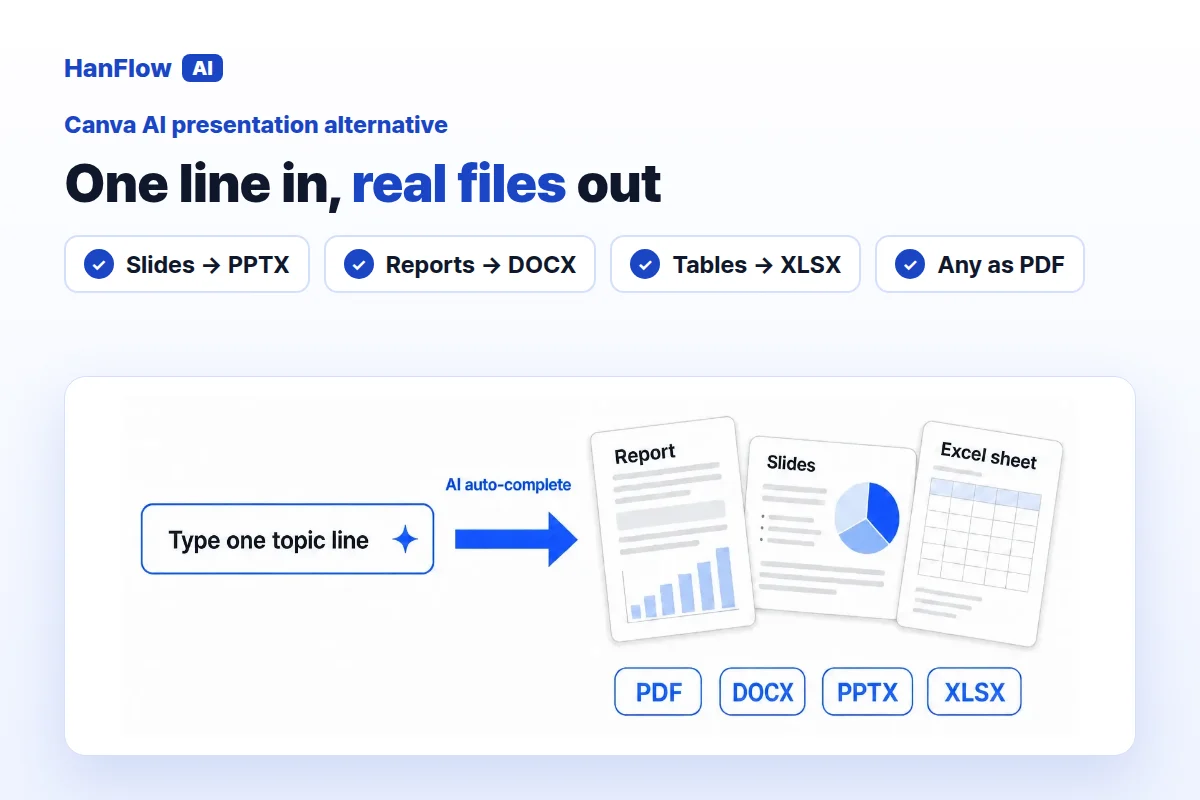
Canva is a design platform with templates, stock media, a brand kit and tools for social content. Its AI feature, Magic Design, generates layouts from a short description. If you need a fresh visual design every time, it is a strong choice. If the job is filling an existing form, a company slide master or a grant application—and the result has to be an Office file you hand in—HanFlow AI may be a better fit. Here is how the two compare.
What Canva's Magic Design does
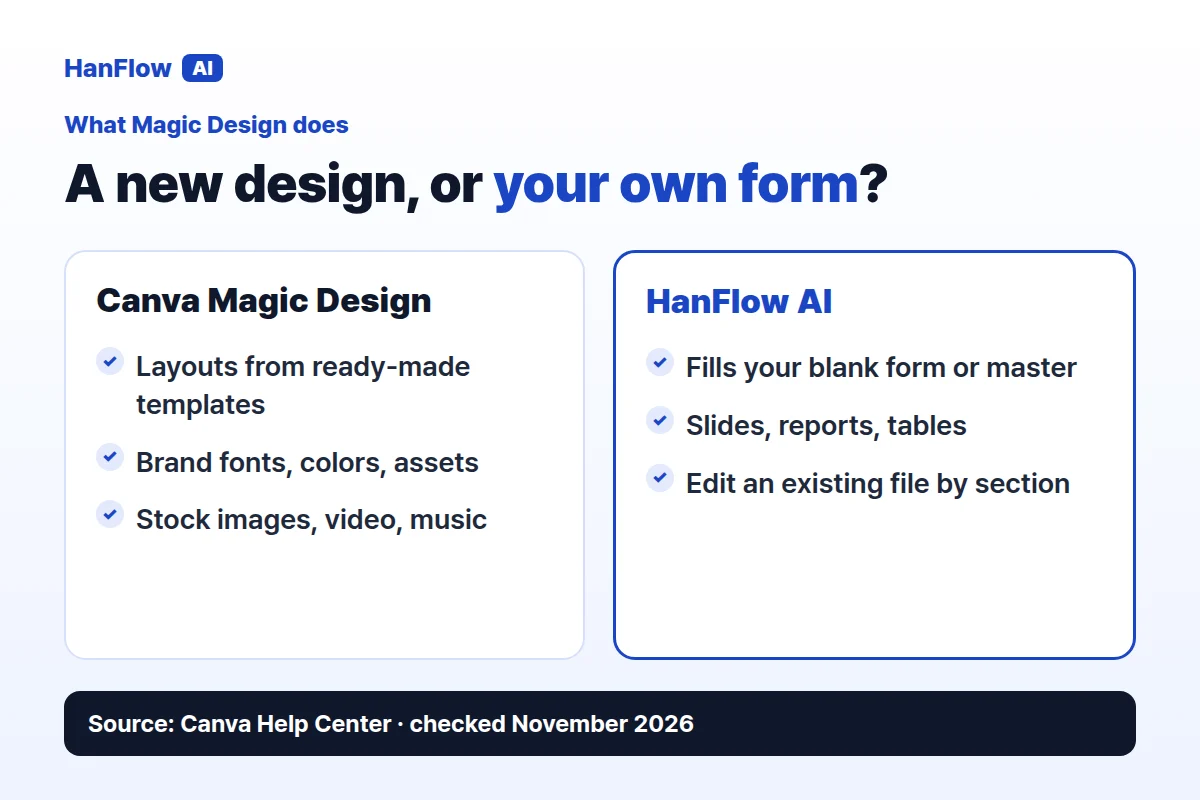
Magic Design helps you generate designs using AI in Canva. Add text, images or ideas and it sets up your layout using ready-made templates that adapt to your content (Canva Help Center, checked November 2026).
From the homepage you select Canva AI and enter a short description. The + icon adds context: upload your own images, pull from Canva's library, apply your brand's fonts, colors and other brand assets, or connect content from linked apps. Inside the editor, the same feature is available through the Templates panel.
Canva offers a Free plan, Pro and Business. AI usage depends on the plan, and an AI Pass add-on raises it (Canva pricing page, checked November 2026).
What HanFlow AI does
HanFlow AI is a web platform at hanflowai.com. Type a topic and it drafts slides, reports or tables. For slides you choose the page count, audience, purpose and tone, then edit the draft before exporting.
Slides export as PPTX, reports as DOCX, tables as XLSX, and any of them as PDF. A built-in document engine produces each file, so layouts hold together when you open them.
Ready-made templates, or your own form
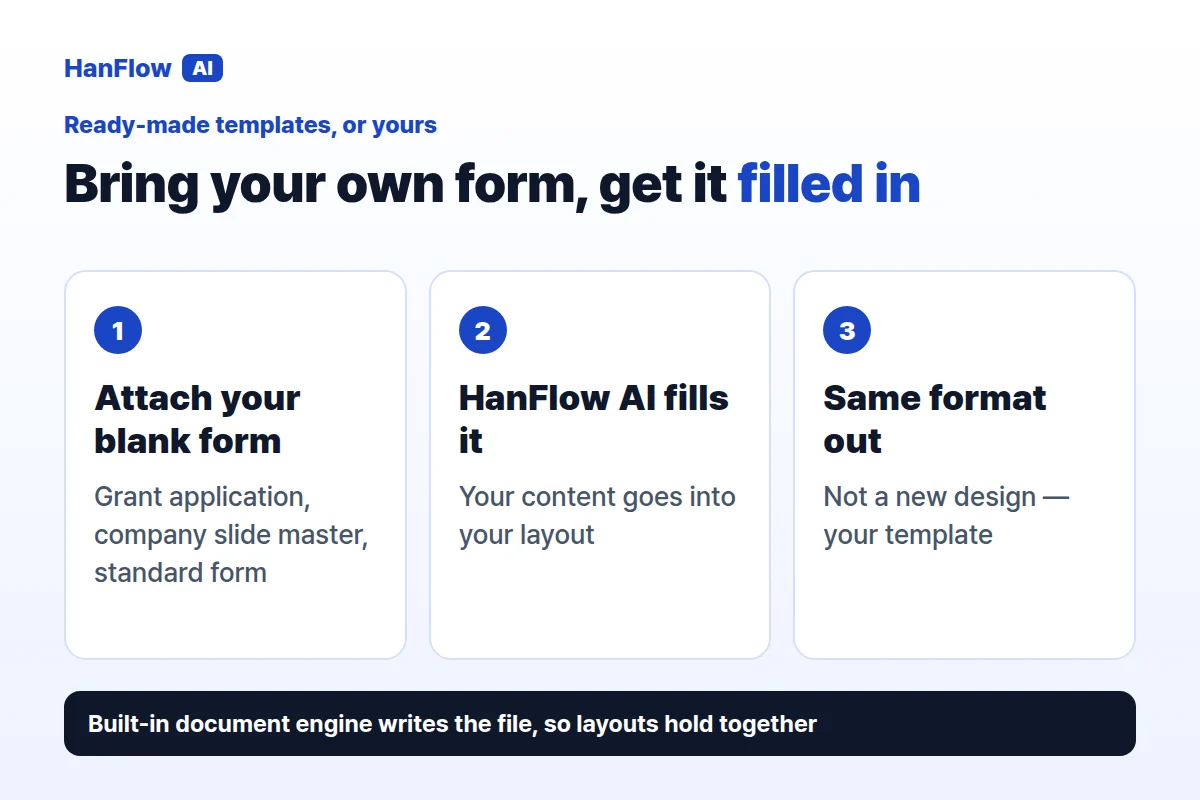
Magic Design starts from Canva's library of ready-made templates. You describe what you want and it sets up the layout from ready-made templates that adapt to your content. The result is a new design built inside Canva's editor.
HanFlow AI works in the opposite direction. You attach your own blank forms or templates—grant applications, company slide masters, standard forms—and it fills them in the same format. The structure you brought stays intact. If you do not attach anything, it drafts from your topic instead.
The difference matters when the deliverable is not a new design but a completed document whose format is already decided for you.
Opening the files in Office
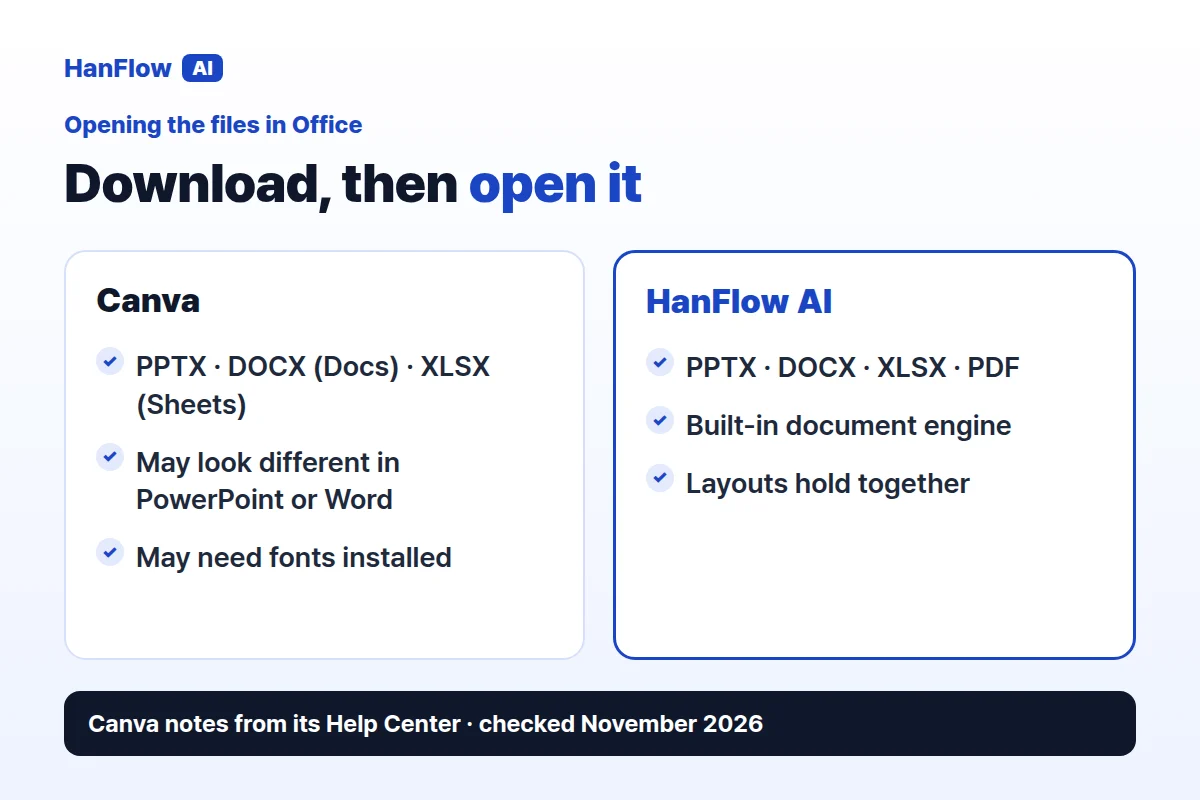
Canva exports to a wide range of file types: JPG, PNG, WebP, SVG, GIF, MP4, PDF Standard, PDF Print, PPTX for presentations, DOCX for Canva Docs, and XLSX and CSV from Canva Sheets. The coverage is broad. Canva's own help centre notes, however, that designs downloaded as PPTX or DOCX may look different when opened in Microsoft PowerPoint or Word, and that you may need to make edits or install the fonts you used in Canva. Animations and embedded videos are not yet supported in PowerPoint or Word (Canva Help Center, checked November 2026).
HanFlow AI's built-in document engine produces PPTX, DOCX, XLSX and PDF directly, so layouts hold together when you open them. You can also edit an existing Word, PowerPoint or PDF file section by section: attach the file, revise one section at a time, approve, and download. Sections you did not touch stay as they were.
Who each one fits
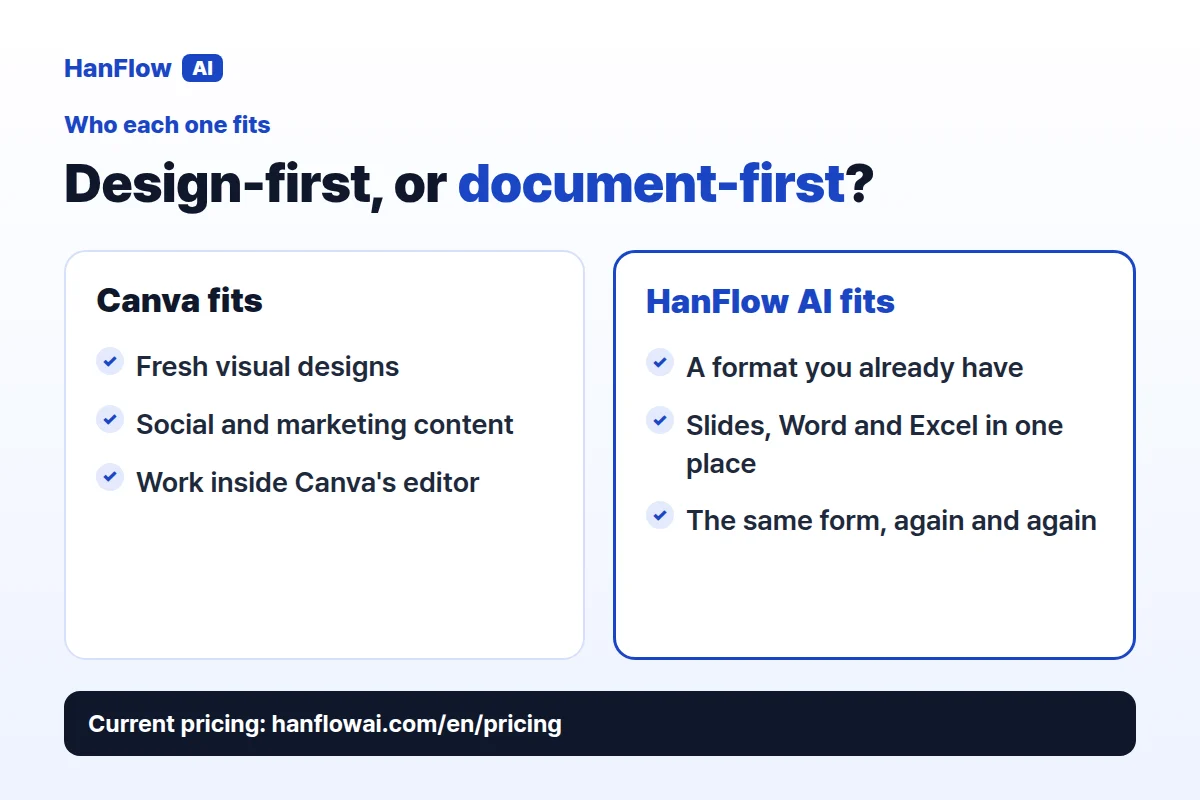
Canva suits people who want a visual design generated from scratch. Stock images, brand kits and social-content tools make it particularly useful for marketing teams and content creators who work inside Canva's editor and share directly from the platform.
HanFlow AI suits people whose deliverable is a document that has to open in Office or follow a format they already have. If one job needs slides, the next a Word report and the next an Excel table—or you keep filling the same official form—you can do all of it in one place.
Frequently asked questions
Does Canva export PowerPoint and Word files?
Yes. Canva exports presentations as PPTX and Canva Docs as DOCX. Its help centre notes that the files may look different when opened in PowerPoint or Word, and that animations and embedded videos are not yet supported (Canva Help Center, checked November 2026).
Can HanFlow AI use my own slide master or form?
Yes. Attach a blank form or template—a company slide master, a grant application, a standard report—and HanFlow AI fills it in the same format.
How is HanFlow AI billed?
Usage-based, in proportion to what you use. See the pricing page for current plans.