Gamma Alternative When You Need Real PowerPoint and Word Files
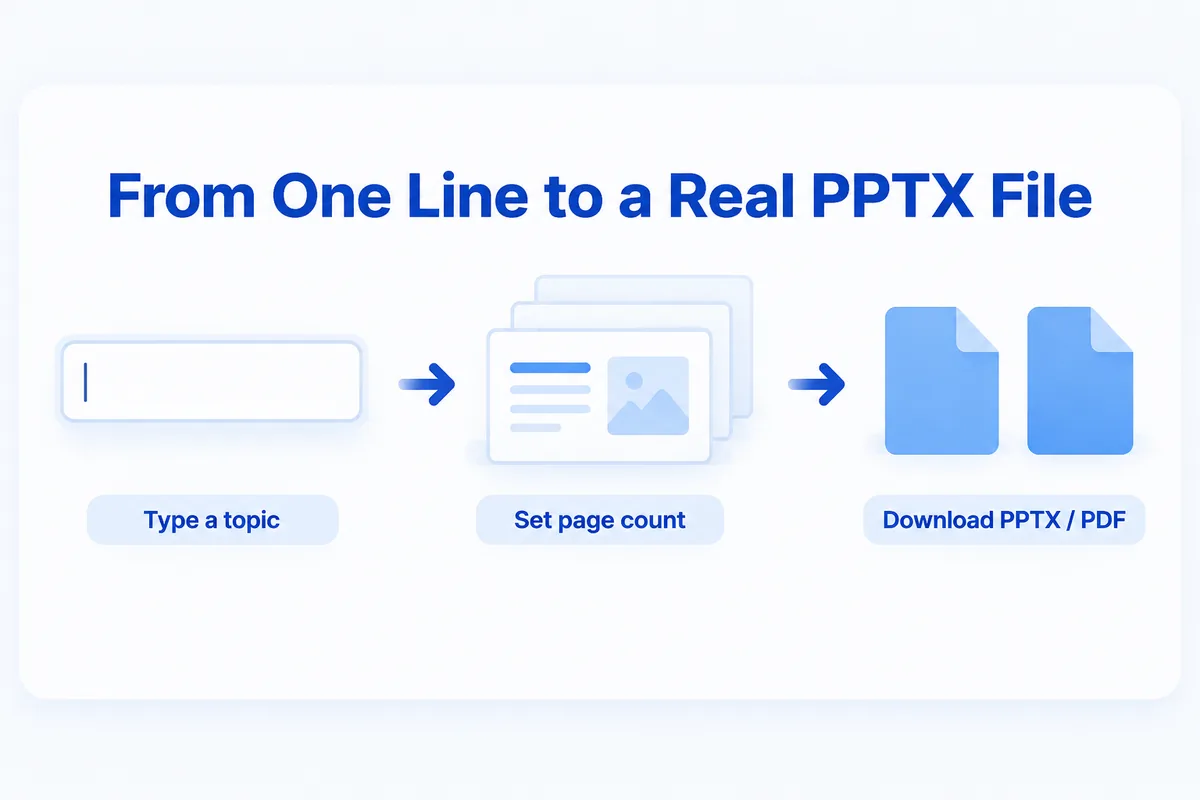
If you want a Gamma alternative because your final deliverable has to be an editable PowerPoint or Word file, look at tools that produce real Office files and can follow your own template. HanFlow AI is one: you type one line, it drafts slides or a report, and it exports PPTX, DOCX, XLSX or PDF made by its built-in document engine. You can also attach your own blank form and have it filled in the same format.
What Gamma is built for
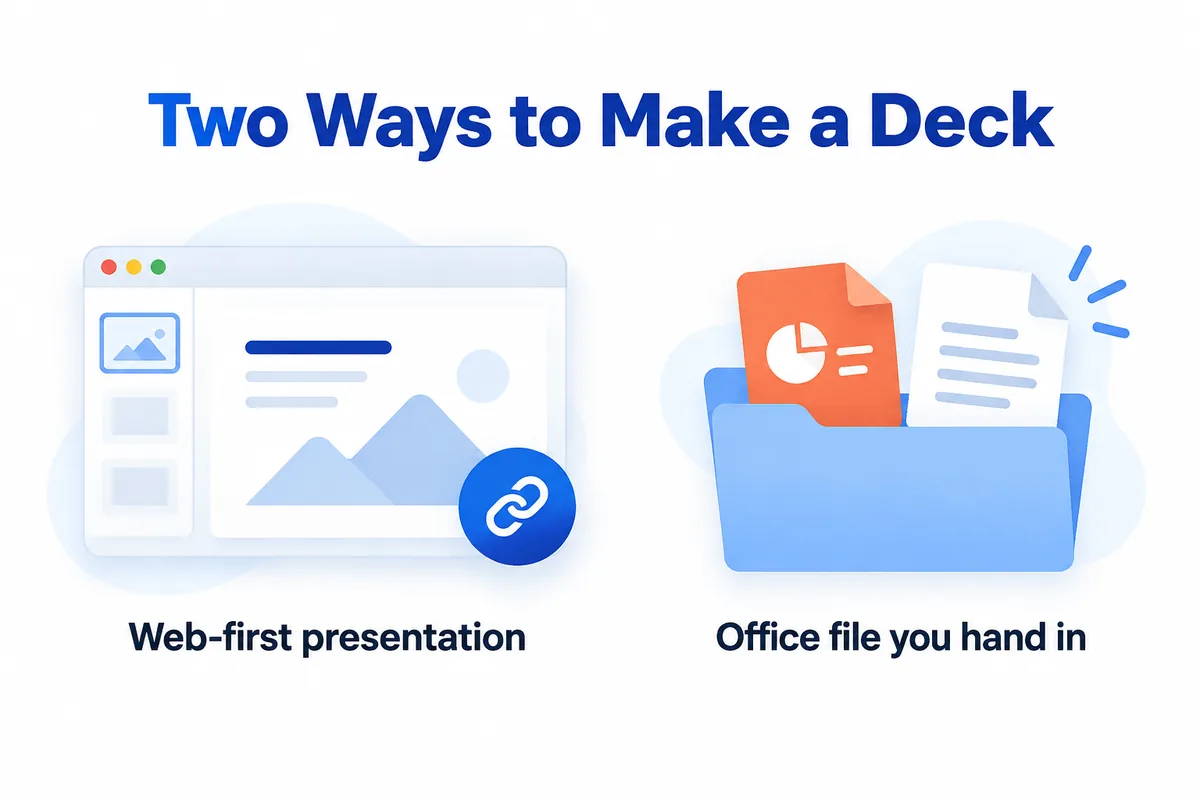
Gamma creates presentations, documents, web pages and social posts from a prompt, and works on a credit system. Its own pricing page lists a free plan with sign-up credits and paid plans with monthly credits, and says you can export to PDF, PPTX, PNG and Google Slides. (Gamma pricing, checked October 2026.) It is a good fit when the deck lives on the web and is shared as a link.
Many people, though, need the opposite: a file they hand in. A grant report in a fixed template, a slide deck that must match the company master, a form someone else designed. That is where the comparison changes.
What HanFlow AI does differently
- Real document files. Slides come out as PPTX, reports as DOCX, tables as XLSX, and any of them as PDF. A built-in engine writes the file; the AI does not write the file directly, so layouts hold together.
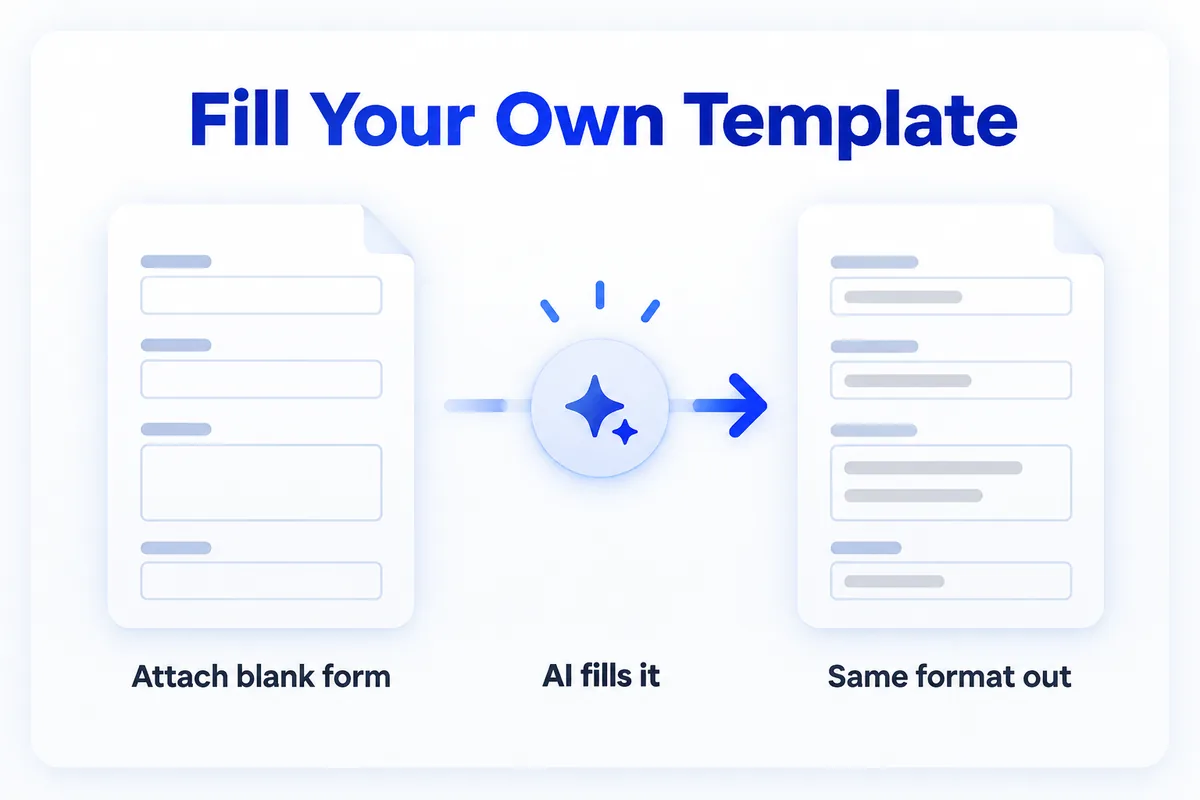
- Your template, filled. Attach one or more blank forms and HanFlow AI fills them in the same format, instead of producing its own design.
- Slides from one line. Type the topic, choose the page count, audience, purpose and tone, and get a draft deck to edit.
- Pay for what you use. Web usage is billed in proportion to what you use, and you can see it on the usage screen. See pricing for current details.
Which one to choose
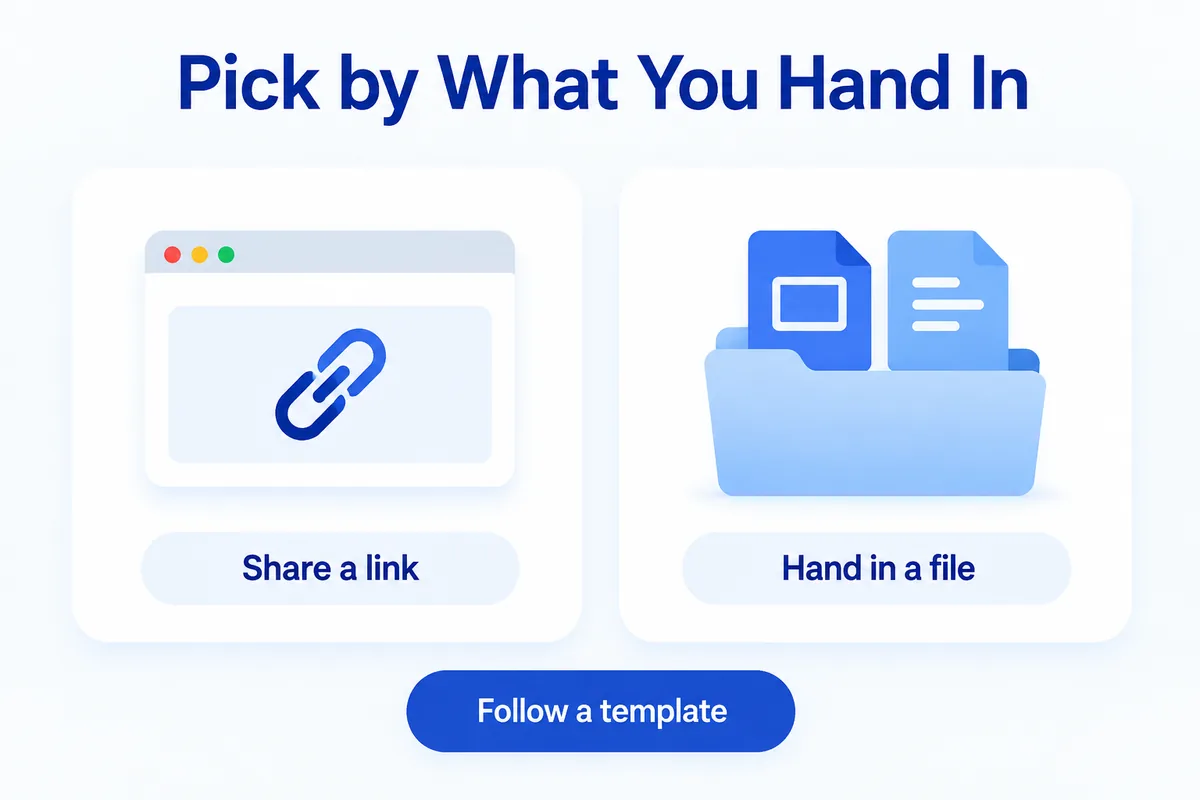
- Choose Gamma if you want a polished deck or web page to share as a link, and you like its design themes.
- Choose HanFlow AI if your deliverable is an Office file, has to follow a template you were given, or is a report as well as slides.
- Either way, check the exported file in PowerPoint or Word before you send it.
Frequently asked questions
Can HanFlow AI export to PowerPoint?
Yes. Slide decks export as PPTX, and you can also export PDF. Reports export as DOCX and tables as XLSX.
Can it follow my company's template?
Yes. Attach your blank form or template and HanFlow AI fills it in the same format.
Is HanFlow AI a subscription?
Web usage is billed in proportion to what you actually use. Check the pricing page for the current plans.