AI Assistant for Calendar and Email: Add Events and Draft Replies in One Chat
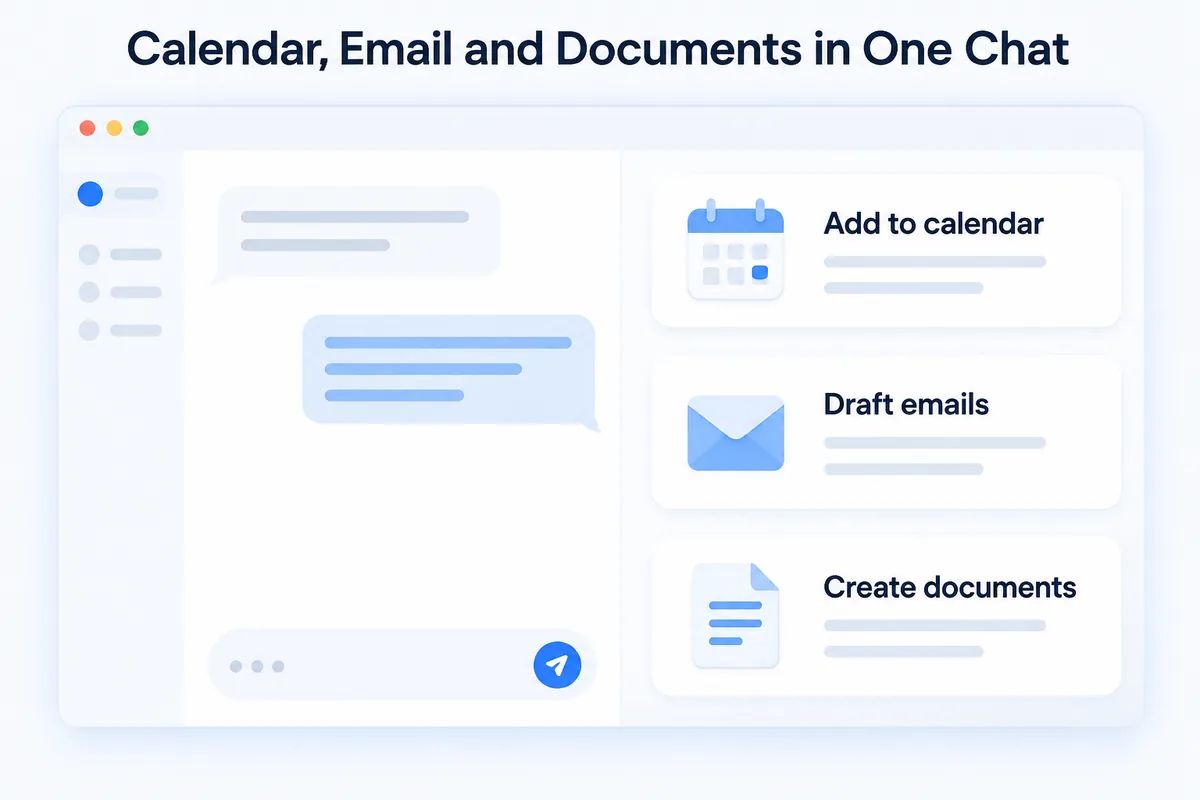
An AI assistant for calendar and email lets you type "Team meeting Tuesday 3 PM" and find the event in your Google Calendar, then ask it to find a thread and draft the reply — from the same chat. HanFlow AI Assistant is a PC program for Windows and Mac that does this with the Claude or GPT subscription you already pay for.
One chat instead of three apps
A normal morning means the calendar in one tab, the inbox in another and a document in a third. Each switch is small; together they eat the day.
With the assistant, you describe what you need in one window. Connect your own subscription and the bot takes on documents, calendar, mail and meeting notes.
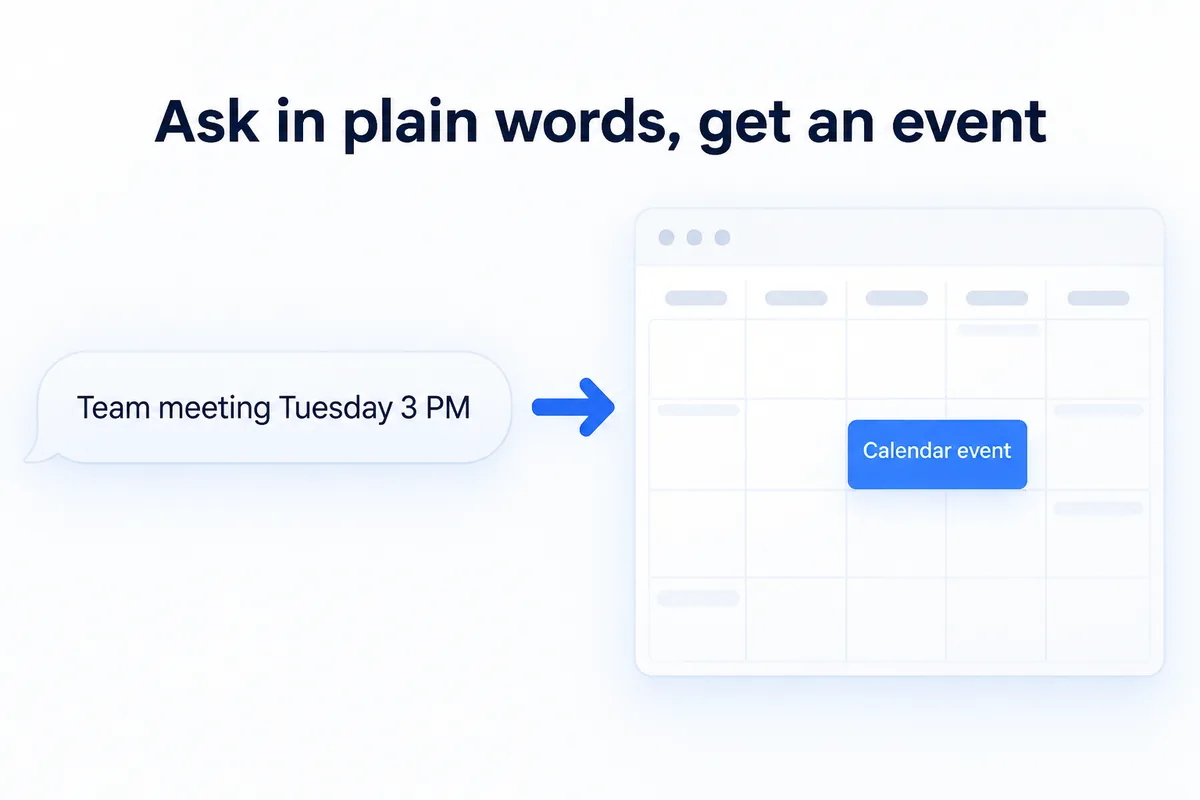
Ask in plain words, get an event
Put the date, time, place and people in one sentence. The assistant adds the event to Google Calendar.
Then open the calendar and check it. Phrases like "next Friday" can be read more than one way, and a five-second look keeps your schedule honest.
Find the mail, draft the reply
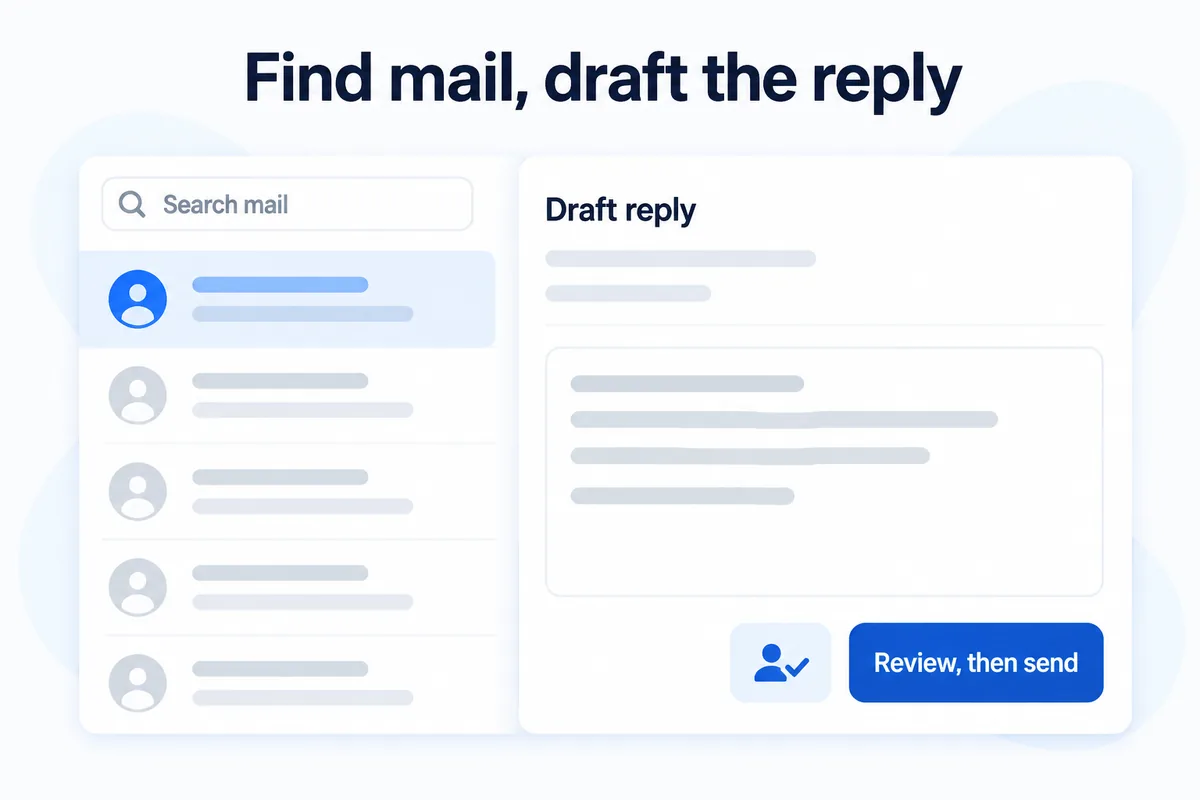
The assistant reads and searches your mail, so instead of scrolling through weeks of threads you can ask for the one you need. It drafts replies and new messages in the same chat.
A draft is a draft. Check the recipient, the attachments and every number before you send. The assistant writes the text; you own what goes out.
Ask in chat, get a file
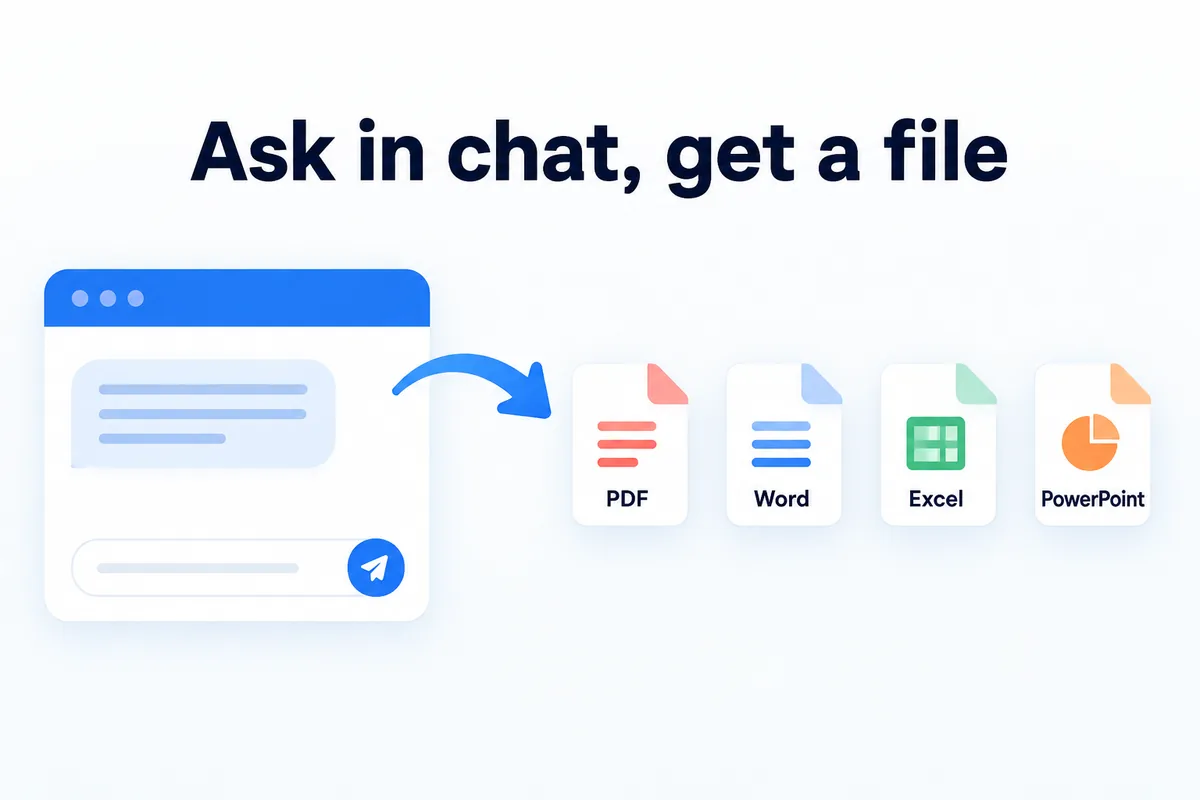
The same chat produces documents. Ask for a summary, a plan or a table and get it back as a PDF, Word, Excel or PowerPoint file. When the answer needs current information, the assistant can search the web and put what it finds into the reply.
Meetings fit in too: a recording is transcribed on your PC — no file-size limit and no transcription charge — and turned into minutes.
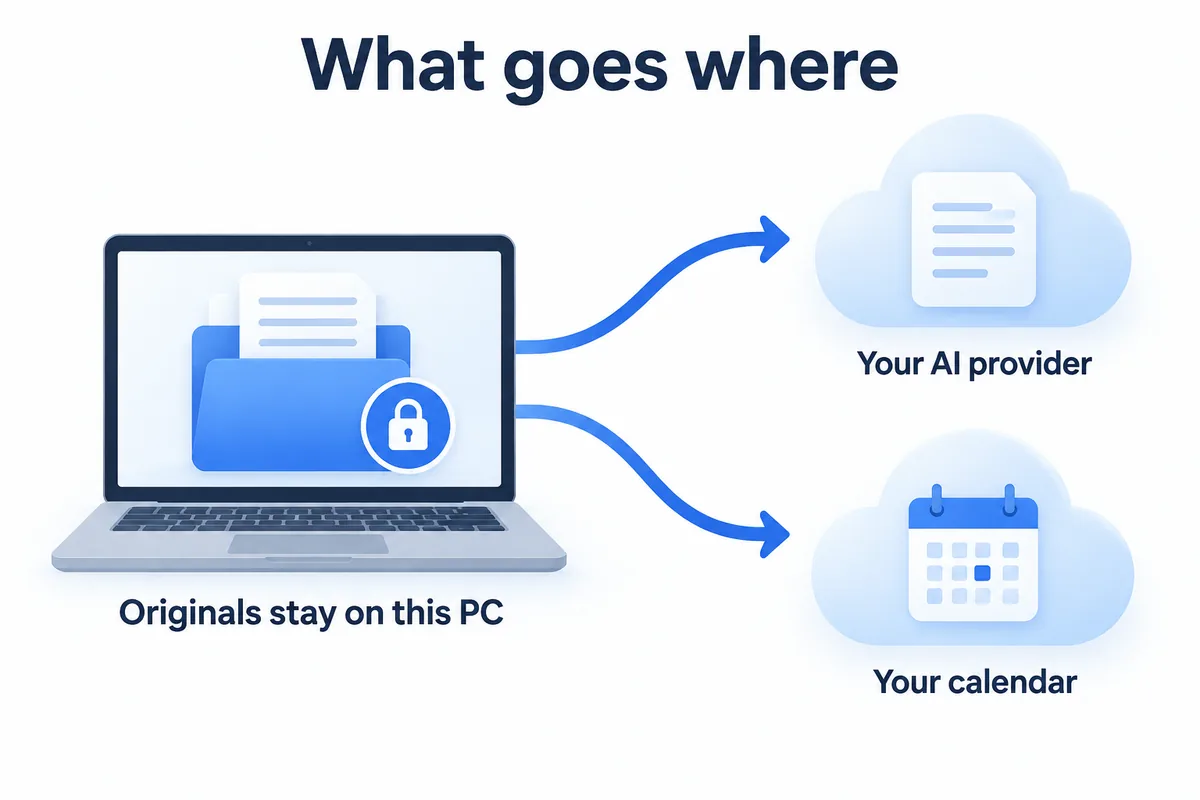
What goes where
Here is the plain account. Your original documents, ledgers and receipts are stored only on that PC; they are not uploaded to HanFlow servers.
What you ask is sent to the AI provider through your own Claude or GPT subscription. Whatever rides along with that task goes too — file names, mail headers (sender, subject, date) and the name, title, organisation and signature saved in your profile. When you add an event to Google Calendar, the event goes to Google.
Each bot keeps its own conversations and memory. In a shared office, everyone installs on their own PC and connects their own subscription, so nothing mixes.
HanFlow AI Assistant runs on Windows 10 and 11 (64-bit) and macOS 13 or later on Apple silicon. You can use it for 30 days after installing without a key; AI features open once you connect your own subscription.
Frequently asked questions
Can AI add events to Google Calendar for me?
Yes. Write the date, time, place and attendees in one plain sentence and the assistant adds the event to Google Calendar. Open the calendar afterward to confirm the details.
Does it send emails on its own?
It reads and searches your mail and drafts replies and new messages. Review the recipient, attachments and figures yourself before anything is sent.
Do I need a separate AI subscription?
You connect a Claude or GPT paid subscription you already have — no API key to register. HanFlow AI web credits are not used by the PC program.
Are my files uploaded to HanFlow servers?
No. Original documents stay on your PC. Your questions, and the details that travel with them, go to your AI provider through your own subscription, and calendar events go to Google.