Track Document Deadlines With Email Reminders — Overdue Items Stay on Top
A progress report due on the 15th. An invoice the client needs by Friday. A renewal form that has to be in before the end of the month. Each deadline lives somewhere different — a calendar invite, a sticky note, an email you meant to flag. The one that slips is usually the one you wrote down in the wrong place. HanFlow AI's Document deadline tracker keeps every document with a submission date in one list and emails you before each one is due.
Add a Deadline Once
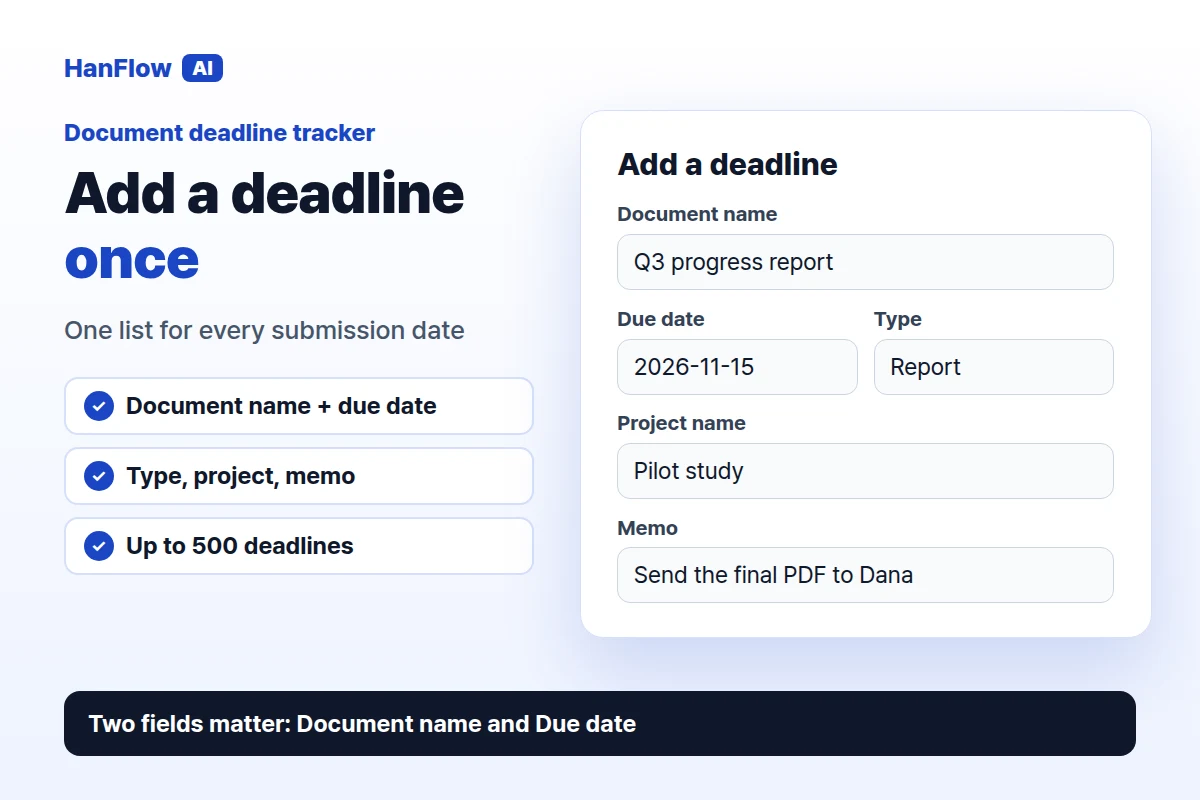
Open Document deadline tracker and fill in Add a deadline. Two fields carry the weight: Document name and Due date. The rest help you sort things later — Type (report, invoice, application, whatever you call it), Project name if the document belongs to a larger piece of work, and a Memo for anything you will want to remember when the reminder arrives, such as who to send it to or which version is final.
You can keep up to 500 deadlines in the list, so it works as a running record rather than a short to-do list you clear every week.
Choose When the Reminder Starts
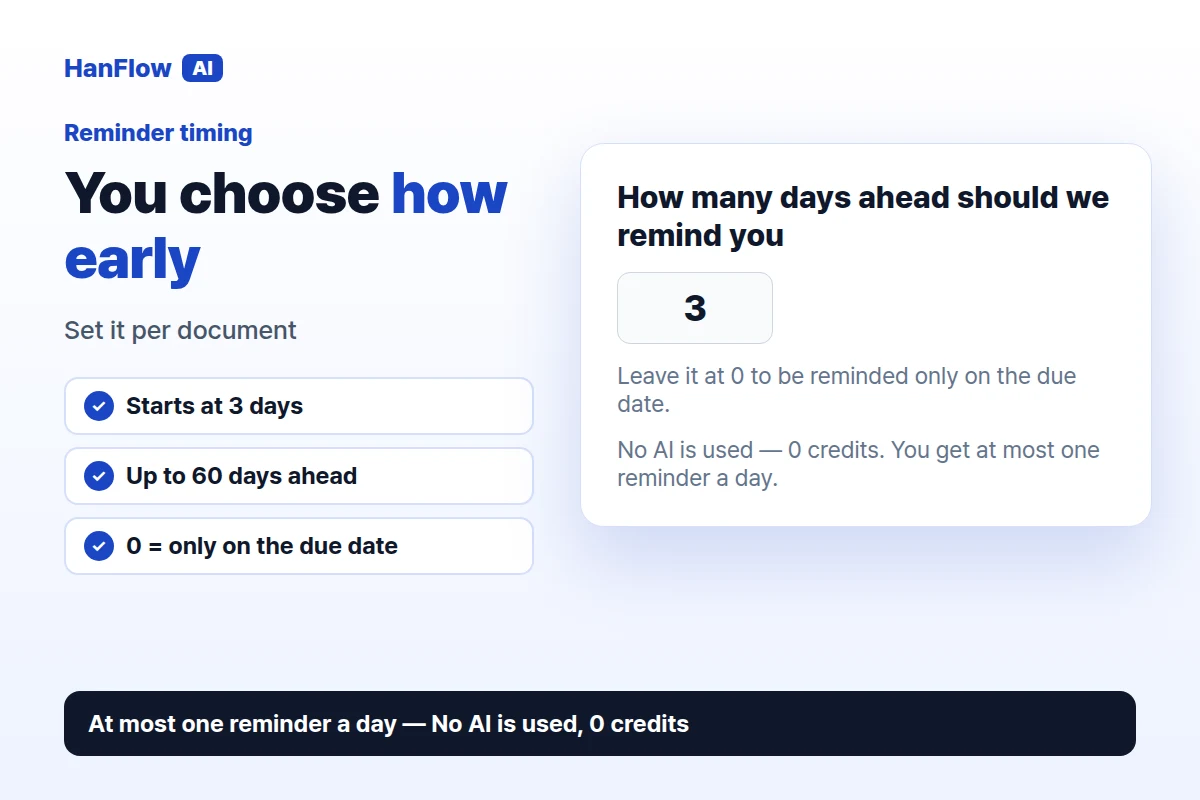
The field How many days ahead should we remind you sets when the emails begin. It starts at 3. A short form might need only a day's notice; a report that takes a week to assemble might need ten. Set it per document, up to 60 days. Leave it at 0 to be reminded only on the due date.
From that point on you get at most one reminder a day, until you mark the document done.
Get an Email, Nothing to Leave Running
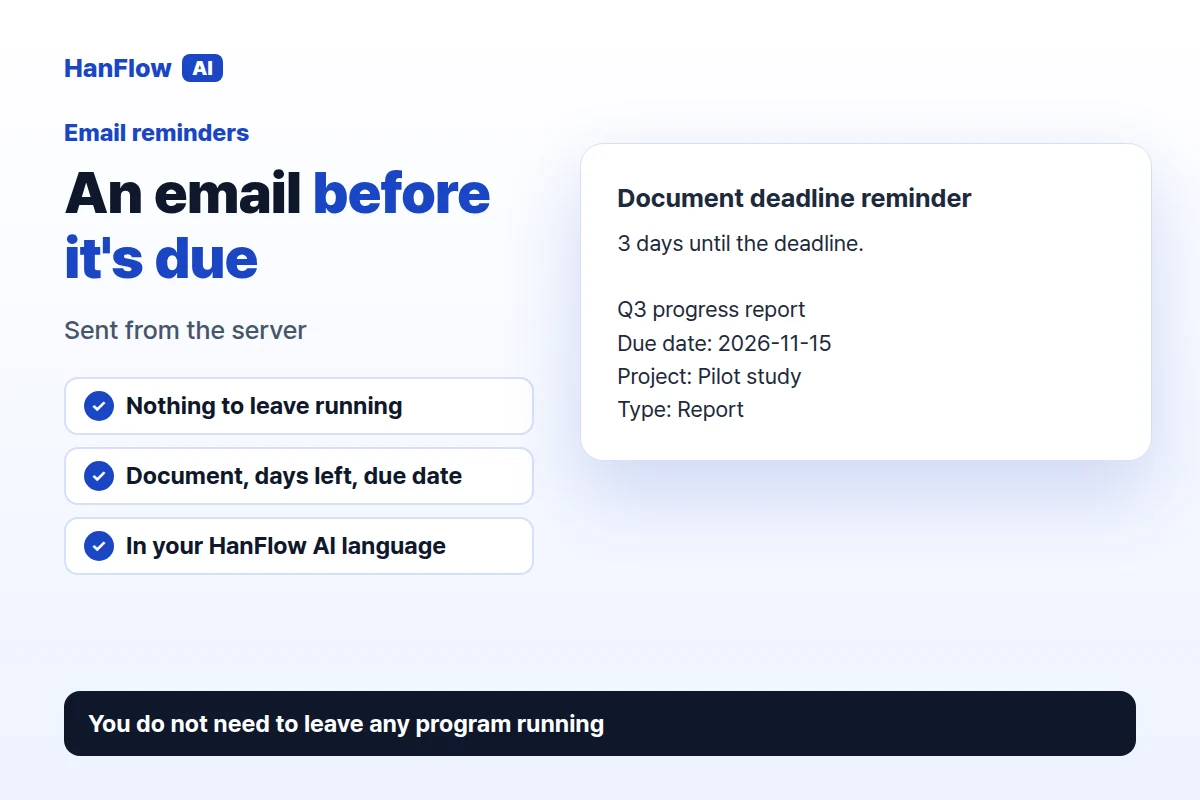
The reminders are emails sent from HanFlow AI's server, so you do not need to keep a tab open or leave any program running on your computer. Each email names the document, says how many days are left, and includes the due date along with the project name and type if you entered them. It arrives in the language you use HanFlow AI in.
The tracker does not use AI at all. No AI is used — 0 credits. Adding, editing, and receiving reminders do not draw on your balance.
Overdue Items Stay on Top
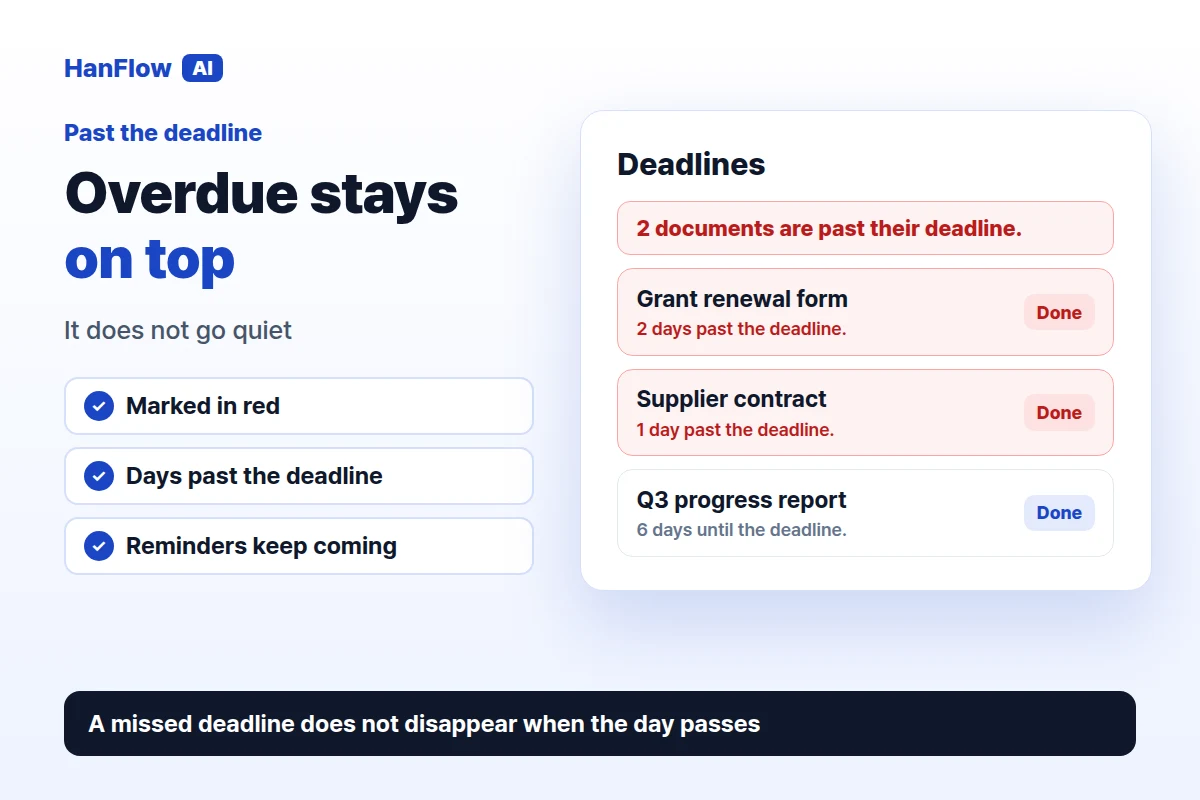
A reminder that stops once the date passes leaves you with nothing at exactly the wrong moment. Here, a document past its deadline stays at the top of the list, marked in red with "{n} days past the deadline." A banner above the list reads "{n} documents are past their deadline." The reminder emails keep coming as well. A missed deadline is the one thing you most need to hear about, so it does not disappear just because the day has gone by.
Mark It Done, or Undo
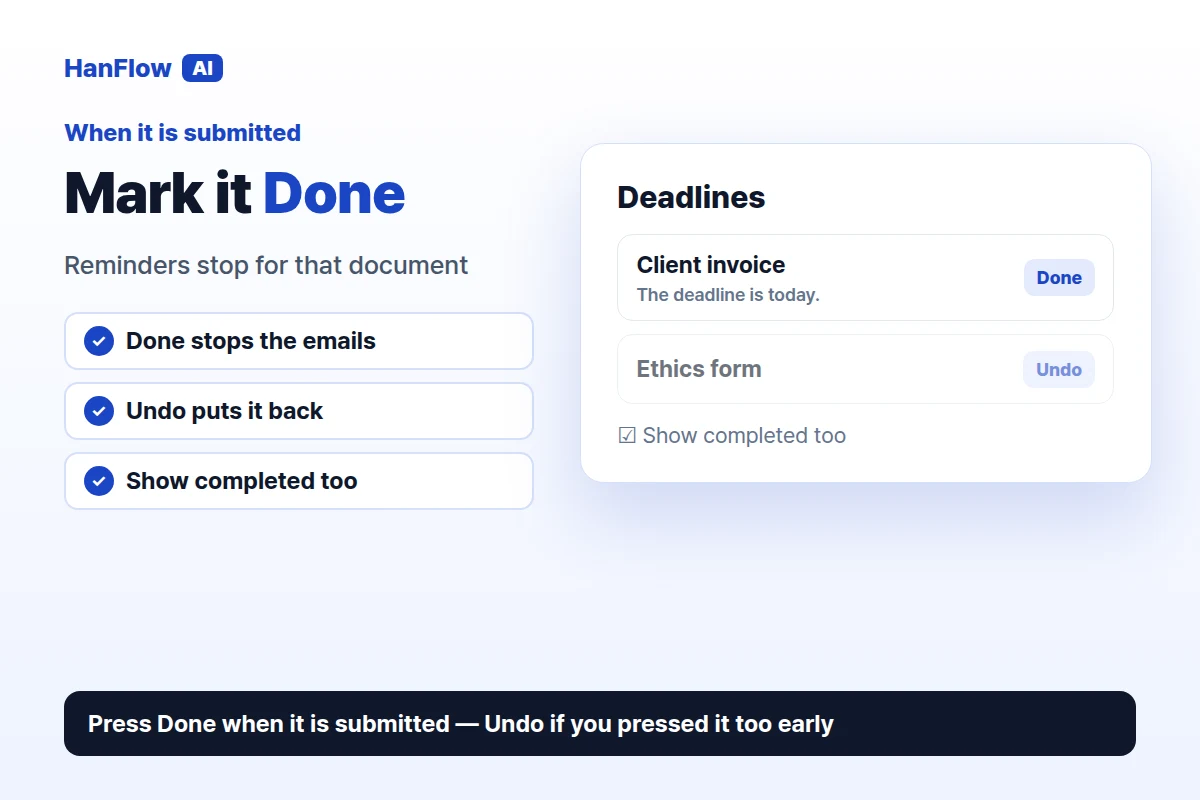
When the document is submitted, press Done. It leaves the active list and the reminders stop. If you pressed it too early, Undo puts it back. Tick Show completed too to see everything you have finished, which is useful when someone asks whether a form actually went in and when. Delete removes an entry for good.
Frequently Asked Questions
Do I need to keep HanFlow AI open for the reminders to arrive?
No. The emails are sent from the server. Nothing needs to stay open on your computer or phone.
Does it cost credits?
No. The tracker does not use AI, so it shows 0 credits. You get at most one reminder email a day.
What happens if I miss the deadline?
The document moves to the top of the list in red, shows how many days it is overdue, and you keep getting reminder emails until you mark it Done or delete it.
Can I be reminded only on the day itself?
Yes. Set How many days ahead should we remind you to 0 and the reminder comes only on the due date.
HanFlow AI runs in the browser. Sign in and open Document deadline tracker from the tools list.